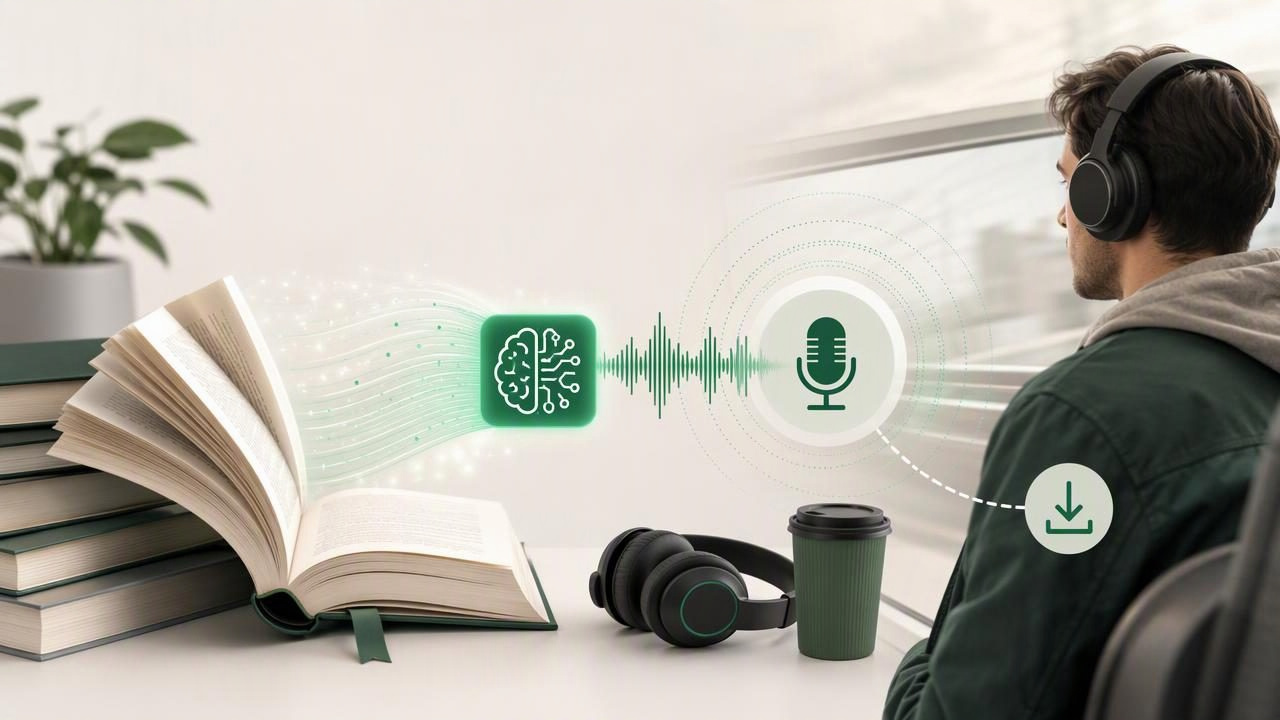
Reading a long book does not always fit into a busy day. Whether you are commuting, exercising, doing chores, managing screen fatigue, or studying with dyslexia or ADHD, listening can make your reading list more practical. A traditional text-to-speech reader is useful for hearing every word of a document. But an AI podcast generator for offline book listening offers a different option: it can transform a book, chapter, or uploaded document into a conversational, two-host audio episode.
This format can make complex material feel more approachable. Instead of simply hearing a voice read page after page, you can listen to a discussion that surfaces central ideas, asks useful questions, and explains how concepts connect. When the audio is available offline, that listening session can go anywhere without relying on mobile data or a stable connection.
This guide explains how AI podcast-style audio works, when it is most helpful, how to prepare books for better results, and what to look for in an iPhone or iPad listening app.
What Is an AI Podcast Generator for Books?
An AI podcast generator takes source material—such as an EPUB, PDF, DOCX file, web article, note, or pasted text—and creates an audio conversation based on that material. In many cases, two AI hosts discuss the main themes, clarify terminology, compare ideas, and move through the content in a more natural spoken format.
It is important to understand that this is not exactly the same as audiobook narration. A standard text-to-speech tool generally reads the original text line by line. An AI-generated podcast episode usually interprets and summarizes the source, presenting its key ideas in a conversational structure.
That distinction makes each format valuable for different goals:
- Text-to-speech narration: Best when you need the exact wording, want synchronized highlighting, or are reviewing a legal, academic, or technical document.
- AI podcast-style audio: Best when you want an overview, a refresher, a more engaging introduction, or a portable discussion of a book's major takeaways.
- Both formats together: Best for studying. Start with a podcast-style episode for context, then use document narration to revisit important passages.
Why Offline Book Listening Matters
Streaming audio is convenient until you lose reception on a train, enter an airplane, reach a remote location, or want to avoid using cellular data. Offline listening means your selected content is available after it has been prepared or downloaded, allowing you to continue without an active internet connection.
For people who learn or work on the move, this is more than a convenience. It creates reliable reading time in places where visual reading is difficult or impractical.
- Listen to a chapter while commuting underground or flying.
- Review course material during a walk without loading websites.
- Keep a book available while traveling internationally.
- Use audio instead of staring at a screen after a long workday.
- Maintain a consistent reading routine in low-connectivity environments.
Offline access can also support accessibility. People with dyslexia, ADHD, visual fatigue, migraines, or other reading barriers may benefit from having dependable audio versions of their materials ready before they need them.
How AI Podcast-Style Book Listening Works
The exact workflow varies by app, but the process usually follows a few straightforward stages. The quality of your source file and the clarity of your goal both influence the final result.
- Choose your source material. Import an EPUB, PDF, MOBI book, document, article, or selected chapter. Use a clean, complete file whenever possible.
- Identify the listening goal. Decide whether you want a broad overview, chapter recap, revision aid, or discussion of a specific topic.
- Generate the episode. The AI analyzes the material and produces a structured conversation, often with two distinct voices.
- Save it for offline listening. Prepare the episode before leaving Wi-Fi or reliable service.
- Return to the source text. If an idea matters, open the original book or document and listen to the relevant section with text-to-speech.
This last step is especially important for research, coursework, contracts, medical information, and any content where exact phrasing matters. Treat AI podcast audio as a learning and orientation tool—not as a replacement for checking the source.
Best Use Cases for an AI Podcast Generator
1. Getting Oriented Before Reading a Long Book
A 400-page nonfiction book can feel intimidating when you do not yet understand its structure. A podcast-style overview can introduce the author's main argument, recurring themes, and likely points of disagreement. That context may make the full book easier to follow later.
For example, before beginning a business book, listen to a generated discussion during a commute. When you sit down with the EPUB that evening, you already know the key framework and can pay closer attention to evidence, examples, and exceptions.
2. Reviewing Study Material Between Classes
Students often need repetition, but rereading notes on a small screen is not always effective. Converting lecture notes, a chapter, or an assigned article into conversational audio can turn spare moments into review sessions. Listen before class, while walking across campus, or while preparing meals.
For exam preparation, combine formats: use AI podcast generation to reinforce the big picture, then use a PDF read-aloud feature at a slower speed for definitions, formulas, quotations, and details likely to appear on an assessment.
3. Making Dense Topics Less Intimidating
Technical writing can be hard to enter because it assumes familiarity with specialized vocabulary. A dialogue format can make unfamiliar material feel more like an explanation from two people working through an idea together. This can be useful for introductory material in economics, science, history, technology, or professional development.
A useful rule: Listen for understanding first, then read for precision.
4. Building a Better Commute Listening Queue
Commutes are often too fragmented for deep visual reading but ideal for audio. Prepare several short podcast-style episodes from book chapters or articles, along with a few full narrated documents. This gives you choices depending on your energy level and travel time.
A 15-minute conversation may be a better fit for a crowded bus ride than a dense 45-minute chapter. On a longer trip, switch to full document narration and use bookmarks or synchronized highlighting when you have time to review later.
AI Podcast Audio vs. Traditional Text to Speech
| Feature | AI Podcast-Style Audio | Traditional Text to Speech |
|---|---|---|
| Primary purpose | Discussion, overview, and engagement | Direct access to the original text |
| Typical format | Two-host conversational episode | One natural AI voice reading aloud |
| Best for | Introductions, recaps, and commute listening | Close reading, proofreading, and exact wording |
| Source fidelity | Summarized and interpreted | Usually follows the source text directly |
| Visual support | May not require on-screen text | Often includes text highlighting and navigation |
| Speed control | Depends on the generated episode | Often supports adjustable playback, including faster speeds |
Neither method is automatically better. The right choice depends on whether you need comprehension, exactness, convenience, or a combination of all three.
How to Get Better Results From Your Source Material
AI-generated audio is only as useful as the material you give it. A well-structured EPUB or clean document will usually produce a clearer episode than a poorly scanned file with missing headings and recognition errors.
Use clean, complete files
Whenever possible, import the original EPUB, PDF, or DOCX rather than a low-quality screenshot. If you must use a camera scan, check that the text recognition is accurate. Correct names, headings, and numbers before generating audio.
Work in manageable sections
For a very long book, generate audio from one chapter or part at a time. This creates shorter, more focused episodes and makes it easier to find the section you want later. It also prevents unrelated themes from being blended into one broad discussion.
Keep supporting materials separate
Do not combine a textbook chapter, unrelated class notes, and a web article into one source unless your goal is specifically to compare them. Separate files produce clearer listening sessions and reduce the chance of confusing context.
Verify high-stakes information
AI-generated discussions can miss nuance, simplify a qualification, or emphasize a point differently than the author intended. Always return to the original source for citations, financial decisions, legal language, medical content, research claims, and test-critical details.
A Practical Offline Listening Workflow
Use this simple system to turn more of your reading list into useful audio without creating a disorganized library:
- Pick one book, chapter, or document for the week.
- Create a podcast-style episode for a high-level introduction.
- Save the generated audio while connected to Wi-Fi.
- Save the original book or document for offline text-to-speech access too.
- Listen to the episode during low-focus time, such as a commute or walk.
- Mark questions or concepts to revisit.
- Open the original source and use narration, search, highlighting, or notes to review the details.
This workflow supports active learning rather than passive background listening. The podcast episode helps create familiarity; the source text helps confirm understanding.
What to Look for in an iPhone or iPad App
If offline book listening is part of your routine, look beyond the novelty of generated audio. A strong app should make it easy to move between overview and close reading.
- Support for common formats, including PDF, EPUB, MOBI, DOCX, web links, pasted text, and scans.
- Natural AI voices that remain comfortable during longer sessions.
- Reliable offline listening for both books and generated episodes.
- Playback speed controls for slower study sessions or faster reviews.
- Text highlighting and navigation for following along with original material.
- Clear organization, search, bookmarks, and notes.
- Transparent handling of uploads and sensible privacy controls.
For iPhone and iPad users who want both document narration and conversational audio from their own reading material, tools such as Focal Voice can provide a practical way to build an offline listening routine.
Make More Time for the Books You Already Have
An AI podcast generator for offline book listening can help turn unread files into useful audio moments. It is particularly valuable when you want a friendly introduction to dense content, a quick recap before a meeting or class, or an engaging alternative to silent reading during travel.
Use conversational audio to understand the landscape of a book, then use text-to-speech narration when you need the exact terrain. With both options available offline, your PDFs, EPUBs, articles, notes, and documents can fit more naturally into the parts of the day that were previously unavailable for reading.
