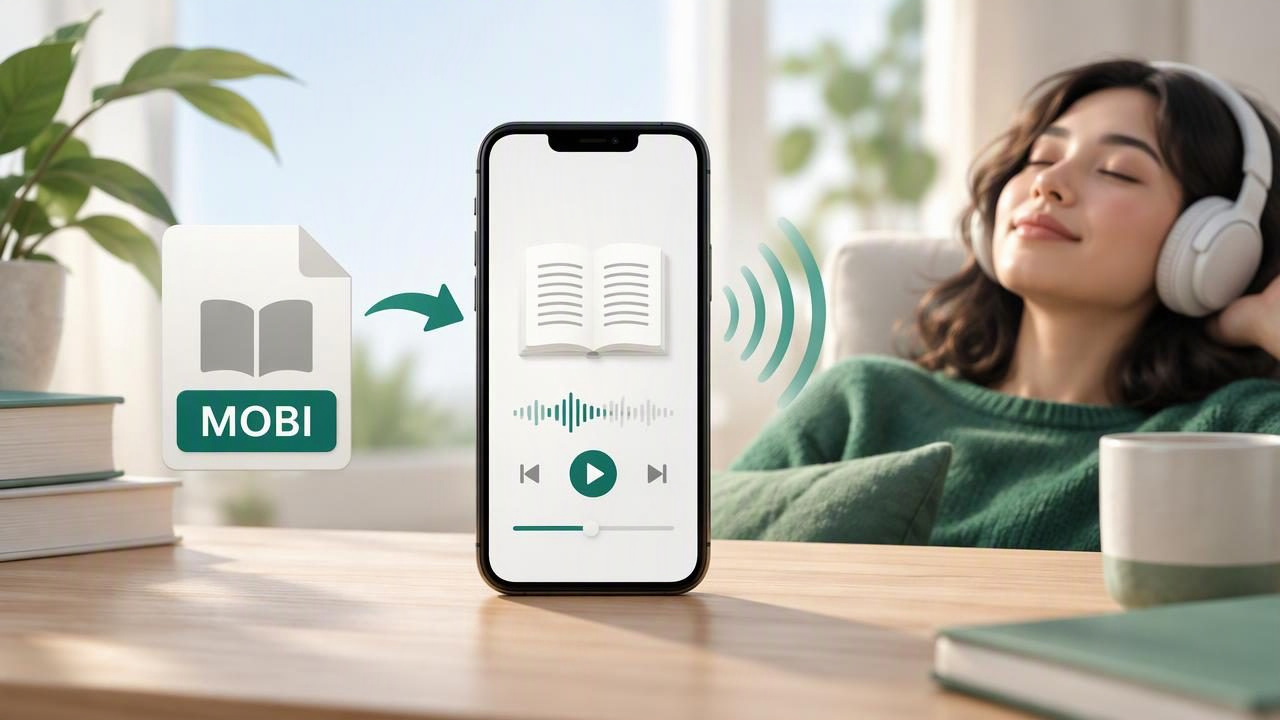
A MOBI book can be easier to finish when you listen instead of reading every page on a screen. The right text to speech app can turn compatible ebook files into spoken audio, helping you read during a commute, review a book while doing chores, or give your eyes a break. But not every app handles MOBI files in the same way, and a reader that opens an ebook may not offer the voice, playback, or offline features you need.
If you are searching for the best text to speech app to listen to a MOBI book, start by checking file compatibility, then compare how each app sounds and works in your daily routine. This guide explains what to look for on iPhone and iPad, how popular options differ, and how to avoid common import problems.
What makes a good MOBI listening app?
MOBI is an ebook format, not an audio format. To listen, you need an app that can read the book’s text and speak it aloud. Some ebook apps focus on displaying pages; others include accessibility speech; dedicated text-to-speech apps may add voice controls, synchronized highlighting, and support for documents beyond ebooks.
A good choice should do more than open the file. Consider these practical requirements:
- MOBI import: The app should clearly support MOBI files, not just EPUB or PDF.
- Natural voices: Listen to a sample before committing. Pronunciation, pacing, and voice comfort matter during long sessions.
- Playback controls: Look for adjustable speed, skip controls, and a sleep timer if you listen before bed.
- Reading support: Synchronized text highlighting can help you follow along and return to your place.
- Offline access: Check whether the book and voice can be used without an internet connection.
- Clear pricing: Find out which features are free and which require a subscription.
It is also worth checking how the app handles chapters, headings, footnotes, and unusual formatting. A book may technically open but still be frustrating to listen to if chapter navigation is missing or the narration reads every page number aloud.
How to choose the best text to speech app for a MOBI book
1. Confirm that the file is actually supported
Start with the app’s current format list and test with a small, nonessential file. MOBI compatibility can differ between apps and versions. Some services accept a MOBI upload directly, while others only import selected ebook formats or expect you to open a file through the iPhone or iPad share menu.
Also distinguish between an ordinary MOBI file and a protected ebook. A book downloaded from a retailer may include digital rights management (DRM), which can prevent other apps from opening or extracting its text. A text-to-speech app cannot necessarily bypass those restrictions. Use files you are authorized to access, and check the retailer’s terms or the publisher’s accessibility options if an import fails.
2. Try the voice with a real passage
Voice previews are useful, but a short sample from your own book is more revealing. Listen for how the app pronounces names, abbreviations, dialogue, and punctuation. A voice that sounds pleasant in a sentence may feel tiring over an hour. If you read in more than one language, check that the app offers an appropriate voice for each language rather than relying on one voice for everything.
Natural AI voices can make narration easier to follow, but “natural” is subjective. Try several available voices, adjust the speed, and notice whether the audio remains clear when played faster. Many listeners begin near normal speed and increase it gradually; jumping straight to a high rate can make unfamiliar material difficult to understand.
3. Check the controls you will use every day
Look for simple pause and resume controls, a way to move between chapters, and a reliable place marker. Synchronized highlighting is helpful if you want to listen and read at once, or if you lose track of a paragraph. Playback speeds up to 3x can save time for familiar material, though a slower pace may work better for dense fiction or study books.
For iPhone listening, test whether audio continues when the screen is locked and whether playback is easy to control from the lock screen. On iPad, consider whether the app makes it convenient to split your time between listening and taking notes. These small details can matter more than a long list of advanced features.
4. Decide whether offline listening matters
If you listen on a plane, in a low-signal area, or during a commute with patchy coverage, confirm that offline playback is available. Some apps may need an internet connection to import a file, generate a voice, or download audio. Others can play saved content locally. Test offline access before you travel: enable airplane mode and make sure the book actually starts and continues playing.
Comparing popular text-to-speech options
Speechify, NaturalReader, and ElevenReader are among the names people may encounter when comparing spoken-text apps. Their features, supported formats, pricing, and availability can change, so check each app’s current documentation and try its import flow with your own file. The comparison below is a starting point, not a guarantee that every version supports every MOBI book.
| Option | What to investigate | Best fit to consider |
|---|---|---|
| Speechify | Check current MOBI import support, voice choices, playback controls, and subscription limits. | Readers who want a dedicated listening workflow and broad text-to-speech tools. |
| NaturalReader | Confirm ebook format compatibility, mobile features, voice access, and offline terms. | People comparing a general-purpose reader for documents and ebooks. |
| ElevenReader | Review supported import formats, voice options, and how it handles longer books. | Listeners interested in expressive AI narration and a focused reading experience. |
| Built-in iOS accessibility speech | Explore Speak Screen and related settings; it may not provide a dedicated MOBI library. | Users who want to try basic spoken content before choosing another app. |
Do not choose based on brand recognition alone. One app may sound best to you but lack direct MOBI import; another may open your file but have fewer voice or library controls. Your own test is the most dependable comparison.
What to do if your MOBI book will not open
First, make sure the download completed and the file is not damaged. Then try opening it from the Files app and selecting the text-to-speech app from the share sheet, if available. If the file is protected, contact the ebook retailer or look for an authorized EPUB or accessible edition. Avoid uploading personal or copyrighted books to unfamiliar conversion sites, especially if you do not understand how they store files.
Some readers choose to convert a book to another format when they have the legal right to do so. Before converting, check the publisher’s rules and the app’s supported formats. Conversion can also change formatting, remove navigation, or introduce errors. Keep the original file, and check the converted version’s table of contents and a few pages before relying on it.
Make listening easier to follow
A few setup choices can improve comprehension and comfort:
- Choose a sensible starting speed. Begin at a pace that feels conversational, then adjust in small steps.
- Use highlighting when available. Following the spoken words visually can help with focus and place-keeping.
- Break long sessions into chapters. Short listening blocks make it easier to remember where you stopped.
- Use headphones safely. Keep volume comfortable and stay aware of traffic and your surroundings.
- Save books for offline use before leaving. Confirm that the file and required voice features work without a connection.
Listening can support different reading needs, including screen fatigue and some study routines. People with dyslexia or ADHD may find audio useful as one way to engage with text, though preferences differ and text-to-speech is not a replacement for individualized support. Try pairing narration with visible text, notes, or short pauses to see what helps you retain information.
When an ebook-to-audio app is worth it
A dedicated text-to-speech app is especially useful if you want to listen to more than one kind of content. Alongside MOBI books, you might need PDF read aloud, EPUB-to-audiobook playback, document narration for DOCX files, or the ability to listen to web articles and pasted notes. Some apps also support camera scan to speech for printed pages, which can be useful when a text has no digital copy.
Other features may suit particular routines. Offline listening helps when coverage is unreliable; synchronized highlighting can support focused reading; and two-host AI podcast generation can turn selected material into a conversational review. Treat generated audio as a study aid rather than a substitute for checking the original text, especially when details or exact wording matter.
Final checklist before you choose
Before settling on an app, answer these questions:
- Can it open your specific MOBI file, including its protection status?
- Do you like the voice after listening to a full paragraph?
- Can you navigate chapters and resume where you stopped?
- Does it offer the playback speed and highlighting you prefer?
- Will it work offline in the situations where you need it?
- Are the subscription terms acceptable for how often you listen?
The best text to speech app to listen to a MOBI book is the one that can legally open your file, sounds comfortable for extended listening, and fits your device and routine. Compare current format support, test a real chapter, and verify offline playback before relying on an app. Focal Voice is one iPhone and iPad option to consider if you want a single place for MOBI books and other documents, with features such as natural voices, synchronized highlighting, and offline listening.
