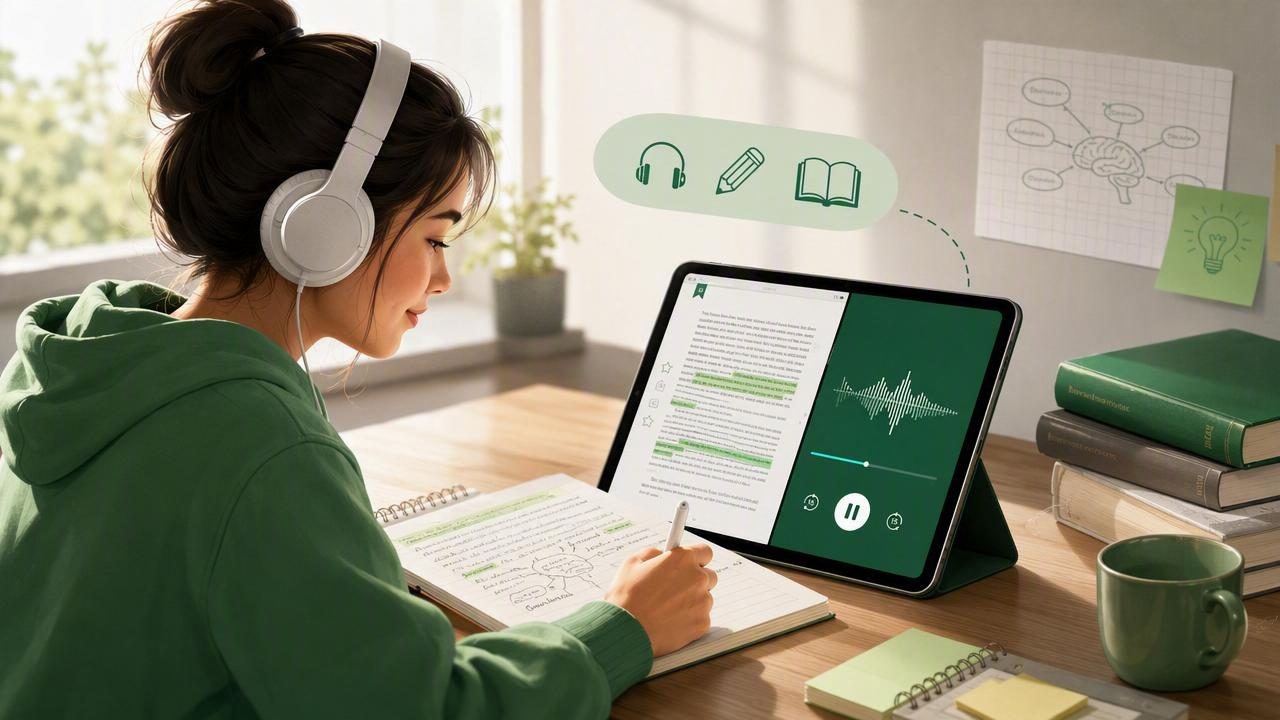
Course reading can quickly become overwhelming. Between textbooks, assigned novels, research materials, lecture notes, and long reading lists, students often need more hours than the day allows. An EPUB audiobook app offers a practical way to turn digital reading into a flexible listening experience.
Rather than replacing reading entirely, text-to-speech can help students move through material in more situations: on the bus, while walking between classes, during a workout, or when their eyes need a break from screens. With the right workflow, listening to EPUB books can also support review, comprehension, accessibility, and better use of study time.
This guide explains how an EPUB audiobook app works, what students should look for, and how to create a listening routine that supports real academic learning.
What Is an EPUB Audiobook App?
An EPUB audiobook app converts the text in an EPUB ebook file into spoken audio using text-to-speech technology. EPUB is a widely used ebook format because its text can reflow to fit different screen sizes, making it common for digital books, open educational resources, and class readings.
Unlike a traditional audiobook, which is recorded by a human narrator and sold as an audio file, an EPUB text-to-speech app reads the book you already have. This gives students more control over the listening experience, including:
- Choosing a natural-sounding voice
- Adjusting playback speed for the material
- Starting from a specific chapter or section
- Following synchronized text as it is spoken
- Listening offline after downloading a book
- Switching between reading silently and listening aloud
That flexibility matters because not every reading assignment needs the same approach. A dense philosophy chapter may deserve slow, focused listening with highlighting, while a familiar literature chapter may be suitable for faster review on a commute.
Why Students Use Text to Speech for EPUB Books
Students often assume that studying means sitting still and looking at a page. In reality, effective study depends on attention, repetition, and finding a format that fits the task. Listening can make long-form reading more accessible without removing the need to engage critically with the content.
Use small pockets of time
Ten minutes before class, a 30-minute train ride, or an afternoon walk may not be ideal for writing an essay, but those moments can be useful for listening to assigned reading. An EPUB audiobook app turns otherwise lost time into a chance to preview, review, or reinforce material.
Reduce visual fatigue
Students spend substantial time looking at laptops, tablets, and phones. Listening gives the eyes a break while keeping a reading assignment moving forward. This can be particularly helpful after a day of online classes, coding, research, or note-taking.
Support accessibility and focus
Text to speech can be valuable for students with dyslexia, ADHD, low vision, reading fatigue, or processing differences. Hearing words while seeing them highlighted may make it easier to maintain place in the text and return to a passage later. Every learner is different, but multimodal study can create a more manageable starting point.
Listening works best as active study: pause, predict, summarize, and revisit important passages.
How to Choose an EPUB Audiobook App for School
Not every reading app is designed for academic use. A basic ebook reader may display EPUB files well but offer limited narration controls. Before choosing an app, consider the formats you use, where you study, and how you need to interact with text.
| Feature | Why It Matters for Students |
|---|---|
| EPUB support | Lets you open course books, public-domain texts, and downloaded reading materials. |
| Synchronized highlighting | Helps you follow along, locate your place, and connect spoken ideas to written text. |
| Natural AI voices | Clearer, less robotic narration can make long chapters easier to sustain. |
| Playback speed controls | Lets you slow down difficult concepts or speed up familiar review material. |
| Offline listening | Allows study in transit, on campus, or in places with unreliable internet. |
| Multiple file formats | Useful when a course includes PDFs, DOCX files, web articles, or scanned handouts. |
Also think about privacy and file handling. For school materials, choose a tool that makes it clear how documents are imported and stored. Keep copyrighted textbooks and instructor-provided files in accordance with your school’s policies and licensing terms.
A Step-by-Step EPUB Listening Workflow
A good app helps, but a repeatable study system matters more. Use this process to turn an EPUB assignment into an active listening session.
- Preview the chapter first. Scan the title, headings, learning objectives, bold vocabulary, diagrams, and end-of-chapter questions. This creates a mental map before playback begins.
- Set a realistic listening goal. Instead of saying, “I will finish the book,” choose one chapter, one 25-minute block, or a specific section such as “photosynthesis through cellular respiration.”
- Start at a comfortable speed. Begin near normal speech speed for new or technical material. Increase gradually only when you can still explain the core points afterward.
- Follow the text for difficult passages. Turn on highlighting when definitions, arguments, formulas, or unfamiliar names appear. Seeing and hearing the words together may make them easier to process.
- Pause for retrieval practice. At the end of a section, stop playback and state the main idea in your own words. If you cannot explain it, replay the passage before moving on.
- Capture only useful notes. Write questions, key terms, and short summaries rather than transcribing every sentence. Your notes should help you retrieve information later.
- Review selectively. Re-listen to confusing sections, exam-relevant chapters, or a summary before class. Repetition is more useful when it has a specific purpose.
Finding the Right Playback Speed
Faster is not automatically better. Playback speed should match the complexity of the material and your familiarity with it. A student reviewing a novel may comfortably listen faster than a student learning organic chemistry for the first time.
| Study Situation | Suggested Approach |
|---|---|
| First exposure to difficult material | Use normal or slightly slower speed and follow highlighted text. |
| Assigned fiction or familiar concepts | Try a moderate speed increase while taking occasional pauses. |
| Exam review | Listen faster to summaries, then slow down for weak topics. |
| Language learning | Use a slower pace to notice pronunciation, phrasing, and vocabulary. |
Some apps offer reading speeds up to 3x. That can be useful for review, but comprehension is the deciding factor. After a few minutes, pause and ask yourself three questions: What was the author’s claim? What evidence was used? What does this section connect to? If you cannot answer, lower the speed.
How to Study Actively While Listening
Passive listening may be relaxing, but it is not always enough for coursework. Transform narration into active learning with simple prompts. Before listening, write one question you expect the chapter to answer. During listening, pause at each major heading and make a one-sentence summary. After listening, try to recall the chapter without looking.
For example, a psychology student listening to a chapter on memory might pause after each model or theory and create a short note:
Topic: Working memory
Main idea: Temporary system for holding and using information.
Example: Remembering a phone number while dialing it.
Question: How does this differ from long-term memory?
This approach creates useful review material without interrupting every minute of the audio. It also reveals where you need to return to the EPUB text for closer reading.
Common Mistakes to Avoid
- Listening only when distracted: Background listening can help with exposure, but save dense chapters for times when you can pause and think.
- Using one speed for everything: Adjust speed based on complexity, familiarity, and the purpose of the session.
- Skipping visual content: Text to speech cannot replace charts, equations, footnotes, maps, or diagrams. Review these directly in the ebook.
- Failing to mark confusing sections: Make a note of timestamps, headings, or page locations so you can revisit them efficiently.
- Treating audio as a shortcut around learning: Listening is most effective when paired with questioning, summarizing, discussion, and practice.
Beyond EPUB: Build One Listening Library
College and school reading rarely arrives in one format. A professor may assign an EPUB book, distribute a PDF syllabus, link to a web article, and hand out a printed reading in the same week. A flexible text-to-speech setup can bring these materials into one listening routine.
Look for support for PDFs, DOCX files, web links, pasted notes, and camera scans. That way, a printed library excerpt can become audio after scanning, and a long online article can be saved for listening later. Offline access is especially useful when commuting, traveling, or trying to avoid using mobile data.
Make Listening Part of a Sustainable Study Plan
An EPUB audiobook app is not a substitute for analysis, annotation, or discussion. It is a tool for making reading more portable and adaptable. Use it to preview a chapter before class, review terminology while walking, revisit difficult passages, or reduce the visual load of a long reading day.
The best system is the one you will actually use consistently. Start with one weekly assignment, test different voices and speeds, and build in short recall pauses. If you need an iPhone or iPad option that handles EPUBs alongside PDFs, web articles, documents, scans, and offline playback, Focal Voice is one tool worth exploring.
