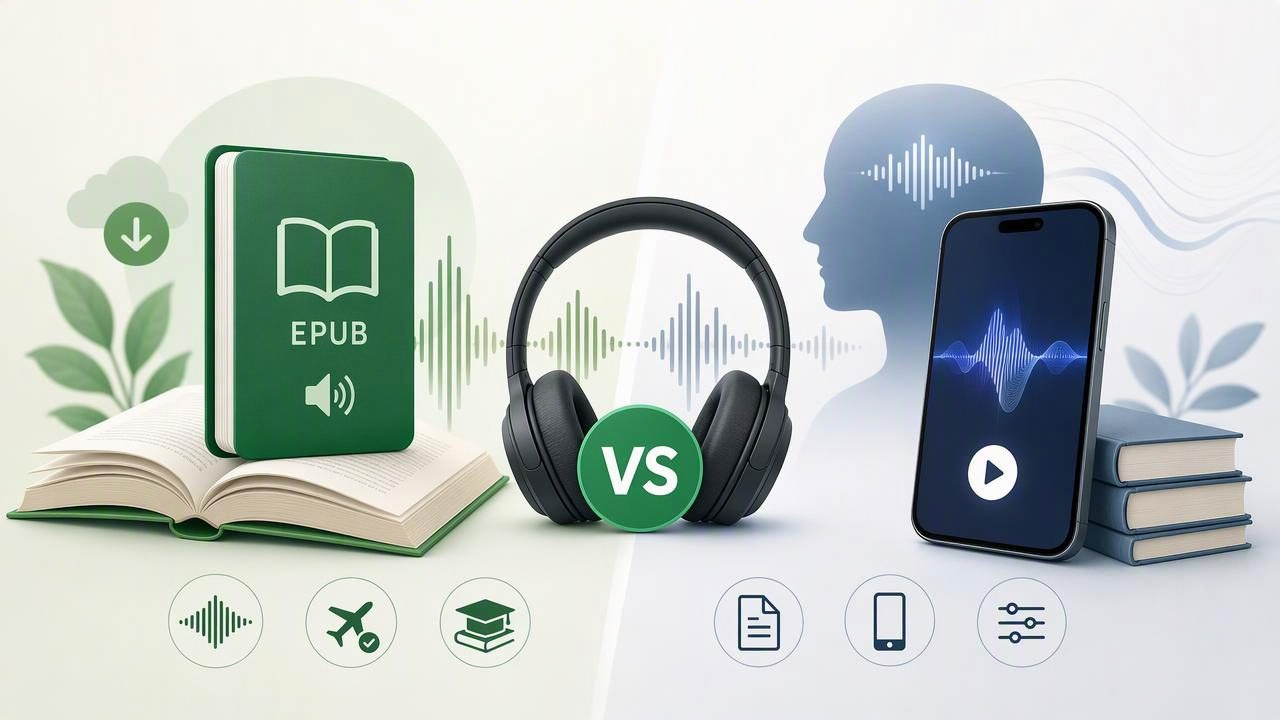
Choosing an EPUB audiobook app vs Speechify is not simply a question of which app has the most voices. The better option depends on what you read, where you listen, and whether you need a tool for focused study, accessibility, commuting, or everyday reading.
EPUB files are one of the most common ebook formats. They are used for novels, textbooks, course readers, public-domain books, and independent publications. A capable text-to-speech app can turn those files into spoken audio, helping you move through reading lists while walking, commuting, exercising, or resting your eyes.
Speechify is a well-known name in text to speech, but it is not the only consideration for someone who wants to listen to EPUB books on an iPhone or iPad. Some readers need broad document support. Others prioritize synchronized highlighting, offline playback, playback speed controls, or a less distracting reading workflow. This guide explains what to compare before selecting an EPUB listening app.
What Is an EPUB Audiobook App?
An EPUB audiobook app is a reading app that converts the text inside an EPUB ebook into spoken narration. Unlike a conventional audiobook service, which provides a professionally recorded audio edition, text to speech generates audio from the ebook file you already own.
This distinction matters. With text to speech, you are not limited to a publisher's audiobook catalog. You can listen to DRM-free EPUB textbooks, lecture materials, digital books from your library when permitted, work documents exported as EPUB, and personal manuscripts. The quality of the experience depends on how well the app handles import, navigation, voices, text highlighting, and audio controls.
For many people, the ideal setup is an app that combines ebook reading with document narration. Instead of switching between separate apps for an EPUB, a PDF, a saved web article, and notes, they can keep their listening queue in one place.
EPUB Audiobook App vs Speechify: The Main Differences to Compare
There is no universal winner because listening needs differ. Speechify may appeal to readers looking for a recognizable, voice-focused text-to-speech platform. A dedicated EPUB audiobook app may be a better fit for readers who want a straightforward library for ebooks and documents, especially on iPhone and iPad.
Use the following comparison categories rather than choosing solely based on marketing claims or a single voice demo.
| Feature to Compare | Why It Matters for EPUB Listening | What to Check |
|---|---|---|
| EPUB import | Your ebook needs to open reliably and retain readable structure. | File sharing options, chapter recognition, cover display, and navigation. |
| Natural AI voices | A comfortable voice can make long listening sessions easier. | Voice variety, language availability, pronunciation quality, and listening fatigue. |
| Offline listening | Books should remain available on flights, trains, and low-signal commutes. | Whether imported files and downloaded voices work without internet access. |
| Synchronized highlighting | Following along supports comprehension and helps you find your place. | Word, sentence, or paragraph highlighting and tap-to-jump controls. |
| Playback speed | Different materials demand different speeds. | Fine-grained speed controls, such as 1.25x for fiction or up to 3x for review. |
| Other formats | Most people read more than EPUBs. | PDF, DOCX, MOBI, plain text, web links, scans, and note support. |
| Pricing model | Voice and import features may sit behind subscriptions. | Free trial terms, monthly versus annual cost, and which features are included. |
Why EPUB Support Is More Important Than It Sounds
EPUB is a reflowable format, meaning text can adapt to the screen size and preferred font settings. That makes it especially useful on mobile devices. But not every text-to-speech experience treats EPUB files equally well.
A strong EPUB workflow should make it easy to import a book from Files, cloud storage, email, or a sharing menu. Once imported, the app should identify chapters clearly, remember your listening position, and let you jump to a specific section. These basics make a substantial difference when you are halfway through a 400-page book.
Before committing to an app, test it with a real file rather than a short sample. Try a novel with chapter headings, a textbook with citations, and an EPUB containing images or footnotes if those are part of your usual reading. Notice whether the narration handles headings naturally and whether moving between chapters is simple.
Natural Voices: Listen for Comfort, Not Just Realism
Natural AI voices are a major reason people compare an EPUB audiobook app with Speechify. A voice can sound impressive in a 20-second demo yet become tiring after an hour. The best choice is often the voice that remains clear, steady, and easy to understand at your preferred speed.
When evaluating narration, listen for:
- Pacing: Does the voice maintain a natural rhythm through long sentences?
- Pronunciation: How does it handle names, technical terms, abbreviations, and citations?
- Expressiveness: Is it engaging enough for fiction without becoming distracting?
- Clarity at higher speeds: Can you still understand it at 1.5x, 2x, or faster?
- Language choice: Do you have suitable voices for the languages you read?
Students may prefer a calm, consistent voice for dense academic content. Fiction readers may value more expressive narration. For accessibility, clarity is usually more important than theatrical performance.
Offline Listening Can Be a Deciding Factor
Offline listening is easy to overlook until you lose a connection during a commute or travel day. If you plan to use text to speech on a train, airplane, campus, or in areas with unreliable mobile data, confirm how the app behaves offline.
Ask two separate questions: can the EPUB file be accessed without internet, and can the selected voice continue narrating without internet? Some services rely more heavily on cloud processing or account checks than others. Review the current app documentation and test offline mode during a trial.
Offline access is also helpful for privacy-conscious readers who prefer to keep personal study materials, drafts, or work documents available locally where possible.
Study Features: Highlighting, Speed, and Retention
For students and professionals, listening is most useful when it complements active reading rather than replacing it entirely. Synchronized text highlighting lets you see the exact sentence being read. This can support attention, improve retention, and make it easier to return to a passage later.
Playback speed matters too. A history chapter full of names and dates may work best at 1x or 1.25x. A familiar research paper being reviewed before a meeting may be manageable at 2x or higher. An app that supports reading at up to 3x gives experienced listeners more flexibility, but speed should never come at the expense of understanding.
Listening faster is useful only when you can still explain the material afterward.
A practical study routine is to listen through a chapter while following the highlighted text, pause to make short notes, then replay difficult sections at a slower speed. This approach can be particularly valuable for readers with dyslexia, ADHD, visual fatigue, or a demanding schedule.
Should You Choose One App for EPUBs or One for Everything?
If EPUB books are your only reading format, a simple ebook-to-speech experience may be enough. However, many readers gain more value from an app that supports multiple content types. Your weekly reading may include a course EPUB, a PDF report, a DOCX draft, a long web article, and a printed handout.
In that case, look for a text-to-speech app that can handle the formats you already use:
- PDF read aloud for reports, journal articles, forms, and slide exports.
- MOBI reader support for older ebook libraries and personal files.
- DOCX narration for essays, work drafts, and shared documents.
- Web article listening for saved reading and research.
- Camera scan to speech for printed pages, worksheets, and paper notes.
Consolidating these materials can reduce friction. Instead of asking, “Which app opens this file?” you can create a single listening library and continue reading from the same device.
How to Make the Best Choice
A trial period is the most reliable way to decide between an EPUB audiobook app and Speechify. Avoid judging only by a feature checklist. Test the app in the conditions where you actually read.
- Import one EPUB you genuinely want to finish.
- Listen for at least 20 minutes using your normal headphones.
- Try two or three voices at your preferred speed.
- Turn off Wi-Fi briefly to verify offline behavior.
- Check whether highlighting, chapter navigation, and bookmarks feel intuitive.
- Import a second format, such as a PDF or DOCX, if you need document narration.
- Review subscription details before the trial ends.
Choose the tool that makes it easiest to keep listening consistently. A large voice catalog has little value if file importing is frustrating. Likewise, excellent EPUB support may not be enough if you regularly need to hear PDFs or web pages aloud.
Final Takeaway
In the EPUB audiobook app vs Speechify decision, focus on your reading habits: the files you own, the voices you find comfortable, the importance of offline access, and the study features you will actually use. Readers who want a flexible iPhone or iPad library should prioritize reliable EPUB import, natural narration, synchronized highlighting, speed control, and broad document support.
If you want to test a workflow that brings EPUBs, PDFs, web links, scans, and notes into one listening space, Focal Voice is one option to explore on iPhone and iPad.
