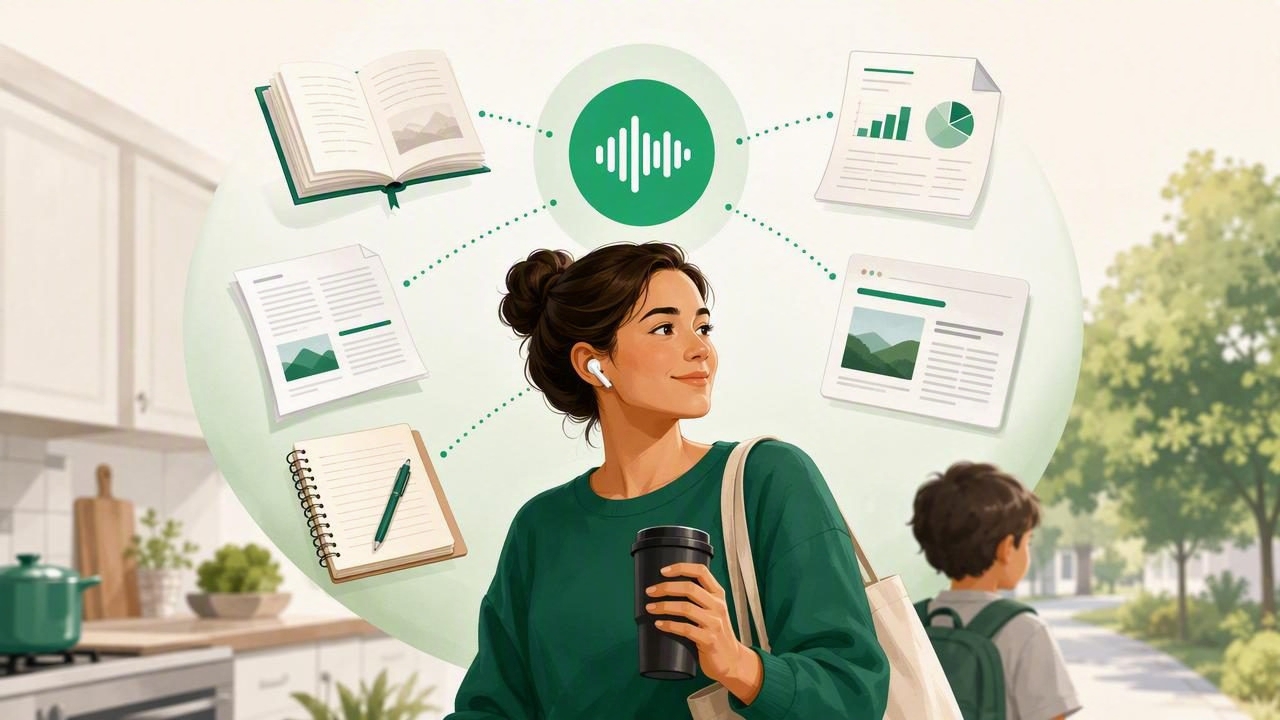
Parents rarely have uninterrupted reading time. Between school drop-offs, work, meal planning, appointments, laundry, and bedtime routines, even a useful article or important school document can remain unread for days. An offline listening app for parents offers a practical alternative: turn written material into audio and listen while life keeps moving.
Text-to-speech technology is no longer limited to robotic computer voices or accessibility settings buried in a device menu. Modern apps can narrate PDFs, web articles, ebooks, notes, and scanned pages with natural-sounding AI voices. When files are downloaded in advance, parents can listen without depending on Wi-Fi or mobile data.
This guide explains how offline listening works, when it can help busy families, what content is most useful to convert into audio, and which features matter when choosing an app.
What Is an Offline Listening App?
An offline listening app lets you save written content and play it back as speech without an active internet connection. Depending on the app, users may be able to import documents, download text-to-speech audio, or save narration for playback later.
For parents, this can mean listening to a parenting guide during a commute, reviewing a school newsletter while making dinner, or catching up on a professional PDF during a walk. Offline access matters because the moments available for listening are not always the moments with reliable service.
Common content types supported by text-to-speech apps include:
- PDFs, including school forms, guides, reports, and work documents
- EPUB ebooks and, in some apps, MOBI files
- DOCX documents, notes, and copied text
- Web links and saved online articles
- Camera scans of printed pages, letters, and handouts
Instead of needing to look at a screen, parents can use audio to stay informed during lower-attention tasks such as folding clothes, packing lunches, exercising, or driving.
Why Offline Listening Is Useful for Parents
Offline listening is not about replacing reading entirely. It is about giving written information another format that may fit more naturally into a busy day. Audio can make long documents feel more approachable and help parents use time that would otherwise be unavailable for reading.
Listen During Commutes and Errands
A downloaded document can become part of a morning or afternoon routine. Parents who drive, use public transit, walk with a stroller, or run household errands may have time to listen but not time to read. An offline queue means there is no need to search for material, load a web page, or use data while away from home.
For safety, always set up playback before driving and use hands-free controls where appropriate. Text-to-speech is most useful in the car for listening, not for interacting with a phone.
Keep Up With School Communications
School communication can arrive through PDFs, email attachments, web portals, and printed notices. Parents may receive classroom newsletters, permission slips, curriculum outlines, event schedules, individualized learning information, or lengthy policy documents.
Scanning or importing these materials into a text-to-speech app can make them easier to review. Synchronized text highlighting is especially helpful when a parent needs to pause, find a date, check a detail, or return to a specific paragraph later.
Make Family Learning More Flexible
Audio can also support shared learning routines. A family might listen to a chapter of an ebook on a road trip, play an educational article while preparing for a school project, or review a study guide together. For older children, hearing text while following along visually may support focus and comprehension.
Every learner is different, but text-to-speech can be particularly useful for people with dyslexia, ADHD, visual fatigue, or reading difficulties. It can reduce the effort of decoding text and allow more attention to be directed toward meaning.
Everyday Ways Parents Can Use Text to Speech Offline
The best listening habits are usually simple. Rather than trying to turn every piece of text into audio, choose material that is important, long, or easy to postpone.
- Prepare a weekly listening queue. On Sunday evening, save a few articles, school documents, or work files for the week ahead.
- Download bedtime reading material. Save an ebook or family reading resource before travel, evenings away from home, or time in places with limited connectivity.
- Turn meal-planning inspiration into audio. Listen to nutrition articles, recipes, or household guides while cooking.
- Review work documents while walking. A report may be easier to begin as audio before returning to the original text for detailed edits.
- Scan printed handouts. Use a camera scan feature for flyers, appointment instructions, school letters, and other paper documents.
- Listen before reading closely. A first audio pass can help parents decide which documents need a deeper screen-based review.
Features to Look For in an Offline Listening App for Parents
Not all text-to-speech apps handle files, voices, or offline use in the same way. The right choice depends on what a parent reads most often and how they prefer to listen.
| Feature | Why It Matters for Parents |
|---|---|
| Offline downloads | Lets you listen during travel, in basements, on flights, or in areas with weak service. |
| PDF and document support | Makes school, work, healthcare, and household documents easier to access as audio. |
| Natural AI voices | More comfortable narration can make long listening sessions less tiring. |
| Playback speed controls | Allows slower listening for complex material and faster listening for familiar topics. |
| Synchronized highlighting | Helps listeners follow the text, locate key details, and resume after interruptions. |
| Camera scan to speech | Turns paper notices and printed information into accessible digital text. |
| Bookmarks and organization | Keeps school, personal, work, and family content from becoming one unmanageable list. |
| Privacy controls | Important when importing personal documents, school records, or sensitive notes. |
Natural Voices Matter for Longer Documents
Parents may listen in short bursts, but some documents require 20, 40, or 60 minutes of attention. Natural AI voices can make narration easier to follow than older, mechanical-sounding speech. Before committing to an app, test several available voices with a document you genuinely need to read.
Pay attention to pronunciation, pacing, pauses around headings, and how the voice handles names, abbreviations, and lists. The best voice is usually the one you can comfortably listen to for a sustained period.
Speed Controls Help Fit Listening Into Real Life
Playback speed is a valuable feature because not every document deserves the same pace. A dense school policy or medical instruction sheet may require standard speed or slower. A familiar newsletter, general-interest article, or routine update may be comfortable at 1.5x, 2x, or faster.
Increasing speed should not come at the cost of understanding. A useful rule is to choose the fastest pace at which you can still summarize the main points without replaying large sections.
How to Build an Offline Listening Routine
A simple system prevents useful documents from disappearing into a downloads folder. Try separating content by purpose and assigning it to moments in your routine.
- Morning queue: Short articles, news analysis, or a school update for the commute.
- Household queue: Parenting resources, meal-planning content, financial guides, and home projects.
- Work queue: Reports, drafts, reference documents, and training materials.
- Family queue: Ebooks, study materials, and content to discuss together.
Download the queue while connected to trusted Wi-Fi, then confirm that the files actually play in airplane mode. This quick test avoids discovering too late that a document still needs an internet connection.
It also helps to remove outdated files regularly. A smaller, intentional library is easier to use than a long list of articles saved with good intentions months ago.
Important Privacy and Copyright Considerations
Convenience should not override privacy. Before uploading or importing content, consider whether it includes sensitive information, such as student records, medical details, legal paperwork, financial statements, or confidential work documents. Review an app's privacy policy and understand whether files are stored locally, processed on external servers, or retained after conversion.
Parents should also respect copyright and sharing rules. Converting a legitimately purchased ebook or personal document for private listening is different from redistributing copyrighted audio or sharing protected school materials publicly. When in doubt, use content you own, have permission to access, or are authorized to share.
Can AI Podcast-Style Audio Help?
Some newer tools can transform source material into a conversational, two-host audio discussion. This format can make a long article, report, or study resource feel more like a podcast than a traditional narration.
Podcast-style summaries may be useful for getting an overview, but they should not replace the source text when details matter. For deadlines, legal language, healthcare guidance, or school instructions, parents should still check the original document. AI-generated conversations can simplify and reorganize information, which may occasionally leave out nuance.
Choosing the Right Listening Tool
Apps such as Speechify, NaturalReader, ElevenReader, and other text-to-speech tools each offer different voice options, file support, and subscription models. Rather than choosing solely based on a brand name, test the workflow that matches your family life.
Import one PDF, save one web article, try a camera scan, download content for offline playback, and listen with headphones during a normal task. If the process feels easy enough to repeat, the app is more likely to become a useful habit.
For iPhone and iPad users who want to combine document narration, web listening, camera scans, offline playback, synchronized highlighting, and AI podcast-style episodes in one place, Focal Voice is one option to explore.
Make Reading Fit the Life You Already Have
An offline listening app for parents cannot create more hours in the day, but it can make existing moments more useful. By turning waiting time, commutes, chores, and walks into opportunities to hear important information, parents can stay more connected to work, school, family learning, and personal interests.
Start small: download one document you have been meaning to read, listen for ten minutes, and decide whether audio makes it easier to move forward. A sustainable routine is more valuable than an ambitious library that never gets played.
