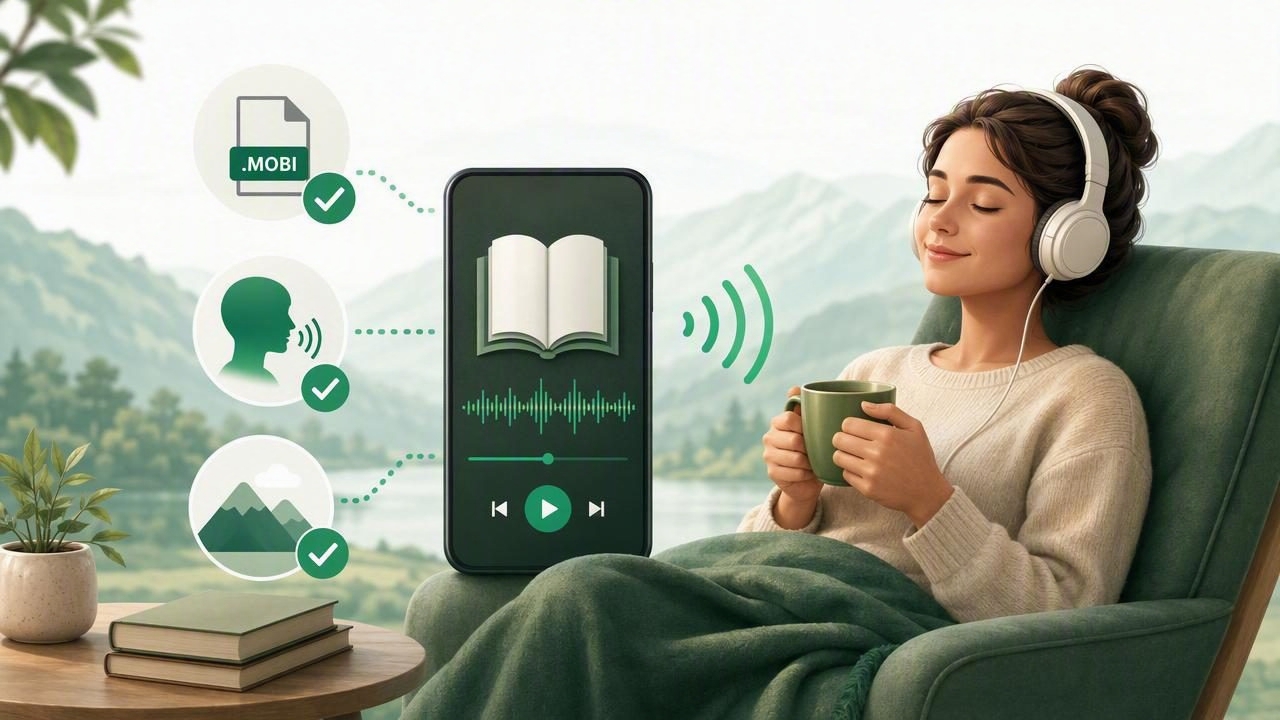
A MOBI reader app for offline book listening can turn an unread ebook library into something you can enjoy while walking, commuting, cooking, exercising, or resting your eyes. Rather than being limited to reading a screen, you can import compatible book files, download voices and content, and listen without relying on a mobile connection.
This is especially useful for people who collect independent ebooks, receive MOBI files from authors or publishers, keep older ebook archives, or want an accessible alternative to visual reading. The right app does more than open a file: it makes long-form listening practical through natural-sounding speech, reliable offline playback, playback speed controls, and text highlighting.
Before choosing an app, it helps to understand what MOBI files are, what offline listening actually requires, and which features make the biggest difference during daily use.
What Is a MOBI File?
MOBI is an ebook file format that was widely used by Kindle devices and ebook publishers. A MOBI file may contain structured chapters, a table of contents, images, formatting, and metadata such as the book title and author. Although EPUB has become a more common open ebook format, many readers still have MOBI books in their personal collections.
A MOBI reader app lets you open these files on a phone or tablet. A text-to-speech-enabled reader goes further by converting the book’s text into spoken audio. In effect, it creates a flexible audiobook-style experience from an ebook you already own.
There is one important limitation: digital rights management (DRM) can restrict how some purchased ebooks are opened or read aloud. A reader app may support standard, unprotected MOBI files but not files locked to a particular retailer or account. Always check the ebook’s permissions and make sure you are using files you have the right to access.
Why Offline Book Listening Matters
Streaming a voice over Wi-Fi or mobile data can work at home, but it is less dependable when you are traveling. Underground transit, airplanes, rural roads, international trips, and buildings with weak reception can interrupt a listening session. Offline listening removes that uncertainty.
For a true offline experience, an app should allow you to download both the book file and the voice data before you leave. Once those resources are stored locally, your book can continue playing even when Airplane Mode is enabled.
- More reliable commutes: Continue listening through tunnels and dead zones.
- Better travel preparation: Keep books available on flights and road trips.
- Potentially lower data use: Avoid repeatedly streaming speech audio.
- Greater privacy: Read personal documents without needing a constant connection.
- Fewer distractions: Airplane Mode can reduce notifications and browsing temptations.
Offline capability is also valuable for students and professionals. A long textbook chapter, public-domain classic, research reading, or work document can become part of a focused listening routine without the need to stay online.
Essential Features in a MOBI Reader App for Offline Book Listening
File support is the starting point, not the finish line. Compare reader apps based on how comfortably they help you listen over time.
1. Straightforward MOBI Import
Look for an app that makes importing files simple through the iPhone or iPad Files app, a share sheet, cloud storage provider, or drag-and-drop transfer where available. The process should preserve the book’s title, chapters, and readable text whenever possible.
A good library view is equally helpful. When you have multiple books, you should be able to identify a title quickly, resume where you stopped, and remove files you no longer need.
2. Downloadable, Natural-Sounding Voices
Text-to-speech quality strongly affects whether you can listen for 10 minutes or two hours. Robotic pronunciation, uneven pacing, and abrupt pauses make a book harder to follow. Natural AI voices generally offer smoother rhythm and clearer delivery, especially for fiction, essays, and educational material.
For offline use, confirm that the preferred voice can be downloaded to the device. Some apps offer high-quality voices only while connected, which may not meet the needs of frequent travelers.
3. Adjustable Playback Speed
Every listener has a different comfortable pace. A new or complex book may be easiest at normal speed, while familiar material may work well at 1.5x, 2x, or even up to 3x. Fine-grained speed controls are better than only having a few fixed options.
Speed is not just a productivity feature. Slower playback can improve comprehension for dense content, while faster playback can make it easier to finish long reading lists during a commute.
4. Synchronized Text Highlighting
Following highlighted text while the narration plays helps many people stay oriented. It can make names, technical terms, and unfamiliar vocabulary easier to recognize. For readers with dyslexia, ADHD, visual fatigue, or attention challenges, synchronized highlighting may provide useful structure and reduce the effort of keeping a place on the page.
When evaluating an app, check whether highlighting remains accurate after pausing, changing speed, or moving between chapters.
5. Reliable Navigation and Bookmarks
Long books require good navigation. At minimum, choose an app with chapter controls, a visible progress indicator, skip-forward and skip-back buttons, and saved playback position. Bookmarks are valuable when you want to return to a quotation, assignment section, or important idea.
A Quick Comparison Checklist
| Feature | Why It Matters for Offline Listening | What to Check |
|---|---|---|
| MOBI import | Lets you use books already in your library | Files app, share sheet, cloud import, chapter support |
| Offline voices | Keeps narration available without internet | Whether the selected voice can be downloaded locally |
| Natural narration | Reduces listening fatigue during long sessions | Voice samples, pronunciation, pacing, language choices |
| Highlighting | Helps you follow along and retain information | Word or sentence tracking and synchronization accuracy |
| Speed controls | Adapts listening to content and available time | Range of speeds and ease of adjustment |
| Playback memory | Prevents losing your place after interruptions | Resume behavior across app restarts and devices |
How to Set Up a MOBI Book for Offline Listening on iPhone or iPad
The exact labels vary between apps, but the basic setup process is usually similar.
- Save the MOBI file. Download it from a trusted source or move it into the Files app, iCloud Drive, or another storage location you use.
- Open the file in your reader. Tap Share in the Files app and select your preferred MOBI reader app, or use the app’s import option.
- Check the book structure. Confirm that the title, text, chapters, and table of contents imported correctly.
- Select a voice. Try a short passage with two or three voices. Choose one that feels clear and comfortable rather than simply choosing the fastest option.
- Download offline resources. Download the book and the chosen voice while connected to Wi-Fi.
- Adjust your listening settings. Set playback speed, highlighting, sleep timer, and skip intervals according to your routine.
- Test before leaving. Turn on Airplane Mode and play a chapter for a minute. If it works, your offline setup is ready.
Practical Listening Routines That Help You Finish More Books
Offline book listening works best when it fits naturally into moments that already exist in your day. You do not need to replace every reading session. Instead, use audio to reclaim time when holding a book is inconvenient.
- Morning routine: Listen to a chapter while making breakfast or getting ready.
- Commuting: Keep one downloaded book reserved for transit, walking, or driving.
- Study review: Revisit assigned chapters at a slower speed while following highlights.
- Household tasks: Use a sleep timer while folding laundry or tidying up.
- Screen breaks: Let your eyes rest while continuing a novel or nonfiction book.
For difficult material, pause after a section and summarize the main point in your own words. This small habit can improve retention more than increasing speed. For lighter reading, experiment gradually with faster playback until comprehension starts to drop, then step back slightly.
Common Problems and How to Avoid Them
The Book Will Not Open
First, confirm the file extension and verify that the app supports that type of MOBI file. If the book is protected by DRM, it may only work in the retailer’s authorized ecosystem. You may also have a corrupted download, so downloading the file again from the original source can help.
Listening Stops Without Internet
This usually means either the book, the voice, or both are not fully stored on your device. Download them over Wi-Fi and test in Airplane Mode. Also check available storage space, especially before a long trip.
Pronunciation Sounds Wrong
Proper names, abbreviations, and specialized terminology can challenge any text-to-speech system. Try another available voice, slow the speed slightly, or check whether the source text contains unusual symbols and formatting.
You Keep Losing Your Place
Use bookmarks at the start of major sections and ensure the app’s playback position is saved before closing it. An app with dependable resume behavior is worth prioritizing if you listen in short sessions throughout the day.
Choose the App That Fits Your Reading Life
The best MOBI reader app for offline book listening is not necessarily the one with the longest feature list. It is the one that reliably opens your books, provides a voice you enjoy hearing, remembers your place, and works when your connection disappears.
Start with one MOBI file and test the full experience: import it, download a voice, enable highlighting, adjust the speed, and listen in Airplane Mode. This practical test reveals far more than a feature comparison alone. If you want one iPhone and iPad option that also handles PDFs, EPUBs, web articles, scans, and pasted text, Focal Voice is designed around flexible document narration and offline listening.
