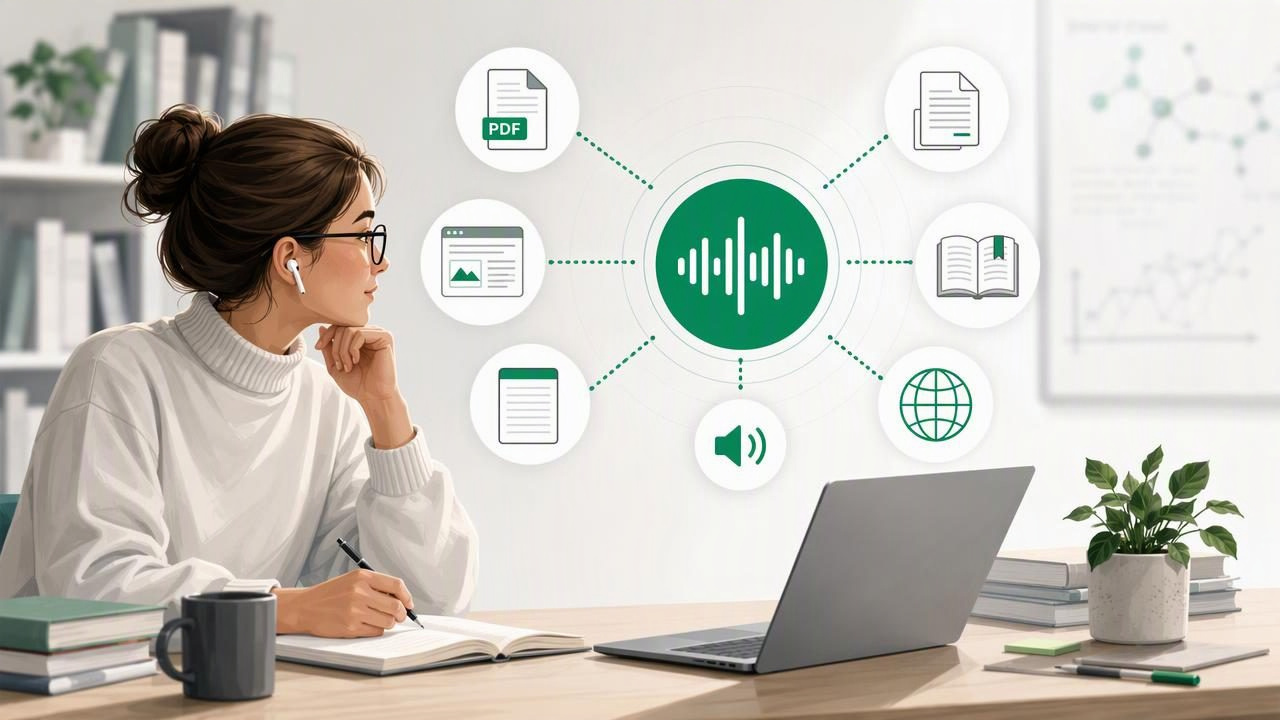
Researchers spend an extraordinary amount of time reading: journal articles, literature reviews, grant proposals, interview transcripts, datasets, book chapters, conference papers, and policy documents. While close reading remains essential, it is not always practical to sit in front of a screen for every page. A reliable text to speech app for researchers can turn reading queues into flexible audio sessions, making it easier to review material while walking, commuting, exercising, or resting your eyes.
Text to speech is not a replacement for analysis, annotation, or source verification. Instead, it is a useful second reading mode. Hearing a paper aloud can reveal unclear wording, make dense material easier to process, and help researchers keep moving through a large volume of content. The right tool should support the formats you use, provide understandable voices, and fit naturally into your research workflow.
Why Researchers Benefit From Text to Speech
Academic and professional research often involves more reading than any one person can comfortably complete on screen. Listening adds flexibility without requiring you to abandon the original document. For many people, the most effective approach is to combine visual reading and audio review rather than choosing one over the other.
- Use otherwise idle time: Listen to background literature during a commute, household task, or walk.
- Reduce screen fatigue: Give your eyes a break after long sessions in databases, spreadsheets, and PDFs.
- Improve proofreading: Hearing your own draft can expose repeated words, missing transitions, and awkward sentences.
- Support comprehension: Synchronized highlighting lets you follow the text while hearing it spoken.
- Increase accessibility: Audio can be especially helpful for researchers with dyslexia, ADHD, visual fatigue, migraines, or other reading barriers.
- Review material in multiple languages: Multilingual voice options can support language study and international research.
The biggest advantage is continuity. Instead of postponing a 30-page article until you have a perfect block of desk time, you can begin absorbing its structure, methods, and arguments in smaller listening sessions.
What to Look for in a Text to Speech App for Researchers
Not every text to speech tool is designed for research-heavy documents. A basic screen reader may be useful for a short web page, but researchers usually need broader file support, better navigation, and dependable playback controls. Evaluate apps based on how well they handle your real source materials.
1. Support for Academic File Formats
Research rarely lives in one format. Downloaded papers are often PDFs, e-books may arrive as EPUB or MOBI files, and drafts frequently come as DOCX documents. A strong app should accept the file types you encounter most often, so you do not need to convert documents before every listening session.
| Format | Common Research Use | Why Audio Helps |
|---|---|---|
| Journal articles, reports, conference papers | Review long documents away from a desk | |
| DOCX | Drafts, proposals, interview notes | Catch editing issues by hearing the prose |
| EPUB | Academic books and open educational texts | Turn chapters into portable listening sessions |
| MOBI | Older e-book collections and Kindle exports | Continue reading across legacy book files |
| Web links | News, institutional pages, blogs, preprints | Listen without keeping a browser tab open |
Before committing to an app, test it with a real article that includes headings, citations, tables, and references. A tool that works well on plain text may not navigate a complex scholarly PDF gracefully.
2. Natural AI Voices That Stay Comfortable
Researchers may listen for hours each week, so voice quality matters. Robotic speech can make dense theory or technical results harder to follow. More natural AI voices typically use better pacing, intonation, and pronunciation, helping listeners remain engaged for longer.
That said, “natural” is subjective. Try several voices with a paper from your field. Listen for how the app handles names, abbreviations, equations, citations, and discipline-specific terminology. No voice will pronounce every specialized term perfectly, but an understandable voice with adjustable speed is a valuable baseline.
3. Speed Controls and Easy Navigation
Playback speed should be adjustable because different materials require different levels of attention. You might listen to a familiar literature review at 2x speed but slow down for a methods section, legal text, or a draft you are editing. Many experienced listeners build speed gradually; starting too fast can reduce retention.
Look for controls that make it easy to pause, skip backward, jump between sections, and resume from the previous position. These features are particularly important when listening to long PDFs or books over several days. A useful text to speech app for researchers should make returning to a passage simpler than hunting for it manually.
4. Synchronized Highlighting
Synchronized highlighting connects audio to the visible text as it is read. This is useful when you need to verify a quotation, follow a complex argument, or identify the location of a claim for later citation. It can also make listening more approachable for users who concentrate best with both visual and auditory input.
For close reading, use highlighting at a slower speed. For broad familiarization with a topic, audio-only listening may be enough. Switching between these modes lets you match your attention level to the purpose of the reading session.
5. Offline Listening and Privacy Considerations
Offline listening is especially useful when traveling, working in a library with unreliable connectivity, or trying to preserve mobile data. Downloading material in advance means a research session can continue on a train, plane, or campus route without interruption.
Privacy also deserves attention. Researchers may work with unpublished manuscripts, confidential notes, sensitive transcripts, or internal reports. Read an app’s privacy policy and permissions carefully before uploading or processing sensitive materials. When appropriate, follow your institution’s data-handling requirements and obtain permission before using third-party tools with protected content.
A Practical Listening Workflow for Research
The most productive listening is purposeful. Treat audio as one stage of your reading system, not as an unstructured stream of information. This simple workflow works for many fields.
- Triage the document visually. Check the abstract, headings, figures, conclusion, and references first. Decide whether the source deserves close attention.
- Set a listening goal. Are you identifying the main argument, checking methodology, gathering quotations, or proofreading your own draft?
- Choose an appropriate speed. Start around a comfortable rate, then increase only when comprehension remains strong.
- Listen in sections. Break a paper into introduction, methods, results, and discussion rather than attempting everything at once.
- Pause for active notes. Capture key claims, questions, page numbers, and follow-up sources in your reference manager or notes app.
- Return to important passages visually. Confirm exact wording, statistics, citations, and page references before using them in your work.
This method avoids a common mistake: treating text to speech as a substitute for rigorous review. Audio is excellent for orientation and reinforcement, but citations and technical details should still be checked against the original source.
Using AI Podcast-Style Audio for Broad Topic Review
Some tools can transform source material into an AI-generated, two-host podcast-style discussion. This format can be useful when you want a high-level overview of a report, a set of notes, or a long article. Conversational framing may make a topic feel more approachable and can help surface major questions or themes.
However, podcast-style summaries should be treated as a companion, not a citable scholarly source. Always return to the original paper for exact evidence, methodological limitations, direct quotations, and nuanced conclusions. The more consequential the decision, the more important it is to validate every claim in the source document itself.
Common Mistakes to Avoid
- Listening too fast too soon: Higher speed is useful only when you still understand and remember the material.
- Ignoring document quality: Scanned PDFs with poor optical character recognition can produce inaccurate narration.
- Skipping visual verification: Tables, equations, charts, and citations often require direct visual review.
- Using audio for every task: Close coding, line-by-line legal analysis, and statistical tables may be better handled on screen.
- Failing to organize files: Clear document names and folders make it much easier to find a paper again.
How to Compare Text to Speech Apps
Apps such as Speechify, NaturalReader, and ElevenReader may be considered alongside other reading tools, but the best choice depends on your workflow rather than brand recognition alone. Create a short test set: one scholarly PDF, one web article, one DOCX draft, and one scanned page. Then compare each app using the same criteria.
- Does it import the formats you use without friction?
- Are the voices comfortable for extended listening?
- Can you adjust speed and resume accurately?
- Does highlighting help you follow the source?
- Can you listen offline when needed?
- Does the privacy approach fit your research context?
A free trial is often the best way to answer these questions. Test the app during a normal week of reading rather than judging it after a few minutes with a short document.
Make Research Reading More Flexible
A well-chosen text to speech app can make a demanding reading list more manageable. It gives researchers another way to engage with literature, review drafts, and keep learning beyond the desk. The goal is not to race through every document; it is to create a sustainable system for reading more intentionally.
For iPhone and iPad users who want to listen to PDFs, EPUBs, MOBI books, DOCX files, web articles, pasted notes, and camera scans, Focal Voice is one option to explore as part of that system.
