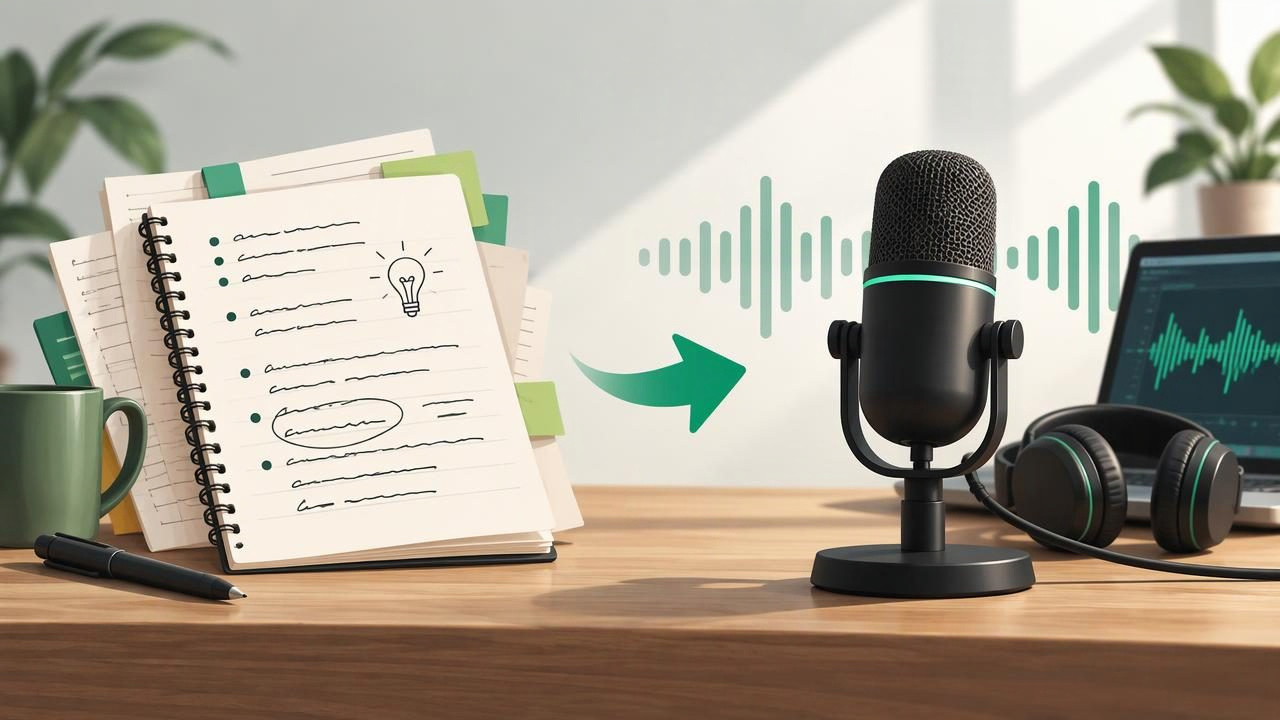
Notes are useful for capturing ideas, but they can be hard to revisit when they are scattered across class documents, meeting notes, research, or a notebook. Turning them into a podcast gives those ideas a more listenable format—one you can play while walking, commuting, or reviewing material away from a screen.
If you are wondering how to convert notes into a podcast, the process is simpler than recording a traditional show. Start with a clear purpose, organize your source material, shape it into a conversation, and use a recording or AI audio tool to produce the episode. This guide walks through each step and explains how to make the result useful, accurate, and easy to follow.
What Does It Mean to Turn Notes Into a Podcast?
It means transforming written information into an audio episode with a beginning, a logical flow, and a clear ending. The source could be lecture notes, a project outline, a meeting summary, research highlights, or personal study notes. The finished audio might be a narrated recap, a two-host discussion, or a short explainer.
A podcast-style format adds more than a spoken reading. It can introduce the topic, connect related points, explain unfamiliar terms, and repeat important takeaways. The goal is not to include every line of your notes. It is to help a listener understand and remember the most important ideas.
1. Decide Who the Episode Is For
Before editing your notes, decide what you want the listener to learn. An episode for your own exam revision can use course terminology and focus on recall. A public-facing explainer may need more background and simpler definitions. A team update should prioritize decisions, responsibilities, and deadlines.
Write one sentence that describes the episode’s purpose. For example: “This episode explains the three stages of cellular respiration for a first-year biology student.” That sentence becomes a filter for what belongs in the audio. If a note does not support the purpose, save it for another episode or leave it out.
2. Clean Up and Organize Your Notes
Audio is less forgiving than a page of text. List fragments, shorthand, repeated points, and unexplained acronyms can sound confusing when read aloud. Review the source first and make it clear enough for someone who cannot see the original document.
- Group related ideas: Put information into a few sections, such as context, key concepts, examples, and conclusions.
- Remove duplication: Keep the clearest version of a repeated point.
- Spell out shorthand: Expand abbreviations on first mention, unless your audience already knows them.
- Flag gaps: Mark claims that need checking instead of asking an audio tool to guess.
- Protect private details: Remove personal, confidential, or sensitive information if it should not be spoken aloud.
For handwritten notes, a camera scan or text-recognition app can help turn the page into editable text. Check the extracted text carefully: OCR may mistake names, numbers, symbols, or technical terms. A small scanning error can change the meaning of a spoken explanation.
3. Create a Podcast Outline
Do not paste a large collection of notes into a generator and expect a focused episode. First, make a short outline. A dependable structure is an opening, three to five main points, and a recap. For a study episode, you can add a question at the end of each section to encourage active recall.
- Opening: Name the subject and explain why it matters.
- Road map: Preview the main ideas so listeners know what to expect.
- Main sections: Explain one connected point at a time, using examples where helpful.
- Recap: Summarize the most important takeaways.
- Closing: Offer a next step, reflection question, or brief sign-off.
Choose an episode length that suits the material. A focused review might take five minutes; a broad topic may need more time or multiple episodes. Shorter, well-organized audio is often easier to replay than a long recording that tries to cover everything.
4. Turn the Outline Into a Natural-Sounding Script
Write for the ear, not just the page. Listeners cannot scan backward as easily as readers, so use clear transitions and introduce each idea before developing it. Prefer direct sentences, explain specialist language, and say what pronouns refer to when the meaning might otherwise be unclear.
For example, instead of reading “Stage two: oxidation; ATP production; electron carriers,” use a spoken explanation: “In the second stage, the cell breaks down the fuel further. This process releases energy and passes it to carriers that help power the next steps.” Keep the wording faithful to your notes, but add only context you can verify.
If you want a two-host AI podcast, prepare a prompt that defines the format and boundaries. Specify the intended audience, desired length, tone, and source. Ask the hosts to stay grounded in the supplied notes, distinguish confirmed information from uncertainty, and avoid inventing quotes or facts. A conversational format should make ideas easier to follow—not turn a serious topic into forced banter.
5. Choose a Recording or AI Audio Workflow
You can record the script yourself, ask another person to read it, or use text-to-speech. Recording your own voice gives you control over emphasis and personality, but it takes a quiet space and some editing. Text-to-speech can be faster and more convenient, especially if you want to make several versions or listen privately.
When comparing tools, look for support for your source format, adjustable playback, voice choices, and a way to review the text alongside audio. Some apps read a document aloud as a straightforward narration; others can generate a podcast-style exchange from source material. These are different workflows, so choose based on whether you need faithful reading or a synthesized discussion.
| Workflow | Useful for | Keep in mind |
|---|---|---|
| Self-recording | Personal delivery and precise emphasis | Requires recording and editing time |
| Text-to-speech narration | Quick playback of a prepared script | Check pronunciation, pacing, and voice quality |
| AI podcast generation | Turning source notes into a host-led conversation | Review the script and audio for accuracy |
6. Review the Audio Before Sharing or Studying
Listen to the whole episode at normal speed before relying on it. Check names, figures, technical terms, transitions, and any point where the hosts appear to claim more than your source supports. Also listen for awkward pauses, repeated explanations, abrupt endings, and mispronunciations.
For a high-stakes subject—such as medical, legal, financial, or workplace information—compare important statements with the original notes. Generated audio is a format, not a fact-checking process. Correct the source or script, then make a new version if needed. If you plan to share the episode, confirm you have permission to use the source material and any third-party content.
7. Make the Episode Easy to Use
Give the audio a descriptive title and, if the app supports it, add a short summary or section markers. Keep the source notes with the episode so you can check details later. For personal learning, pause after a section and try to explain the idea from memory before continuing. You can replay challenging passages or use faster playback once the material feels familiar.
Offline listening can be helpful when you expect limited connectivity, such as during a commute. If you use audio for focused study, reduce distractions and choose a speed that still lets you understand the material. Faster is not automatically more effective; comprehension matters more than finishing quickly.
Common Mistakes to Avoid
- Including every note: Select a few connected ideas instead of creating an unfocused audio dump.
- Skipping a fact check: Read the script and listen for errors, especially in names, numbers, and specialist terms.
- Making the conversation too casual: Natural dialogue can help, but jokes and filler should not obscure the information.
- Ignoring the listener’s needs: Define the audience and explain context they may not have.
- Expecting one draft to be perfect: Treat the first version as an opportunity to find gaps and improve clarity.
A Simple Example
Imagine you have notes from a history lecture about the causes of a major event. First, group the notes into economic, political, and social factors. Next, write an opening that names the event and explains the question the episode will answer. Give each factor its own section, add a sourced example, and finish by comparing how the causes influenced one another. A short recap can then help you test what you remember.
You could narrate this script yourself, use a text-to-speech voice, or create a two-host discussion. Whichever route you choose, compare the finished episode with your notes. The audio should make the material easier to review without changing its meaning.
Frequently Asked Questions
Can I turn handwritten notes into a podcast?
Yes. Scan the pages, convert the image to text with OCR, and proofread the result before creating an outline. Correct recognition errors first, especially in equations, names, and numbers.
Should I use a script or generate audio directly from notes?
A script gives you more control over order, accuracy, and tone. Direct generation can save preparation time, but it still needs review. For important material, create or inspect the script before using the audio.
Can I make a podcast just for personal study?
Absolutely. A private audio recap can make notes easier to revisit while walking or doing routine tasks. Add questions and pauses so listening involves recall, rather than simply playing the content in the background.
Turn Useful Notes Into Audio You Can Revisit
The best note-based podcast begins with a clear purpose and well-organized source material. Build a simple outline, write for listening, choose a workflow that fits your needs, and check the finished audio against the original. For an iPhone or iPad workflow, Focal Voice is one option for turning supported documents and text into narrated audio or podcast-style episodes.
