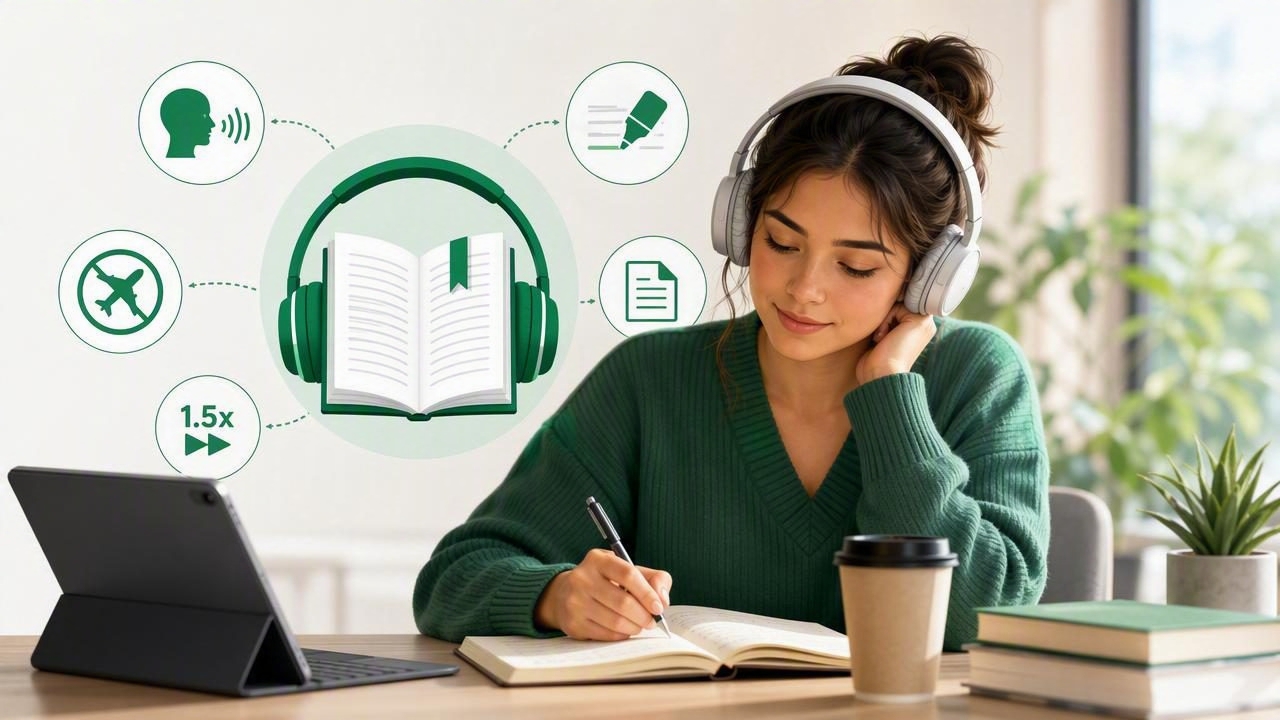
Study plans rarely go exactly as expected. A long reading assignment may collide with a commute, a shift at work, a workout, or a day when sitting still with a screen feels especially difficult. That is why many students are looking for practical ways to turn assigned digital books into audio. Learning how to get better study flexibility with an EPUB audiobook app can help you use more of the small pockets of time already available in your day.
An EPUB audiobook app uses text-to-speech technology to read compatible EPUB files aloud. Instead of treating reading and listening as separate activities, it lets you move between them: read a chapter visually at your desk, listen to it while walking, and return to the same passage later for review. For students managing textbooks, open educational resources, public-domain works, and instructor-provided readings, that flexibility can make a meaningful difference.
This guide explains how EPUB text-to-speech works, how to build a useful listening routine, and which features matter when choosing an app for more adaptable studying on iPhone or iPad.
What Is an EPUB Audiobook App?
EPUB is a common ebook format designed to adapt to different screen sizes. Unlike a fixed-layout PDF, a standard EPUB usually allows readers to change font size, spacing, and display settings. An EPUB audiobook app adds another layer: it converts the written text into spoken narration with a synthetic voice.
It is important to distinguish this from a professionally produced audiobook. A commercial audiobook is generally narrated, edited, and recorded by human performers. An EPUB read-aloud app creates audio from the ebook text, often using natural AI voices. This makes it especially useful when an assigned title is available as an EPUB but does not have an audiobook edition, or when you need to hear only selected chapters rather than an entire book.
The goal is not necessarily to replace visual reading in every situation. Instead, text-to-speech gives you another way to access the same material when conventional reading is inconvenient.
Why EPUB-to-Audio Improves Study Flexibility
Flexibility is about choosing the right study mode for the moment. Visual reading is ideal when you need to annotate closely, inspect charts, cite a passage, or compare several sources. Listening can be more practical when your eyes and hands are occupied or when you want to review material repeatedly without reopening a book.
- Use transition time: Listen during a bus ride, while doing household tasks, or between classes.
- Reduce screen fatigue: Give your eyes a break after hours of online lectures and note-taking.
- Review more often: Replay difficult sections before an exam or discussion.
- Adjust to energy levels: Listen to an introductory chapter when concentration is low, then return to close reading later.
- Support different learning needs: Hearing words while following the text may help some learners maintain focus and process dense material.
For learners with dyslexia, ADHD, visual fatigue, or temporary reading barriers, document narration can also be a valuable accessibility tool. Features such as synchronized highlighting, adjustable speed, and easy playback controls can make it simpler to stay oriented in a long chapter. However, each learner’s needs differ, so it is worth testing settings and routines rather than assuming one format works best for everyone.
Key Features to Look for in an EPUB Text-to-Speech App
Not every ebook reader offers a strong listening experience. Before relying on an app for coursework, look beyond the basic play button. The following features can have a direct effect on study efficiency and comfort.
Natural-Sounding Voices
A robotic voice can make a complex chapter harder to follow. Choose an app with clear, natural AI voices and reliable pronunciation. If you study languages or frequently encounter names, technical terminology, and quotations, test a short chapter first. Voice quality does not need to be perfect, but it should be comfortable enough for sustained listening.
Synchronized Text Highlighting
Highlighting that follows the spoken words connects audio with the page. This is useful when you are learning unfamiliar vocabulary, checking where a speaker is in a dense argument, or returning to a key quote. It also makes switching from listening back to reading much less disruptive.
Playback Speed Controls
A flexible speed range lets you match narration to the task. Start a difficult academic text near normal speed, then gradually increase it as your familiarity improves. Many people find that 1.25x to 1.75x works for review, while faster rates may suit lighter reading or repeated material. Playback up to 3x can be useful, but speed should never come at the cost of comprehension.
Offline Listening
Offline access is essential for reliable commute listening, travel, and study sessions in places with weak Wi-Fi. Download or prepare your EPUB files and voice data in advance where the app supports it. You will avoid interrupted playback and can study without depending on mobile data.
Bookmarks and Navigation
Academic listening needs more than linear playback. Look for chapter navigation, bookmarks, and an easy way to jump backward by a few seconds. These controls are helpful when a definition, formula explanation, or argument moves by too quickly.
| Feature | Why It Matters for Studying | Best Use Case |
|---|---|---|
| Text highlighting | Keeps audio and visual context connected | Vocabulary and close reading |
| Speed control | Matches narration pace to difficulty | Review and repeated listening |
| Offline mode | Prevents connection-related interruptions | Commuting and travel |
| Bookmarks | Helps you return to important passages | Exam preparation |
| Multiple voices | Lets you choose a more comfortable narrator | Long reading sessions |
A Practical EPUB Listening Workflow for Students
An EPUB app works best when it becomes part of a clear study process. Rather than pressing play on an entire textbook and hoping the information sticks, use listening intentionally. This simple workflow can help.
- Prepare the file. Confirm that your EPUB is readable, complete, and legally obtained. Check the table of contents and identify the chapters assigned for the week.
- Preview visually first. Spend a few minutes scanning headings, learning objectives, bold terms, figures, and end-of-chapter questions. This gives your listening session a framework.
- Choose a realistic listening block. A 15-minute walk or 25-minute commute is often easier to sustain than a vague plan to listen “later.”
- Set a comprehension-friendly speed. Begin at 1x or 1.25x for new material. Increase only after you can summarize what you heard.
- Bookmark uncertainty. Mark passages that need visual review instead of repeatedly rewinding while distracted.
- Review actively. After listening, write three to five bullets from memory, answer a practice question, or explain the core idea aloud.
This approach preserves the convenience of audio while still requiring retrieval and reflection. Passive listening alone can feel productive without creating strong recall, particularly for technical or theory-heavy subjects.
How to Combine Listening With Active Study Methods
The most effective study routines use audio as one component of active learning. Try pairing your EPUB narration with one of the methods below.
- Pause-and-predict: Stop after a section heading and predict the next concept or conclusion.
- Question prompts: Turn chapter headings into questions, such as “What causes this process?” or “How does this theory differ from the previous one?” Listen for the answer.
- Two-pass review: Listen once for the overall structure, then read bookmarked sections visually for details, citations, diagrams, and definitions.
- Teach-back: After a chapter, explain the idea in plain language as if teaching a classmate.
- Spaced repetition: Revisit difficult excerpts over several days rather than trying to master everything in one long session.
Study tip: Use audio to understand the flow of an argument, but use visual reading when the assignment depends on tables, equations, source citations, or detailed formatting.
Common Mistakes When Using an EPUB Audiobook App
Text-to-speech is convenient, but a few habits can limit its value. First, avoid choosing the fastest possible speed simply to finish more pages. If you cannot restate the main point, slow down. Second, do not listen to difficult new material only while multitasking heavily. Driving, navigating crowds, or doing demanding work may reduce attention too much for meaningful learning.
Another common mistake is overlooking EPUB formatting. Some books include images, sidebars, footnotes, or complex layouts that do not translate perfectly into narration. Before relying on audio for an assignment, inspect the visual file and make sure you know what elements may be skipped or read awkwardly. Finally, remember that text-to-speech may mispronounce specialized terms. Use your course glossary, lecture materials, or instructor guidance to verify important vocabulary.
Choosing the Right App for Flexible EPUB Study
When comparing text-to-speech apps, focus on your actual reading materials and daily routine. A good choice should import EPUB files smoothly, preserve a usable chapter structure, offer voices you can listen to for extended periods, and provide offline playback if you study away from a connection. If you also read PDFs, DOCX files, web articles, or scanned handouts, consider whether the app supports those formats in the same library.
It is also sensible to use a free trial or a sample EPUB before subscribing. Test navigation, highlighting, voice quality, background playback, and how easily you can resume after closing the app. An app that fits your workflow is more useful than one with a long feature list you never use.
For iPhone and iPad users who want to turn EPUBs and other study materials into flexible audio sessions, Focal Voice is one option to explore, with text following, offline listening, adjustable playback, and support for several document types.
Make Your Reading Schedule Work Around Your Life
An EPUB audiobook app cannot remove the need to think critically, take notes, or practice what you learn. What it can do is make course reading more available. By turning assigned EPUB chapters into audio, you can protect your focused desk time for the tasks that truly need it and use ordinary moments for review, preview, and repetition.
Start with one chapter this week. Preview it visually, listen during a predictable gap in your day, bookmark confusing sections, and finish with a short recall exercise. That small routine can be the first step toward a study schedule that is more adaptable, accessible, and realistic.
