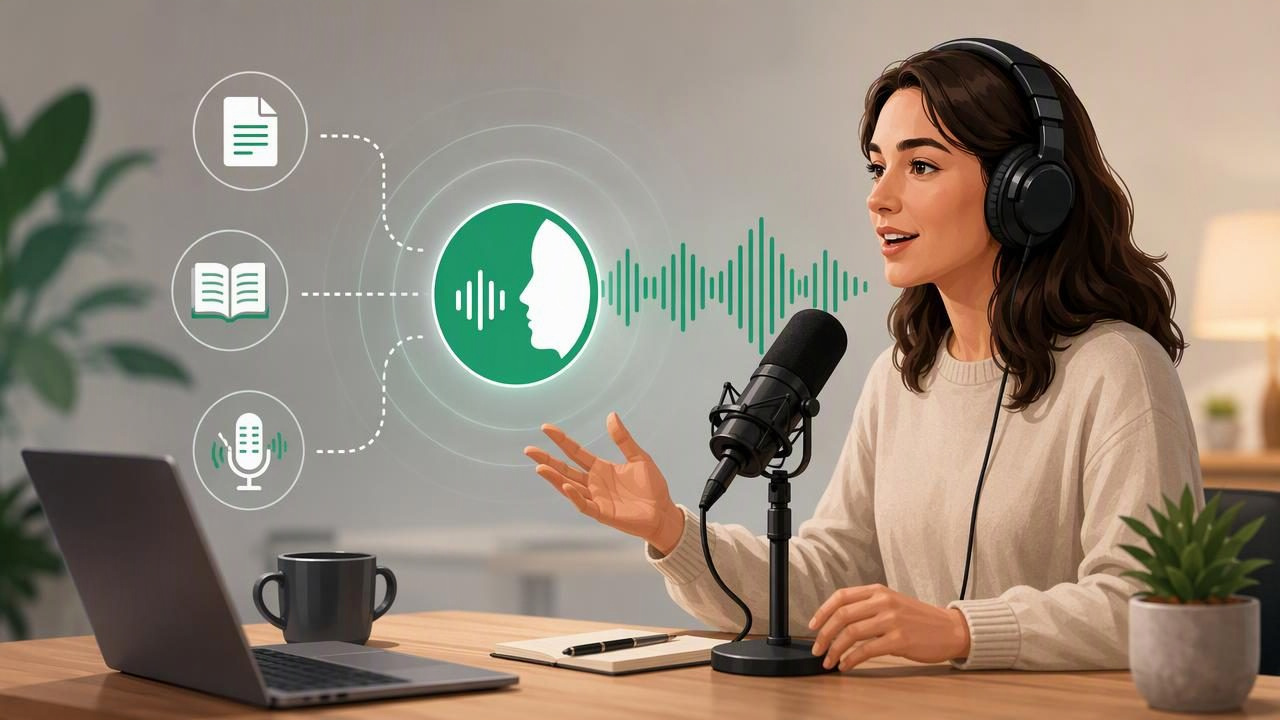
An AI podcast generator can turn dense material into a more engaging listening experience. Instead of hearing a document read word for word, you may hear two hosts explain key ideas, ask useful questions, and summarize the points that matter. This format can make reports, study notes, articles, and long documents easier to absorb while walking, commuting, exercising, or resting your eyes.
But the quality of an AI-generated episode depends heavily on the source material, instructions, voice choices, and review process. If the input is unclear, the narration may sound generic, rushed, repetitive, or overly formal. Learning how to get natural sounding narration with AI podcast generator tools starts with understanding what creates a conversational, listener-friendly result.
This guide explains how to prepare content, shape the episode, select natural AI voices, and refine narration so it sounds useful rather than robotic.
What Makes AI Podcast Narration Sound Natural?
Natural narration is not only about having a realistic synthetic voice. A voice can sound impressively human but still produce an awkward episode if the pacing, script, or conversation structure is poor. The best AI podcast-style episodes combine several elements:
- A clear source: The original document has readable text and a logical structure.
- A focused purpose: The episode is designed for review, explanation, discussion, or summary.
- Conversational scripting: Hosts use short sentences, transitions, questions, and examples.
- Appropriate pacing: The delivery leaves room for listeners to process important points.
- Distinct host roles: One speaker can explain while the other asks clarifying questions or connects ideas.
- Quality control: Names, figures, citations, and confusing passages are checked before listening or sharing.
Think of an AI podcast generator as a presentation tool, not just a text-to-speech reader. A standard document narration may be best when you need every word. A podcast format is often more useful when you want to understand the argument, retain concepts, or revisit the highlights.
Start With Clean, Well-Structured Source Material
AI narration tools work from the content you provide. Before generating an episode, take a few minutes to make the source easier to interpret. This is especially important for scanned pages, technical PDFs, slide decks, and documents with tables.
Check the text before generating audio
If you are importing a PDF, EPUB, DOCX file, web article, or camera scan, inspect the extracted text first. Correct obvious optical character recognition errors, such as a mistaken number, a broken word, or a heading inserted in the middle of a sentence. AI voices will faithfully narrate many errors, including misspellings and stray page labels.
For example, a scan that reads “The study involved 1,OOO participants” may lead to an unclear spoken number. Replacing letter O characters with zeroes before generation improves the final audio immediately.
Remove content that does not need narration
Long navigation menus, legal footers, repeated headers, reference lists, and unrelated advertisements can interrupt an episode. When possible, copy only the relevant article section or document pages. For study material, include the chapter, learning objectives, definitions, and examples, but consider excluding an extensive bibliography unless you need it.
Break very long material into sections
A 100-page report does not always need to become one enormous episode. Dividing it by chapter, theme, or question helps the generator maintain context and gives you shorter audio sessions that are easier to revisit. It also makes corrections less time-consuming.
Useful rule: One episode should answer one main question or cover one connected topic. If the subject changes dramatically, create a new episode.
Give the AI a Specific Episode Goal
The same document can produce very different results depending on the prompt or generation settings. Before you create an episode, decide what you want the listener to gain from it. A vague instruction such as “make a podcast” can lead to a broad, shallow conversation. A clear goal gives the discussion direction.
Try framing the episode around one of these goals:
- Explain a difficult concept in plain English.
- Review chapter highlights before an exam.
- Compare two arguments in a research article.
- Turn meeting notes into an action-focused recap.
- Discuss the practical implications of a business report.
- Introduce a topic to a listener with no prior knowledge.
A strong instruction might be:
Create a 12-minute conversational episode for a university student.
Use two hosts. Explain the central argument, define key terms,
and include three practical examples. Avoid repeating the source
word for word. End with a concise recap and two review questions.
This type of guidance encourages a useful structure while preserving the source material’s meaning.
Use Two Hosts With Complementary Roles
Two-host episodes often sound more natural than a single continuous monologue because conversation creates rhythm. However, the hosts should not simply take turns restating the same point. Give each speaker a role.
| Host Role | Best For | Example Contribution |
|---|---|---|
| Explainer | Definitions and core arguments | “The main idea here is that…” |
| Questioner | Clarification and listener perspective | “What does that mean in practice?” |
| Skeptic | Limitations and alternative views | “Are there cases where this would not work?” |
| Summarizer | Recaps and key takeaways | “So the three points to remember are…” |
For academic content, one host can represent the learner who needs clarification. For professional material, one speaker can focus on decisions, risks, and next steps. This creates a conversation that feels purposeful rather than scripted for its own sake.
Choose Voices That Fit the Content and Audience
Natural AI voices vary in tone, speed, accent, and energy. The best choice depends on what you are listening to. A highly animated voice may work well for a casual explainer but feel distracting for a legal document or research paper. A calm, measured voice can improve comprehension when the material is technical.
When selecting voices, listen for these qualities:
- Clear pronunciation: Especially important for names, terminology, and numbers.
- Comfortable pacing: The voice should not sound rushed at normal speed.
- Contrast between hosts: Different voices help listeners follow the conversation.
- Appropriate emotion: The delivery should match the subject without becoming theatrical.
- Language support: Use a voice designed for the language of the source whenever possible.
Listen to a short preview before generating a full episode. If a voice struggles with abbreviations, foreign words, or specialized vocabulary, adjust spellings in the source text or choose a different voice.
Control Pacing Without Losing the Conversational Feel
Playback speed is useful, but natural pacing begins before you press play. Shorter sentences, meaningful pauses, and clear transitions make narration easier to follow. If an episode is too dense, listeners may increase speed but retain less information.
For most explanatory content, generate at a normal speaking pace first. Then use playback controls based on familiarity with the material. You might listen at 1x when learning a new concept, 1.5x when reviewing, or up to 3x for a familiar document. Synchronized text highlighting can also help you stay oriented while listening.
To improve flow, ask the generator to use transitions such as:
- “Let’s unpack that idea.”
- “Here is a concrete example.”
- “The important distinction is…”
- “Before we move on, let’s summarize.”
These phrases guide the listener through the episode and prevent abrupt jumps between topics.
Review High-Stakes Details Before You Rely on the Audio
AI podcast generation can be excellent for learning and orientation, but it should not replace careful review of important source material. For contracts, medical documents, financial information, academic citations, or safety procedures, verify the original text yourself.
Pay particular attention to dates, measurements, percentages, names, negations, and exceptions. A phrase such as “not recommended” or “only under certain conditions” can change the meaning of an entire section. If the generated discussion simplifies a nuanced point, return to the document and check the context.
A quick quality-control checklist
- Listen to the first two minutes for tone, pronunciation, and pace.
- Check whether the episode identifies the main topic correctly.
- Confirm that key facts and numbers match the original source.
- Notice repeated points or filler language.
- Regenerate or split the content if the discussion becomes unfocused.
- Save the final audio for offline listening when you expect limited connectivity.
When to Use an AI Podcast Generator Instead of Standard Text to Speech
Both formats have a place in an effective listening workflow. Standard text to speech is ideal for linear reading: hearing an entire PDF, following an EPUB book, listening to a web article, or reviewing a document word for word. It can also support accessibility needs, including readers with dyslexia, ADHD, visual fatigue, or limited reading time.
An AI podcast generator is often better when you want interpretation and engagement. It can turn reading into a guided discussion, which is useful for study sessions, report reviews, and idea exploration.
- Use text to speech when precision and complete coverage matter most.
- Use a podcast-style episode when you want a digestible explanation, discussion, or recap.
- Use both by listening to a generated overview first, then returning to the original document for detailed sections.
Build a Repeatable Listening Workflow
The most natural results come from a repeatable process: clean the source, define the audience, choose a conversational structure, preview the voices, and review the output. Over time, you can develop templates for lectures, research papers, client reports, or weekly reading lists.
For iPhone and iPad users, a tool such as Focal Voice can support this workflow by turning documents, web links, notes, books, and scans into natural audio, including two-host AI podcast-style episodes. Whether you choose conversational audio or direct document narration, the goal is the same: make important reading easier to understand and easier to fit into your day.
