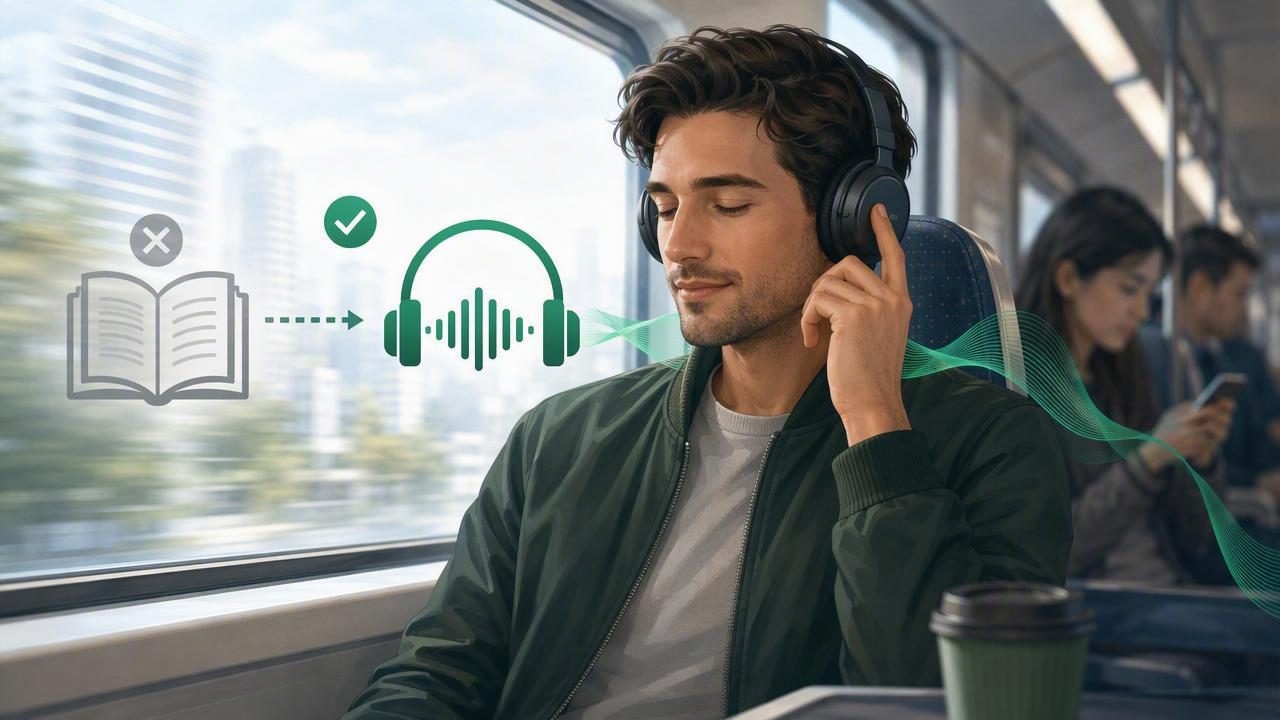
For many people, a commute is the only uninterrupted time available for catching up on reading. Unfortunately, reading a PDF on a crowded train, checking an article while walking, or holding a book on a bus is not always practical—or safe. Learning how to listen instead of reading on a commute can turn travel time into a useful, lower-stress part of the day.
Text-to-speech technology makes it possible to hear documents, ebooks, web articles, notes, and even scanned paper pages in natural-sounding voices. Whether you are commuting by train, bus, car, bicycle, or on foot, an audio-first routine can help you keep learning without staring at another screen.
This guide explains how to build a better commute listening setup, which formats work best, when offline listening matters, and how to use text to speech safely and effectively.
Why Listen Instead of Reading During Your Commute?
Commutes create a unique challenge: your attention is split. You may be navigating traffic, watching for your stop, carrying bags, standing in a crowded carriage, or moving through changing weather. Visual reading requires sustained focus on a screen or page, while listening can fit more naturally around movement and environmental awareness.
Choosing audio does not mean giving up on reading. It means changing the format to suit the moment. A document narration app can read your content aloud while you focus on getting where you need to go.
- Use otherwise idle time: Turn regular travel into time for books, coursework, work documents, and saved articles.
- Reduce screen fatigue: Give your eyes a break after a day of computer work or studying.
- Improve accessibility: Audio can support people with dyslexia, ADHD, low vision, migraines, or reading fatigue.
- Keep your hands free: Listening is easier than holding a phone, tablet, or printout while standing.
- Maintain awareness: With one ear free or a low volume setting, you can stay more alert to your surroundings.
Audio also makes dense material less intimidating. A 40-page report can feel like a major task when it sits unopened in your inbox. Break it into a few listening sessions, however, and it becomes more manageable.
What Can You Listen to Instead of Read?
A commute listening library can include far more than traditional audiobooks. Modern text-to-speech tools can turn many common file types and sources into speech.
| Content type | Best use during a commute | Helpful feature |
|---|---|---|
| PDF files | Reports, research papers, manuals, class readings | PDF read aloud with page tracking |
| EPUB books | Novels, nonfiction, digital textbooks | EPUB to audiobook-style playback |
| MOBI books | Older ebook libraries and downloaded titles | MOBI reader with voice narration |
| DOCX documents | Drafts, meeting notes, proposals, essays | Document narration and speed control |
| Web articles | Newsletters, long-form journalism, blog posts | Clean article import and listen-later queue |
| Camera scans | Printed handouts, letters, book excerpts | OCR camera scan to speech |
Not every item belongs in your queue. Documents packed with tables, formulas, legal citations, code, or visual diagrams may require more focused screen time later. For a commute, prioritize material that is primarily written in complete sentences and does not depend heavily on visual formatting.
Build a Commute-Friendly Listening Queue
The best time to prepare your listening is before you leave. Trying to locate a file, fix an import issue, or decide what to hear while running for the train can make the process feel frustrating. A small amount of preparation makes listening much more reliable.
1. Choose content that matches your commute length
Think in segments rather than giant reading goals. If your journey takes 25 minutes, queue an article that takes roughly 20 to 30 minutes at your preferred speed. For longer books and reports, use bookmarks or chapter breaks as natural stopping points.
A practical mix could include:
- A short article for a 10-minute walk.
- A chapter of an EPUB book for a 30-minute train ride.
- A saved work document for a longer weekly commute.
- A relaxed novel or podcast-style summary for the trip home.
2. Download content for offline listening
Mobile coverage is not dependable everywhere. Underground stations, tunnels, rural roads, and congested transit routes can interrupt streaming. Downloading files and preparing audio before departure means your reading does not stop when your connection does.
Offline listening is especially useful for large PDFs, ebooks, and web articles that would otherwise need to load over cellular data. It can also reduce battery drain and help you avoid using more data than expected.
3. Use clear file names and folders
Organize your material with simple names such as Monday Research Article, Marketing Report Chapter 2, or History Textbook Pages 40–65. Keep a dedicated folder or in-app list for commute content. This separates urgent, easy-to-listen items from documents that need deeper review at a desk.
Choose the Right Voice and Playback Speed
A voice that is pleasant for five minutes may be tiring after half an hour. Natural AI voices can make long-form listening feel smoother because they use more human-like pacing and intonation than older robotic screen readers.
There is no universally perfect speed. Start around 1x to 1.25x when you are listening to unfamiliar or technical material. As you become more comfortable, many listeners prefer 1.5x to 2x for articles, familiar topics, or fiction. Some experienced users listen at up to 3x, but faster is not always better.
| Listening situation | Suggested speed | Why it works |
|---|---|---|
| Technical study material | 1x–1.25x | Leaves room to process unfamiliar concepts |
| Work reports and articles | 1.25x–1.75x | Balances efficiency and comprehension |
| Familiar nonfiction or fiction | 1.5x–2x | Keeps momentum without feeling rushed |
| Quick review before a meeting | 2x–3x | Useful for material you already know |
If you repeatedly rewind, lower the speed. The goal is not to finish as quickly as possible; it is to retain enough of what you hear to make the session worthwhile.
Use Active Listening for Study and Work
Listening is convenient, but passive background audio is not always enough for important information. If you are studying by listening or reviewing work material, use a few active listening habits to improve recall.
- Set one purpose: Before pressing play, decide what you want to learn. For example: identify three key findings from a report.
- Pause at section breaks: Brief pauses help your brain organize the material.
- Save timestamps or bookmarks: Mark passages that need a closer screen review later.
- Repeat difficult sections: Replaying one paragraph is often more effective than forcing yourself onward.
- Write a short summary after arrival: Capture the main idea in one or two sentences before moving into your day.
Synchronized highlighting can be particularly useful when you have a seat and can occasionally glance at the text. Seeing each sentence as it is spoken reinforces word recognition and helps you find your place if you need to switch back to visual reading.
Safety Tips for Listening on the Move
Listening should never reduce your awareness of traffic, announcements, people, or hazards. The safest setup depends on how you travel.
- Walking: Keep volume low enough to hear bicycles, vehicles, crossing signals, and other people. Consider one earbud only where appropriate.
- Driving: Start playback and select content before driving. Avoid touching your device while the vehicle is moving, and choose easy-to-follow material rather than complicated study content.
- Public transit: Use headphones to respect others, but remain alert for stop announcements and service changes.
- Cycling: Follow local laws and prioritize environmental awareness. In many situations, it is safer to skip headphones entirely.
- Late-night travel: Avoid becoming so absorbed that you lose situational awareness.
For driving, remember that text to speech is not automatically distraction-free. Complex material can still compete for attention. Treat dense legal documents, detailed spreadsheets, and emotionally intense content as desk-reading material.
Common Problems—and Simple Fixes
“The audio keeps cutting out.”
Prepare files for offline listening before leaving home or work. Download content over Wi-Fi, confirm that it opens correctly, and keep your app updated.
“I lose my place between trips.”
Use an app that saves your progress automatically. Bookmarks and synchronized text highlighting also make it easy to resume after changing trains or stepping off the bus.
“The voice mispronounces names or abbreviations.”
Try another available voice, slow the speed slightly, or edit unusual abbreviations in pasted text. Some documents are written for visual scanning rather than speech, so small cleanup changes can improve narration.
“I do not remember what I heard.”
Reduce playback speed, listen in shorter sections, and make a quick voice note or written summary at the end of the trip. For essential material, review highlighted passages later.
Make Commute Listening a Sustainable Habit
The easiest way to make listening stick is to link it to an existing routine. Prepare your queue while charging your phone at night, start a saved article after you lock your front door, or reserve a favorite book for the return journey. These small cues reduce decision fatigue.
It also helps to keep expectations realistic. Some days you will listen for 40 minutes; other days you may only manage five. Both count. A consistent habit of listening instead of reading on a commute can add up to books finished, articles understood, and less time spent doom-scrolling.
Look for a text-to-speech app that supports the formats you already use, offers comfortable natural voices, remembers your position, and works offline. For iPhone and iPad users who want to turn PDFs, EPUBs, web links, scans, and notes into audio, Focal Voice is one option designed for building that kind of flexible listening routine.
Ultimately, the best commute listening system is simple: choose useful content, download it in advance, listen at a pace you can understand, and stay aware of the world around you.
