Long web articles can be valuable, but finding uninterrupted time to read them is difficult. Research explainers, course materials, industry reports, news analysis, and saved articles often stay open in browser tabs for days because reading them requires full visual attention.
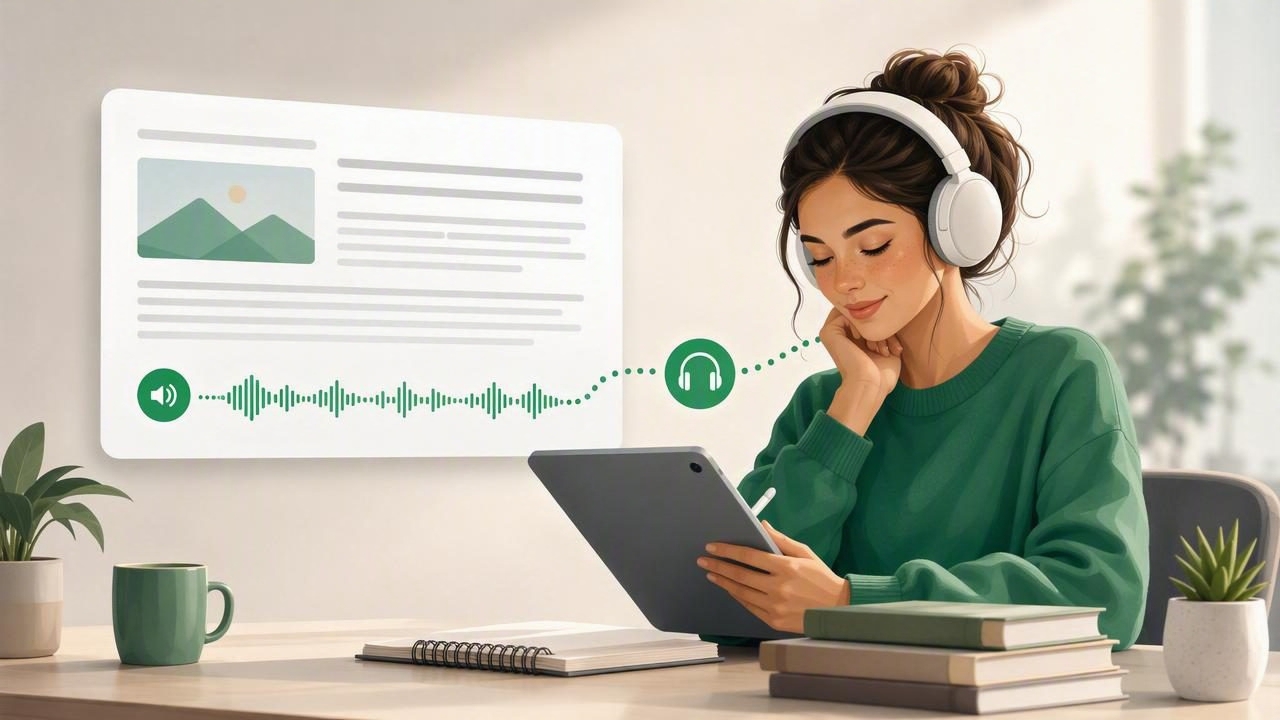
A practical alternative is to listen to a web article with a study listening app. Text-to-speech technology turns written online content into audio, allowing you to absorb information while walking, commuting, cooking, exercising, or taking a screen break. When used intentionally, it can also support focused study sessions, improve accessibility, and make challenging material feel more manageable.
This guide explains how web article listening works, how to prepare articles for audio, and how to create a better study routine on an iPhone or iPad.
Why Listen to Web Articles Instead of Reading Them?
Listening is not a replacement for every kind of reading. Visual reading is still useful when you need to inspect charts, compare passages, write citations, or closely analyze technical details. But audio can be an excellent format for first-pass comprehension, review, and keeping up with a large reading list.
For many people, a study listening app solves a simple problem: important information is trapped in a format that does not fit the moment. You may have 30 minutes available during a train ride, but no quiet desk space. You may want to learn from an article while resting your eyes. Or you may concentrate better when text is both spoken and highlighted on screen.
- Use otherwise idle time: Turn walks, chores, and travel into low-pressure learning time.
- Reduce screen fatigue: Give your eyes a break after a day of working, studying, or scrolling.
- Support comprehension: Hearing sentences can make dense writing feel more conversational and easier to follow.
- Improve accessibility: Audio reading can be especially helpful for people with dyslexia, ADHD, low vision, migraines, or reading fatigue.
- Review material repeatedly: Replay difficult sections without needing to find your place on a page.
What Is a Study Listening App?
A study listening app is a text-to-speech tool designed to convert written material into spoken audio. Unlike a basic screen reader, a strong study-focused app usually gives you more control over the learning experience. It may import web links, documents, ebooks, notes, and pasted text; use natural AI voices; remember your position; and let you adjust playback speed.
The most useful apps also combine audio with visual support. Synchronized text highlighting, for example, shows the sentence or phrase currently being read. This can help listeners stay oriented, particularly when reading academic writing, unfamiliar terminology, or longer articles.
Look for these features when choosing an app for web article listening:
- Direct web-link import or a share-sheet option from Safari
- Clear, natural-sounding voices in your preferred language
- Adjustable speed, ideally from slower review speeds to faster listening
- Sentence, paragraph, or chapter navigation
- Synchronized highlighting and saved listening position
- Offline playback for saved content
- Support for PDFs, EPUB files, DOCX documents, and pasted notes
How to Listen to a Web Article on iPhone or iPad
The exact steps vary by app, but the workflow is usually straightforward. Start with an article that has a clear text structure and then save it to your listening library.
- Open the article in Safari. Choose a complete article from a credible publication, educational site, blog, or research source.
- Remove distractions where possible. Safari Reader can simplify many pages by removing navigation bars, ads, and unrelated links before you share or copy the content.
- Send the article to your text-to-speech app. Use the iOS Share button, copy and paste the URL, or paste the article text into the app, depending on its import options.
- Check the imported text. Confirm that the title, headings, paragraphs, and key sections came through correctly. Web pages with heavy scripts, image-only text, or paywalls may need extra cleanup.
- Select a voice and speed. Begin at a comfortable pace, then increase speed gradually as your familiarity grows.
- Listen actively. Follow the highlighted text, pause at important ideas, and save notes or quotes for later review.
If the page does not import well, try copying the readable text into a note, exporting the page as a PDF, or using Safari Reader first. These small steps often create a cleaner document narration experience.
Set the Right Playback Speed for Studying
Fast playback is useful, but it is not automatically better. The best speed depends on the content, your familiarity with the topic, and what you need to do afterward. Listening to a casual news recap at 2x is very different from studying a philosophy essay, legal analysis, or scientific article.
| Listening goal | Suggested speed | Best use case |
|---|---|---|
| Close study | 0.9x–1.2x | New, technical, or detail-heavy material |
| Normal comprehension | 1.25x–1.6x | Articles you want to understand and remember |
| Review | 1.75x–2.25x | Material you have already read or heard |
| Quick scan | 2.5x–3x | Finding relevant sections or refreshing familiar content |
Start slower than you think you need. Once you can summarize each section without replaying it, increase the speed by a small amount. If you notice your attention drifting, reduce the speed rather than forcing yourself through the article.
Active Listening Techniques That Improve Retention
Simply pressing play is convenient, but intentional listening creates better learning results. Treat audio articles as study material rather than background noise when the subject matters.
Preview Before You Press Play
Spend 30 seconds scanning the headline, author, subheadings, introduction, and conclusion. This gives your brain a framework for the information you are about to hear. You will be more likely to notice the article’s central argument and supporting evidence.
Pause at Natural Breaks
Pause after each major section and ask yourself: What was the point? What evidence supported it? How does it connect to what I already know? A short mental summary is more effective than replaying an entire article without reflection.
Use Notes Sparingly
Do not attempt to transcribe every sentence. Instead, capture one of these items:
- A key claim you may want to revisit
- A definition, statistic, or unfamiliar term
- A question raised by the article
- An action item or idea to apply
On iPhone or iPad, you can pause playback and add a brief note in a notes app. If the listening app supports bookmarks or highlighted passages, use those tools to mark sections for later visual review.
When Audio Works Best—and When It Does Not
Listening is especially effective for explanatory articles, interviews, essays, newsletters, background reading, and narrative nonfiction. It is also useful for reviewing course readings after you have already looked at the source visually.
However, some content should not be audio-only. Tables, mathematical equations, diagrams, code, maps, and data visualizations usually require the screen. In these cases, combine formats: listen to the surrounding explanation, then stop to inspect the visual elements on your iPhone, iPad, or computer.
Audio is most effective when it matches the task. Use listening to understand flow and ideas; use visual reading to inspect structure, evidence, and details.
Build a Simple Web Article Listening Routine
A consistent system prevents saved links from becoming an overwhelming digital pile. Try this lightweight routine:
- Save selectively: Add only articles that genuinely support a current interest, assignment, or goal.
- Choose a daily listening window: A 15- to 30-minute commute, walk, or evening reset is enough.
- Label content by purpose: Use categories such as “Study,” “Work,” “Ideas,” and “Later.”
- Finish before adding more: Aim to complete or deliberately archive articles before importing a large new batch.
- Review important pieces: Revisit bookmarks, notes, and difficult passages visually after listening.
This method turns web reading into a manageable habit rather than an endless queue. It also helps you distinguish between articles worth deep attention and articles that only need a quick overview.
Choosing Between Text-to-Speech Apps
When comparing text-to-speech apps, avoid choosing solely on voice quality. Services such as Speechify, NaturalReader, and ElevenReader may suit different workflows, devices, content types, and budget preferences. The best option is the one that handles the material you actually read and makes it easy to return to it.
Consider testing an app with three real examples: a long web article, a PDF with headings, and an ebook or document. Evaluate how cleanly each file imports, whether navigation is intuitive, how natural the voice sounds, and whether playback remains available offline. For iPhone and iPad users who want web links, documents, scans, ebooks, synchronized highlighting, and optional AI podcast-style summaries in one place, Focal Voice is one option to explore.
Make Web Reading Fit Your Life
Learning does not have to happen only when you are sitting quietly with a screen. With the right study listening app, a useful web article can become an audio lesson that travels with you. Start with one well-chosen article, listen at a comfortable speed, pause to reflect, and review the most important parts afterward. Over time, that small habit can make it easier to keep up with the reading that matters.
