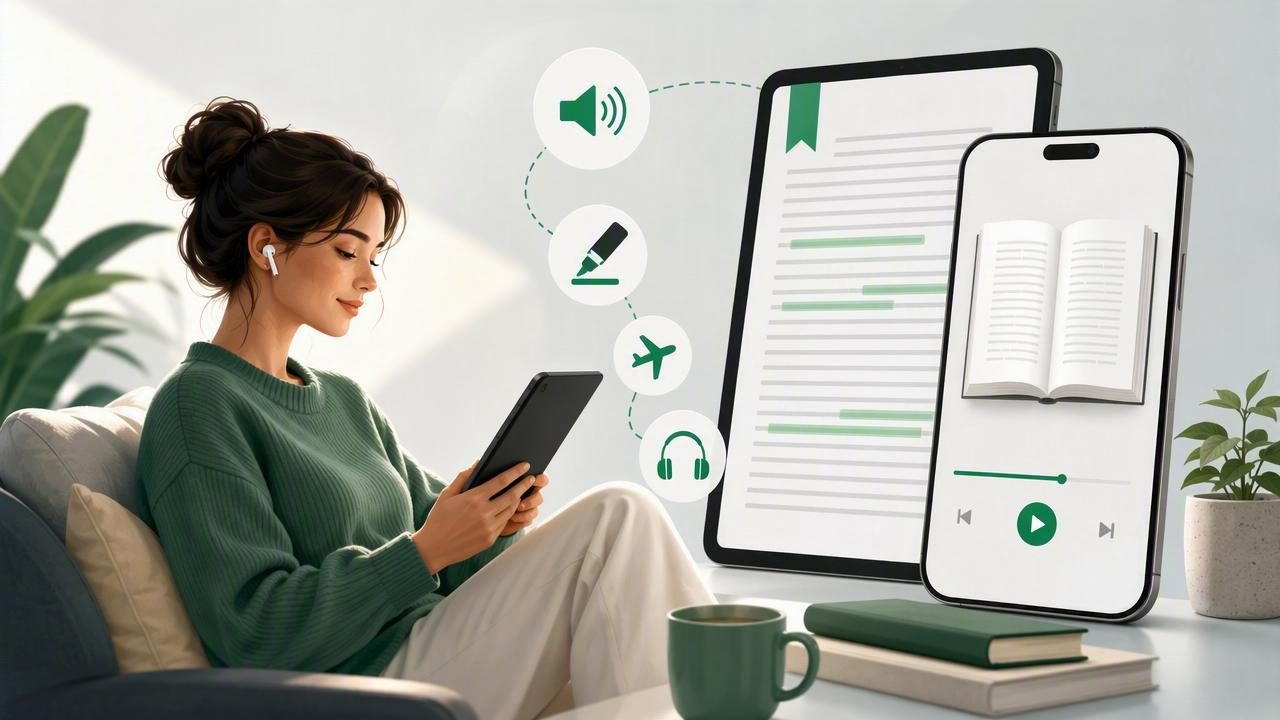
Long-form reading can be rewarding, but it is not always easy to fit into a busy day. A 400-page nonfiction book, a lengthy novel, a research document, or a collection of essays may feel difficult to finish when you are juggling work, study, family, and screen fatigue. For many readers, the answer is not reading less. It is finding a more flexible way to consume the material.
If you are searching for how to get easier long form reading with mobi reader app, the best approach is to use an app that does more than simply open a book file. A capable MOBI reader can help you adjust the reading experience, organize your library, and turn written content into audio for listening at home, on a walk, or during a commute.
This guide explains what MOBI files are, why long books can be challenging on mobile devices, and which features can make reading more comfortable and sustainable on an iPhone or iPad.
What Is a MOBI File?
MOBI is an ebook file format designed for digital books. It was widely associated with early ebook readers and remains common in personal ebook libraries, older downloads, and files shared by authors or publishers. A MOBI book can contain structured chapters, images, navigation links, and formatting intended for a reading experience rather than a standard document layout.
Unlike a fixed-layout PDF, most MOBI books are reflowable. This means the text can adapt when you change the font size, spacing, or device orientation. That flexibility is particularly useful for long-form reading because you can tailor the page to your eyesight, reading environment, and attention span.
However, not every default reading tool on iPhone or iPad handles MOBI files equally well. Some apps may require conversion, offer limited typography controls, or lack features such as read-aloud narration and synchronized text highlighting. Choosing the right MOBI reader app can make a substantial difference.
Why Long-Form Reading Feels Harder on a Phone
Reading a short article on a phone is very different from working through a full-length book. Long-form content asks for sustained attention, memory, and time. Even enthusiastic readers may lose momentum when a book stays unfinished for days or weeks.
Common barriers include:
- Limited uninterrupted time: Many people only have small windows between errands, meetings, or classes.
- Visual fatigue: Small text, bright screens, and poor line spacing can make reading physically tiring.
- Attention challenges: Readers with ADHD may find it difficult to remain focused on dense text without additional support.
- Accessibility needs: Dyslexia, low vision, migraines, or processing differences can make traditional visual reading less comfortable.
- Device distractions: Notifications and app switching can interrupt concentration before a reading habit has a chance to form.
A good reading setup does not eliminate every distraction, but it reduces friction. The goal is to make returning to a book feel simple enough that you can keep progressing, even in short sessions.
Features That Make a MOBI Reader App Better for Long Books
When evaluating a MOBI reader, look beyond whether it can open the file. The following features are especially valuable for novels, textbooks, biographies, and other lengthy material.
1. Adjustable Text and Reading Layout
Long reading sessions become easier when the page looks comfortable. Choose a reader that lets you increase font size, change typefaces, adjust margins, and modify line spacing. Dark mode and warm background options can also reduce glare in low-light settings.
There is no universal “best” font size. The right setup is the one that allows you to read without squinting, rushing, or constantly losing your place. On an iPad, a slightly wider layout may feel more book-like. On an iPhone, larger text and shorter line lengths can improve readability.
2. Text-to-Speech Narration
A text-to-speech app for iPhone and iPad can turn a MOBI book into a more flexible listening experience. Instead of choosing between reading and everything else on your schedule, you can listen while folding laundry, walking the dog, preparing meals, or commuting.
Natural AI voices are important here. Robotic narration can make a long book harder to follow, while smoother voices can make character-driven fiction and complex nonfiction more engaging. Listening does not have to replace visual reading. Many people switch between the two based on context.
3. Synchronized Highlighting
When narration highlights words or sentences as they are spoken, it creates a useful bridge between listening and reading. This feature can help you track the text, stay oriented in a chapter, and quickly resume if your attention drifts.
Synchronized highlighting can be particularly helpful for people studying in a second language, readers with dyslexia, and anyone who processes information better through both visual and auditory input. It may also help you understand difficult passages by slowing the experience down without making it feel passive.
4. Playback Speed Controls
One reader may prefer a calm pace for literary fiction, while another may listen to a business book at 1.5x or faster. Playback controls let you choose the pace that matches the material and your comfort level. For familiar or repetitive sections, faster playback can help you move forward. For technical chapters, slowing down may improve retention.
Some people gradually build up to reading at up to 3x speed. There is no need to force it: comprehension matters more than speed. Treat playback speed as a dial, not a test.
5. Offline Listening
Offline listening is essential if you want long-form reading to fit around real life. Downloaded books and voices allow you to keep listening on flights, underground trains, rural trips, or anywhere with an unreliable connection. It also avoids using mobile data for every reading session.
Before traveling, open the MOBI file, confirm that the voice is available offline, and test a few minutes of playback. This small step prevents a frustrating surprise when you are ready to listen.
A Practical Workflow for Reading MOBI Books on iPhone or iPad
Creating a repeatable routine is one of the easiest ways to finish more long books. Use this simple process when you receive a new MOBI file.
- Save the file: Download the MOBI book from email, cloud storage, a website, or the Files app.
- Import it into a compatible reader: Use the Share menu or an in-app import option to add the book to your library.
- Set your reading preferences: Adjust text size, background, line spacing, and brightness before starting.
- Choose a listening voice: If you plan to use narration, select a natural voice that is pleasant over long sessions.
- Start with a short session: Read or listen for 10 to 15 minutes rather than trying to finish several chapters immediately.
- Use bookmarks and highlights: Mark key passages, unfamiliar terms, or places where you want to resume later.
- Switch modes as needed: Read visually when you can focus; listen when your hands and eyes are busy.
This method turns a static ebook file into a format that can travel with you throughout the day.
Reading vs. Listening: When to Use Each Mode
| Situation | Best Mode | Why It Helps |
|---|---|---|
| Studying a complex chapter | Read with highlighting | Supports note-taking, rereading, and close attention. |
| Commuting or walking | Listen offline | Uses time that is not practical for visual reading. |
| Reading before bed | Large text or calm narration | Can reduce strain compared with small, bright text. |
| Learning a language | Listen and follow along | Connects pronunciation, spelling, and sentence rhythm. |
| Returning after a break | Listen at a slower speed | Helps you reconnect with the plot or argument. |
The most effective readers do not treat audio and visual reading as competing formats. They use both. A chapter started visually on an iPad can continue as audio on an iPhone, then return to the page later when it is time to review a section.
Tips for Better Focus With Long-Form Content
Technology helps, but sustainable reading also depends on habits. Try these strategies to reduce the pressure of a large book.
- Set a small daily target: Ten pages or fifteen minutes is easier to maintain than an ambitious weekly goal.
- Pair reading with an existing routine: Listen during a daily walk, morning coffee, or evening cleanup.
- Use chapter boundaries: Stopping at a natural break makes it easier to remember where you are.
- Silence notifications: A focused reading mode can prevent one message from becoming twenty minutes of scrolling.
- Do not fear rereading: Replaying a difficult paragraph is often more efficient than pushing forward without understanding it.
For readers with ADHD or dyslexia, combining narration with highlighted text may make long passages feel less overwhelming. Accessibility features are not merely backup options; they can be powerful tools for building a reading practice that works with your brain rather than against it.
Choosing the Right MOBI Reader for Your Needs
Before downloading an app, consider what you need most. If you only want to view a book, basic MOBI compatibility may be enough. If your goal is to finish more long-form content, prioritize flexible narration, offline access, clear text controls, and reliable progress tracking.
Also consider the kinds of files you use. Many readers benefit from an app that supports EPUB books, PDFs, DOCX documents, web articles, pasted notes, and camera scans in addition to MOBI. Keeping different reading materials in one place can make it easier to maintain a consistent listen-and-read routine.
For iPhone and iPad users looking to combine MOBI reading, document narration, synchronized highlighting, and natural voices, Focal Voice is one option to explore. The most important factor, however, is choosing a tool that makes you genuinely want to return to your book.
Make Long Books Fit Your Life
A MOBI reader app can make long-form reading feel more manageable by giving you choices. You can enlarge the text, read in shorter sessions, listen while moving, follow along with highlighted words, and continue offline when the internet is unavailable.
Rather than waiting for a perfect quiet afternoon, build a system that lets books fit into the time you already have. With the right reading and listening tools, a long MOBI file becomes less of a daunting commitment and more of a story, lesson, or idea you can carry with you.
