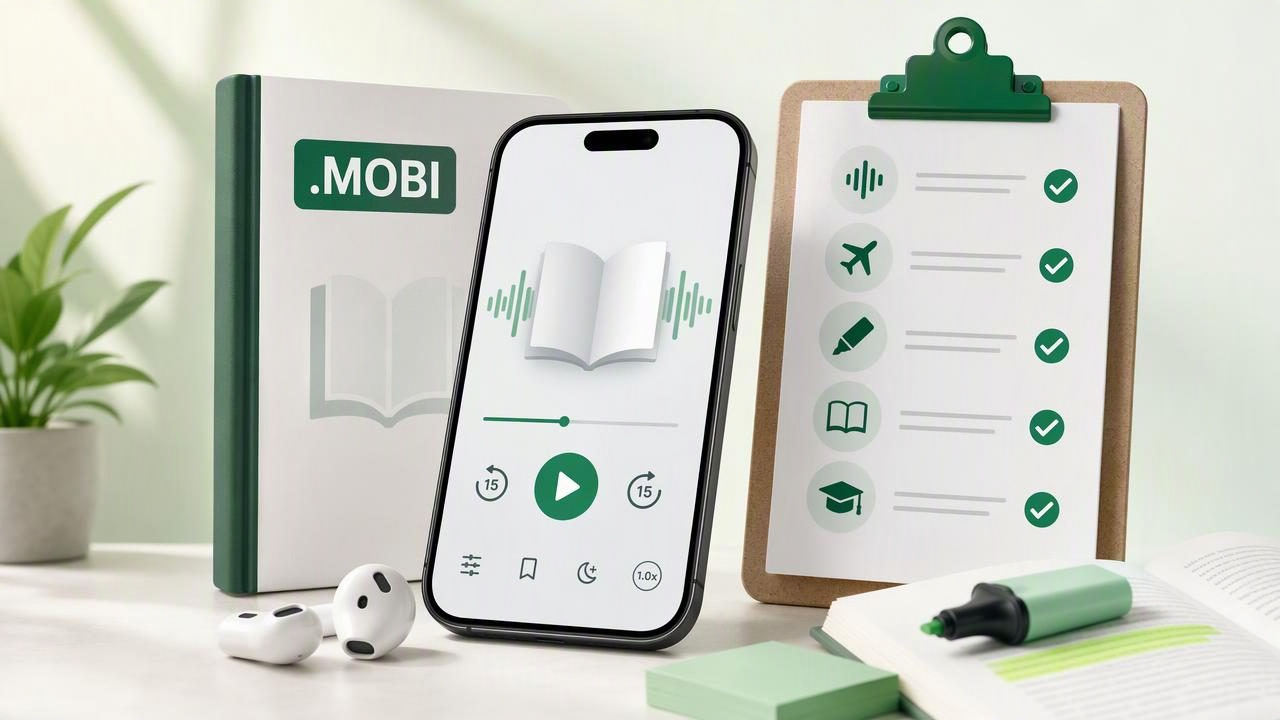
A MOBI book can contain far more than a casual novel. Students, researchers, professionals, and lifelong learners often receive reference books, course materials, public-domain titles, and archived ebooks in the MOBI format. But reading a long file only on a screen is not always practical. If you want to study while walking, commuting, doing chores, or resting your eyes, the ability to listen to a MOBI book can make your reading routine much more flexible.
The right study listening app does more than convert text into sound. It should make it easy to import files, use clear voices, follow along with synchronized text, save progress, and keep listening when you lose an internet connection. This checklist explains what to look for before choosing an app for MOBI text-to-speech on an iPhone or iPad.
What Is a MOBI Book?
MOBI is an ebook file format historically associated with Mobipocket and widely used with older Kindle-compatible ebook files. A MOBI file is designed to reflow its text for different screen sizes, much like an EPUB. That makes it convenient for reading on phones and tablets, but it does not automatically make the book an audiobook.
To hear the content, you need a reader or text-to-speech app that can import the MOBI file, extract its readable text, and narrate it using a digital voice. Some apps can open ebooks but offer few listening controls. Others specialize in document narration and provide tools that are more useful for focused study.
Before importing a file, confirm that you have the right to access and use it. Also note that some commercially protected ebooks use digital rights management (DRM), which may limit whether third-party apps can open or narrate them. This checklist is most useful for DRM-free MOBI books, personal documents, legally obtained files, and ebooks your chosen app supports.
The Essential Checklist for Listening to MOBI Books
Use the following criteria to decide whether an app fits your study habits rather than simply choosing the first app that says it supports text to speech.
1. Confirm MOBI Import Works Smoothly
Your first requirement is straightforward: the app should support importing MOBI files directly on iPhone or iPad. Look for a workflow that works through the Files app, a Share Sheet option, cloud storage, or drag and drop on iPad.
- Can you select a MOBI file from Files, iCloud Drive, Google Drive, or Dropbox?
- Does the import preserve chapters, headings, and paragraph breaks?
- Can you keep the original file organized in a library?
- Does the app clearly show when processing is complete?
A clean import process matters because study materials often arrive from multiple places. If every book requires a conversion tool, an email attachment workaround, or repeated troubleshooting, you are less likely to build a consistent listening habit.
2. Look for Natural, Comfortable AI Voices
Voice quality has a major effect on comprehension. A robotic voice may be tolerable for a short article, but it becomes tiring during a 300-page book. Choose an app with natural AI voices that use sensible pacing, pauses, and pronunciation.
Test a voice with a dense page from your MOBI book. Listen for how it handles names, technical terms, quotations, bullet lists, and section headings. The best voice is not necessarily the most dramatic one; it is the one you can understand comfortably over a sustained session.
Language options are also important for multilingual readers. If you study texts in more than one language, check whether voices are available in the languages you actually use and whether switching voices is simple.
3. Make Sure Playback Speed Is Adjustable
Listening speed should support your goal, not turn study into a race. Many people begin around normal speed and gradually increase it as they become familiar with a narrator and subject. An app that supports playback up to 3x can be useful for review, while slower speeds can help when material is unfamiliar or written in a second language.
| Study situation | Useful listening approach |
|---|---|
| First pass through difficult material | Use a comfortable pace and pause after key sections. |
| Review before an exam or meeting | Increase speed slightly while following the text. |
| Language learning | Slow down for pronunciation, then repeat challenging passages. |
| Commute or chores | Choose a pace that remains clear in a noisy environment. |
A good app should let you change speed without changing the voice quality too drastically. It should also remember your preferred speed for future sessions.
4. Prioritize Synchronized Text Highlighting
For serious learning, audio alone is not always enough. Synchronized highlighting shows the sentence or phrase currently being read. This creates a useful bridge between visual and auditory attention, especially when you need to learn terminology, retain details, or notice how a complex argument is structured.
Highlighting can be particularly helpful for readers with dyslexia or ADHD, as well as anyone who finds it easier to stay engaged when the spoken and written versions move together. It can also make it faster to recover after an interruption: instead of searching through a chapter, you can see exactly where playback stopped.
5. Check Offline Listening Before You Need It
Offline access is easy to overlook until you are on a flight, underground train, campus with weak Wi-Fi, or a long trip without dependable mobile service. If you plan to listen regularly outside the house, make sure the app can retain your imported MOBI book and voice data for offline listening.
- Download or process the book while connected to Wi-Fi.
- Start a short test session with airplane mode enabled.
- Confirm that playback position and highlights still work offline.
- Keep enough device storage available for several books.
Offline capability makes study listening more dependable. Instead of planning your reading around connectivity, you can make use of small pockets of time wherever they appear.
6. Test Navigation, Bookmarks, and Resume Position
A long MOBI book needs strong navigation. At minimum, you should be able to pause, skip backward a few seconds, jump forward, and resume exactly where you left off. For textbooks and nonfiction, chapter navigation and bookmarks are equally important.
Imagine you hear a useful definition while making dinner. Can you quickly mark that moment? If an instructor mentions chapter six, can you jump there without manually scrubbing through hours of audio? Small controls like these determine whether an app works for active study or only for passive listening.
7. Consider Notes and a Repeatable Study Workflow
Listening is most effective when it is part of an intentional routine. You can pair your MOBI narration with notes, flashcards, a reading journal, or a simple list of questions. Even if your listening app does not include every study feature, it should make it easy to pause and return to the relevant section.
- Preview the chapter title and learning goal before pressing play.
- Listen in short blocks, such as 15 to 30 minutes.
- Pause after each major section and summarize it in one or two sentences.
- Bookmark confusing passages for a visual reread later.
- Use a faster second listen for review after you understand the material.
This approach prevents the common mistake of treating narration as background noise. You can listen while moving, but build in moments to retrieve and explain what you heard.
How to Import and Listen to a MOBI Book on iPhone or iPad
The exact buttons vary by app, but the usual workflow is simple:
- Save the DRM-free MOBI file to the Files app or a connected cloud folder.
- Open your text-to-speech app and choose Import, Add File, or the Share Sheet.
- Select the MOBI book and wait for the app to process it.
- Choose a voice, listening speed, and text display settings.
- Start playback, then test chapter navigation and bookmarking.
- Download the content or verify it is available before going offline.
If the book imports poorly, inspect the original file first. Older MOBI files may have unusual formatting, missing metadata, or scanned-image pages that do not contain selectable text. In those cases, a clean EPUB, PDF with an OCR text layer, or DOCX version may provide better narration.
Study Listening App Comparison Questions
Search results often include general-purpose readers and popular text-to-speech services such as Speechify, NaturalReader, and ElevenReader. Rather than assuming one option is best for every reader, compare the features that affect your personal use case.
| Question to ask | Why it matters for MOBI study |
|---|---|
| Does it support direct MOBI import? | You avoid unnecessary format conversions. |
| Are the voices comfortable for long sessions? | Clear narration reduces listening fatigue. |
| Can I follow highlighted text? | It supports focus, spelling, and retention. |
| Will it work without an internet connection? | Your book remains available during travel and commutes. |
| Can I use fast playback and skip controls? | You can adapt review sessions to your schedule. |
| Does it handle other formats too? | One workflow can cover PDFs, web articles, notes, and ebooks. |
Do not judge an app only by its voice demos. Import a real chapter with the type of formatting you use most often. A five-minute test reveals more than a feature list: you will notice navigation friction, mispronounced terms, processing delays, and whether the interface helps you concentrate.
When Listening to a MOBI Book Is Most Useful
Text-to-speech is not a replacement for every kind of reading. Diagrams, equations, tables, code, and heavily formatted passages may require visual attention. Still, narration is extremely useful for prose-heavy chapters, review sessions, novels, lecture reading, and accessible reading support.
Study listening works best when it gives you another way to spend time with a text—not when it pressures you to consume every page faster.
Try listening during low-visual-attention activities: a walk, commute, workout warm-up, household tasks, or a quiet rest period. Then return to the text for annotation, diagrams, and the passages that need closer analysis.
Final Checklist Before You Choose
- Format: It imports your DRM-free MOBI book reliably.
- Voice: It offers natural narration you can tolerate for an hour or more.
- Control: You can adjust speed, skip back, bookmark, and resume.
- Focus: It provides synchronized highlighting or a readable follow-along view.
- Freedom: It supports offline listening on iPhone and iPad.
- Flexibility: It can also handle the PDFs, EPUBs, articles, and notes in your routine.
Once these basics are in place, a MOBI file becomes more than something waiting on your reading list. It becomes study material you can revisit in more moments of the day. Apps such as Focal Voice are worth evaluating if you want to combine MOBI narration with other document and web listening in one iPhone or iPad workflow.
