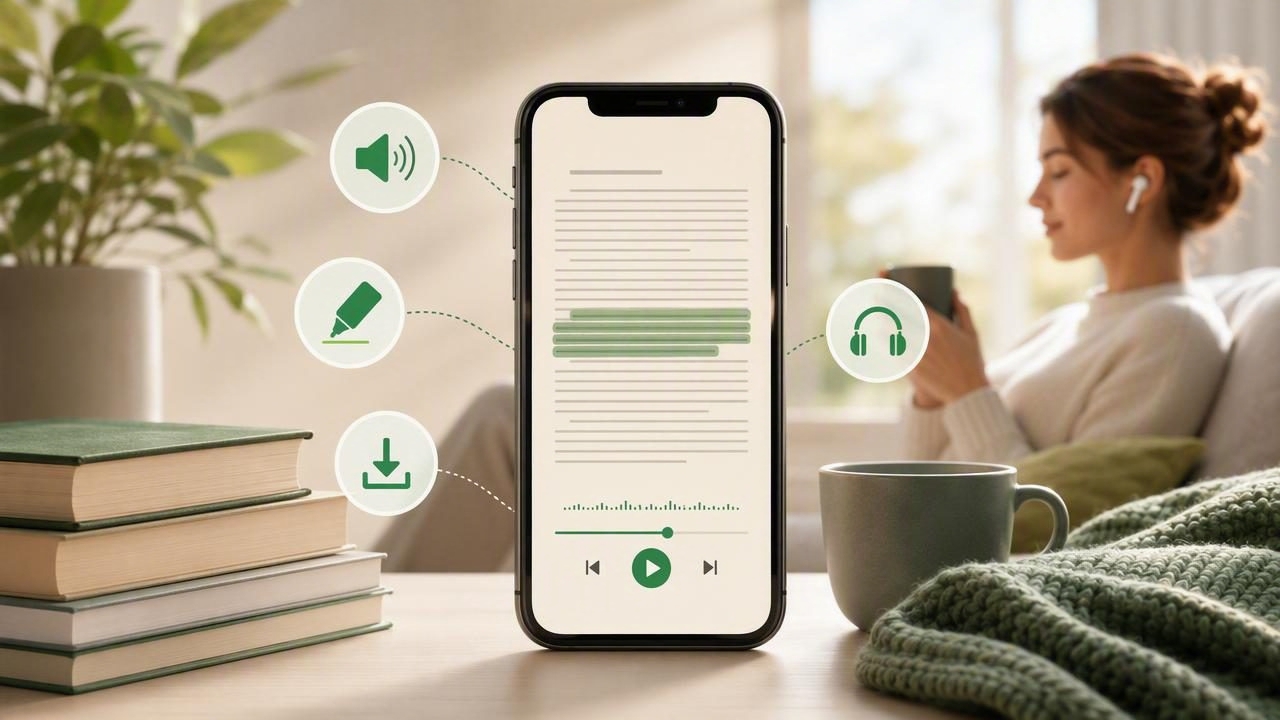
Long-form reading can be rewarding, but it is not always easy to fit into a busy day. A 400-page book, a lengthy research document, or a saved collection of essays may sit unread for weeks when screen fatigue, commuting, work, and other responsibilities get in the way. A MOBI reader app for easier long form reading can help turn that unused reading time into a more flexible experience.
MOBI files were widely used for ebooks, particularly titles associated with older Kindle workflows. While EPUB is now more common across many platforms, many readers still have MOBI books in their digital libraries. The right app can make these files easier to open, organize, read, and listen to on an iPhone or iPad.
More importantly, modern reading tools can go beyond displaying text. Features such as text-to-speech, synchronized highlighting, adjustable playback speed, and offline listening can help readers finish more books without needing to spend every minute looking at a screen.
What Is a MOBI File?
A MOBI file is an ebook format originally developed for digital reading devices and later adopted by Amazon for early Kindle books. Like EPUB files, MOBI books can contain reflowable text, chapters, images, and navigation information. Reflowable text means the words can adapt to the size of a phone, tablet, or e-reader screen.
However, MOBI support is not universal. Some newer ebook platforms prioritize EPUB, PDF, or proprietary formats instead. That can make it frustrating to open an older book file on an iPhone, especially if you want more than basic page-by-page reading.
A capable MOBI reader should make importing straightforward while providing tools that suit the way you actually consume books. For many people, that means pairing visual reading with audio narration.
Why Long-Form Reading Feels Harder on a Phone
Phones are convenient, but they are also full of interruptions. Notifications, small screens, bright displays, and the temptation to switch apps can make it difficult to remain engaged with a long chapter. Even readers who enjoy books may struggle to maintain attention after a demanding day.
There are also practical barriers. Someone with a long commute may have time to listen but not time to hold a book. A student may need to review a dense assigned text while walking between classes. A professional may save industry books and reports but find it difficult to read them after hours.
Using a reader app with listening features gives long-form content another path into your routine. Instead of choosing between reading a book and doing something else, you can often combine them.
Features to Look for in a MOBI Reader App
Not every ebook reader is designed for the same purpose. Some focus on visual reading and library management, while others help turn documents and books into audio. If your goal is to make long books more manageable, look for a combination of accessibility, import, and playback features.
1. Reliable MOBI Import
The first requirement is straightforward: the app should accept MOBI files from common sources. You may receive a file through email, save it in the Files app, download it from cloud storage, or use the iOS share sheet. A good import flow should not require complicated file conversions for every book.
Before choosing an app, check its current supported formats. Ebook support can change as file standards and platform policies evolve. If a particular MOBI file does not open correctly, converting it to EPUB may be a practical backup option, provided you have the right to convert and use the file.
2. Natural Text-to-Speech Voices
Basic device narration can be useful, but natural AI voices often make lengthy listening more comfortable. Clear pacing, realistic pauses, and better pronunciation can reduce the mental effort required to follow a chapter.
For long-form books, voice quality matters because you may listen for an hour or more at a time. A voice that sounds overly robotic can become distracting, while a more natural narrator can make a technical book, novel, or biography easier to stay with.
3. Synchronized Highlighting
Synchronized highlighting shows the current sentence or phrase as it is spoken. This feature is useful when you want to switch between listening and reading without losing your place. It can also support comprehension by connecting the sound of a word with its written form.
For readers with dyslexia, ADHD, vision fatigue, or attention challenges, highlighting may provide a valuable visual anchor. It is also helpful for language learners who want to hear pronunciation while following the text.
4. Adjustable Playback Speed
Listening speed is personal. Some readers prefer a calm pace for literature, while others can comfortably review nonfiction at 1.5x, 2x, or higher. Adjustable speed lets you tailor an audiobook-like experience to the complexity of the book and your familiarity with the subject.
A useful approach is to begin at a normal pace, then increase gradually after you become familiar with the voice and material. For dense material, slowing down is not a failure; it is often the best way to retain key ideas.
5. Offline Listening
Offline access is essential for flights, underground commutes, travel, and places with unreliable service. It also means that a book can remain available when you want to conserve mobile data.
When evaluating a MOBI reader app, check whether imported books and generated audio remain available offline. This detail can make a major difference for people who plan to listen during daily travel.
Visual Reading vs. Listening: When to Use Each
You do not need to choose one method permanently. The most effective approach is often to use visual reading and audio listening at different moments of the day.
| Situation | Best Approach | Why It Helps |
|---|---|---|
| Reading a complex chart or footnote | Visual reading | Images, tables, and references are easier to inspect on screen. |
| Commuting or walking | Text-to-speech | You can continue with a chapter while keeping your hands and eyes free. |
| Reviewing a difficult passage | Listen with highlighting | Seeing and hearing the text can improve focus and understanding. |
| Finishing a novel at night | Audio at a slower pace | Listening can reduce screen exposure before sleep. |
| Studying for an exam | Alternate both methods | Read closely, then listen again for review and repetition. |
How to Build a Long-Form Listening Routine
The biggest benefit of a MOBI reader app is not simply that it opens files. It is that it can help you create a sustainable reading habit. A few intentional choices can make a large book feel much less intimidating.
- Choose one book at a time. A focused queue reduces decision fatigue and makes it easier to remember where you stopped.
- Set a small daily target. Aim for 15 minutes, one chapter, or a specific number of pages rather than trying to finish quickly.
- Match the book to the activity. Save dense academic reading for focused time and reserve lighter books for errands or commuting.
- Use bookmarks or notes. Mark passages you want to revisit, especially in nonfiction books with useful frameworks or examples.
- Adjust speed deliberately. Increase speed for familiar material, but slow down for new terminology, complex arguments, or literary scenes.
- Resume immediately after interruptions. The easier it is to pick up where you left off, the more likely you are to complete the book.
Accessibility Benefits of Audio-First Reading
Text-to-speech can make books more accessible to a wide range of readers. People with dyslexia may find that hearing text reduces decoding pressure. People with ADHD may benefit from the additional structure of narrated pacing and highlighted text. Readers with low vision, migraines, or temporary eye strain may also prefer audio for part or all of a book.
Accessibility is not limited to a diagnosis. Anyone can have days when visual reading is difficult. After a full workday, listening to a book while cooking dinner may be more realistic than sitting down with a screen. The goal is not to replace traditional reading; it is to make content available in the format that works best at the moment.
Long-form reading becomes more achievable when a book can move with you instead of competing for a separate block of screen time.
MOBI Reader App Questions to Ask Before You Choose
There is no single best reader for every person, but a few questions can help narrow your options:
- Can the app open the MOBI files already in your library?
- Does it support PDFs, EPUBs, DOCX files, and web articles as well?
- Are the text-to-speech voices comfortable for extended listening?
- Can you follow along with synchronized text highlighting?
- Does playback work offline after importing your content?
- Can you adjust voice, speed, and reading controls to suit different books?
- Does the app make it easy to return to your last location?
Readers who compare text-to-speech apps often focus only on voice quality. Voice quality is important, but the import workflow, formatting support, offline behavior, and navigation tools are equally relevant for long books.
Make Your Existing Ebook Library More Usable
A forgotten folder of MOBI files can become a useful personal listening library. Start by importing one title you genuinely want to finish. Test the narration voice, turn on highlighting, and listen during a routine activity such as a walk, commute, or household task.
As you build confidence, add other formats to the same workflow. Articles, EPUB books, PDFs, notes, and scanned pages can all become part of an audio-first reading system. This flexibility is especially valuable when your reading list includes both leisure books and practical documents.
For iPhone and iPad users who want one place to listen to books and documents, Focal Voice supports MOBI alongside other common formats, with natural narration, synchronized highlighting, and offline playback options.
Ultimately, the best MOBI reader app is the one that helps you spend less time managing files and more time engaging with the ideas, stories, and knowledge already waiting in your library.
