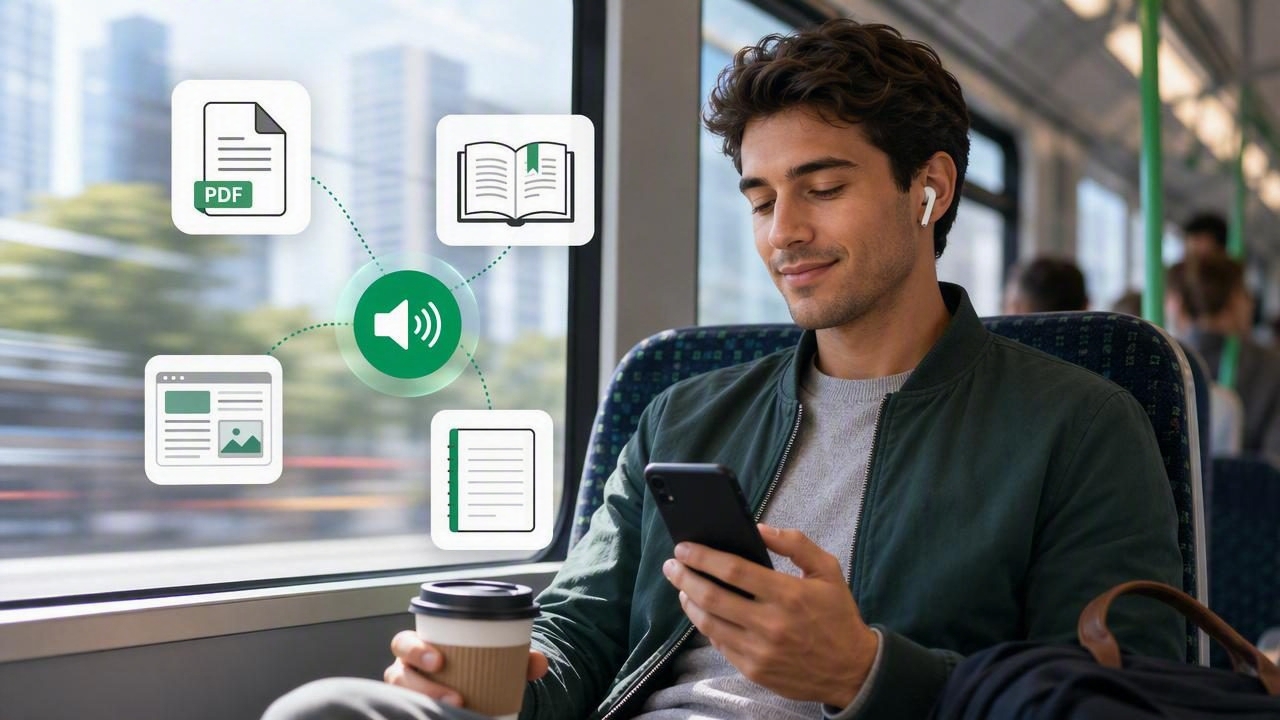
A daily commute can feel like lost time, especially when your reading list keeps growing. Whether you travel by train, bus, ferry, or as a passenger in a car, a text to speech app can turn those in-between minutes into time for learning, reading, and catching up.
Instead of staring at a small screen in a crowded carriage, you can listen to a PDF for work, an EPUB novel, saved web articles, class notes, or a document shared by a colleague. The right setup helps you keep moving through your content while your hands and eyes stay available for your journey.
This text to speech app guide for commuters explains what to look for, how to prepare content before leaving home, and how to build a listening routine that works on real-world trips.
Why Text to Speech Works So Well During a Commute
Commuting creates short, repeatable pockets of time. A 20-minute trip each way can add up to more than three hours per week. Audio makes that time more flexible because it does not require a desk, ideal lighting, or uninterrupted focus on a page.
Text to speech is particularly useful when reading visually is impractical. You may be standing on a bus, navigating a station, carrying a coffee, or dealing with motion sickness. Listening offers a practical alternative without requiring you to abandon the article, book, or report you wanted to finish.
- Use dead time productively: Turn travel time into study, professional development, or leisure reading.
- Reduce screen fatigue: Give your eyes a break after a day of computer work.
- Keep up with long documents: Make progress on reports, research papers, and reading assignments.
- Improve accessibility: Audio support can be especially helpful for people with dyslexia, ADHD, low vision, or reading fatigue.
- Make reading more consistent: A saved queue is easier to return to than an open browser tab you forget about.
What Commuters Should Look for in a Text to Speech App
Not every text to speech tool is equally suited to travel. A browser-based reader may be fine at home, but commuters need features that work in noisy, changing, and sometimes disconnected environments.
Offline Listening
Offline listening should be a priority if your route includes tunnels, underground stations, rural areas, or unreliable public Wi-Fi. Downloading documents and audio access before departure helps prevent interrupted playback and avoids unnecessary mobile-data use.
Before choosing an app, check whether it can retain imported files and voices on your device. A true offline workflow means you can open a PDF or e-book, resume where you stopped, and keep listening without a stable signal.
Natural AI Voices
Voice quality has a major effect on whether you will actually use text to speech every day. Robotic or harsh voices can make a 10-minute article feel tiring. More natural AI voices use clearer pacing, intonation, and pronunciation, helping long-form material sound less like a machine reading a menu.
Try a few voice options with the type of content you consume most. A voice that sounds good reading fiction may not be your favorite for technical reports, legal documents, or dense academic writing.
Playback Speed Controls
Speed controls let you match narration to the material and your energy level. Many people start at normal speed, then gradually move to 1.25x or 1.5x for familiar material. A faster pace can be useful for news briefings and routine documents, while complex material may require slower listening.
Apps that support playback up to 3x give experienced listeners room to accelerate. The best speed is not the fastest one; it is the speed at which you still understand and remember what matters.
Support for the Files You Actually Receive
A commuter-friendly app should handle more than plain text. Your inbox and reading list likely include several formats, and converting files manually creates friction. Look for support for:
- PDFs, including reports, handouts, and downloaded forms
- EPUB books for e-book reading
- MOBI files from older e-book libraries
- DOCX files and other work documents
- Web links and saved articles
- Pasted text, notes, and copied emails
- Camera scans of printed pages
Synchronized Highlighting and Easy Navigation
Synchronized highlighting shows the words as they are spoken. This is valuable when you have a seat and want to read along, or when you need to review a specific passage after arriving. It can also support concentration by connecting visual text with spoken language.
Useful navigation features include bookmarks, chapter controls, sleep timers, skip-back buttons, and a reliable resume position. A quick 15-second rewind is often more useful on a noisy platform than trying to find a sentence manually.
How to Set Up Your Commute Listening Queue
The easiest way to build a habit is to prepare content before your trip. Do not wait until you are rushing out the door to decide what to hear. A small listening queue removes that decision and makes it more likely you will press play.
- Choose a purpose for the week. Pick one category: professional reading, coursework, current affairs, or fiction.
- Add short and long options. Include a five-minute article, a 20-minute report section, and a longer book chapter.
- Import or save files at home. Download content while you have dependable Wi-Fi and time to organize it.
- Test the first minute. Confirm that headings, names, tables, and technical terms are being read clearly.
- Set your default speed. Begin conservatively, then adjust after a few days of listening.
- Keep headphones charged. A small charging case or wired backup can save an otherwise useful commute.
Best Content Types for Listening on the Go
Some material translates to audio more easily than others. Narrative books and well-structured articles are usually excellent choices. Documents packed with charts, equations, footnotes, or complex tables may require a more deliberate approach.
| Content type | Best commute use | Helpful setting |
|---|---|---|
| EPUB novels | Long rides and daily leisure reading | Natural voice and sleep timer |
| PDF reports | Work preparation and review | Bookmarks and moderate speed |
| Web articles | Short trips and news catch-up | 1.25x to 1.75x playback |
| Class notes | Revision before lectures or exams | Synchronized highlighting |
| Camera scans | Printed letters, handouts, and excerpts | Review scan accuracy first |
For dense PDFs, consider listening to the executive summary or introduction first. Then review charts and tables visually later. This hybrid approach helps you understand the main argument during your commute without pretending that every visual element works perfectly as audio.
Using Text to Speech for Work, Study, and Personal Reading
For Work
Use your outward commute to hear industry articles, meeting briefs, product documentation, or draft reports. If you need to discuss a document later, bookmark important sections as you listen. You can then revisit them at your desk rather than replaying an entire file.
A practical rule is to reserve decision-heavy or confidential material for a private setting. Public transport is not ideal for listening to sensitive client information, internal financial details, or anything others could overhear.
For Study
Studying by listening can reinforce material that you have already read visually. Try listening to lecture notes on the way to class, then use highlighting to review the sections that felt unclear. For language-heavy subjects, hearing terminology repeatedly may support recall and pronunciation.
Active listening is more effective than simply letting audio run. Pause at the end of a section and ask yourself: What was the main idea? What example supported it? What would I need to explain to someone else?
For Personal Reading
Commuting is also an opportunity to protect time for books. An EPUB to audiobook-style experience can make it easier to finish novels, biographies, and nonfiction titles that would otherwise sit unread. Keep one enjoyable title in your queue so listening does not become another productivity obligation.
Text to Speech Apps vs. Audiobooks and Podcasts
Audiobooks and podcasts remain great commuter companions, but they serve a different purpose. Audiobooks are professionally produced and ideal for published titles. Podcasts offer commentary and entertainment. Text to speech gives you control over your own reading backlog.
- Choose audiobooks when performance and narration are part of the experience.
- Choose podcasts for timely conversations, interviews, and discovery.
- Choose text to speech when you want to hear PDFs, web pages, documents, notes, or e-books you already have.
Some tools also offer AI podcast generation, which can turn a source document into a two-host discussion format. This can be useful for getting a broad overview before listening to the original material, but it should complement rather than replace the source when accuracy and detail matter.
Tips for Safer, More Comfortable Commute Listening
- Keep volume low enough to hear announcements, traffic, and people around you.
- Use one earbud or transparency mode when walking near roads or through busy stations.
- Download essential content before traveling to avoid relying on public Wi-Fi.
- Pause during complex transfers so you can focus on navigation.
- Use a sleep timer if you listen on a longer train ride and may doze off.
- Rewind rather than forcing yourself to understand a missed passage.
The best commute listening routine is not about maximizing every minute. It is about making reading available when sitting down with a page is not realistic.
Choosing the Right App for Your Routine
When comparing text to speech apps, including well-known options such as Speechify, NaturalReader, and ElevenReader, focus on your actual commute instead of feature lists alone. Test how easily you can import a file, whether the voice remains comfortable after 20 minutes, and whether playback works offline. Also consider format support, highlighting, speed range, privacy controls, and the cost of features you will genuinely use.
If your day involves PDFs, EPUBs, MOBI books, articles, pasted notes, and occasional scans, a flexible iPhone and iPad reader can reduce the number of separate apps you need. For example, Focal Voice brings multiple document types, natural narration, offline access, synchronized highlighting, and optional AI-generated discussion episodes into one listening workflow.
Start small: prepare one article and one book chapter for tomorrow's journey. Once listening becomes part of the route, your commute can become a reliable reading habit rather than a gap in your day.
