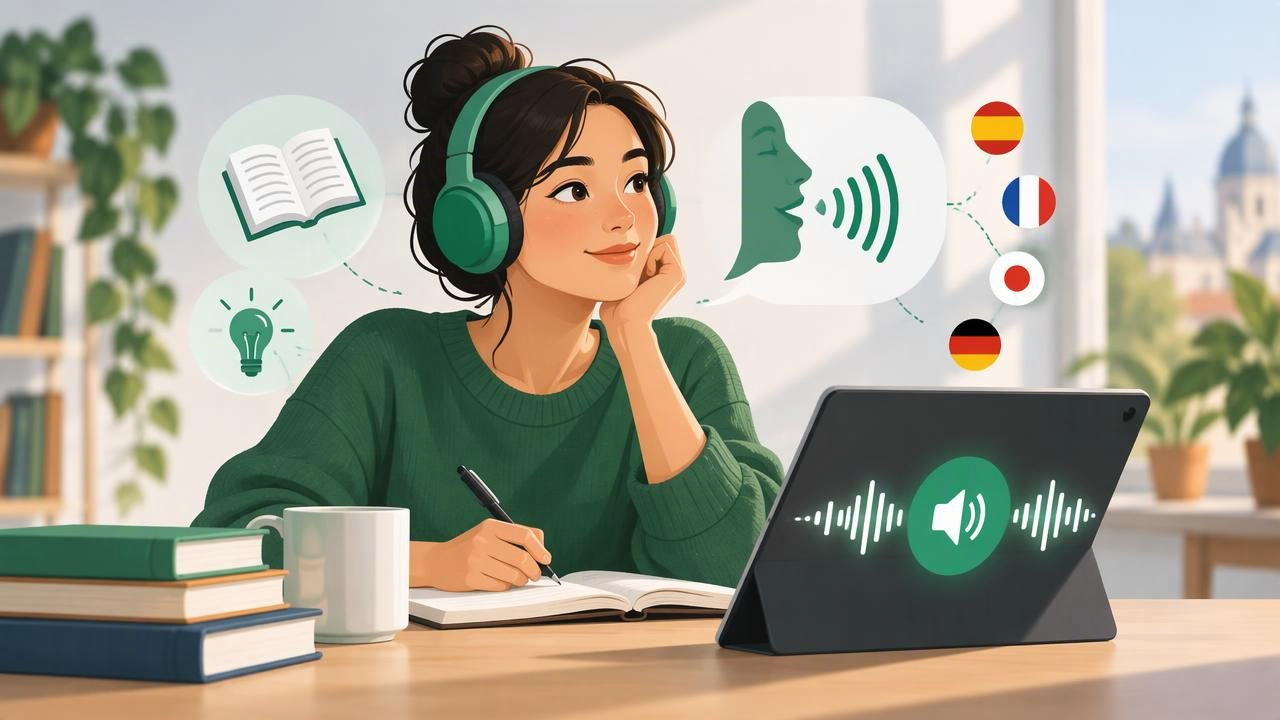
Learning a language takes more than memorizing vocabulary. You need repeated exposure to natural speech, practice connecting written words with their sounds, and ways to fit listening into a busy day. A text to speech app can turn articles, ebooks, study notes, and other text into audio, making it easier to add listening practice to the time you already have.
This guide explains how to use text to speech for language learning, what features matter, and how to build a routine that develops comprehension without turning listening into background noise. Whether you are studying on an iPhone or iPad, the right approach can help you make useful practice material from the texts you already read.
What a text to speech app can do for language learning
A text to speech app reads digital text aloud using a synthetic voice. Depending on the app, you may be able to listen to PDFs, EPUB or MOBI ebooks, Word documents, web pages, pasted passages, and notes. Some tools also let you scan printed text with a camera, which can be helpful when your lesson or workbook is on paper.
For language learners, the key benefit is pairing written language with audible speech. You can follow along as a voice reads, replay a difficult sentence, or listen again while doing a low-attention task. Synchronized highlighting, when available, shows which words are being spoken and can help you notice spelling, word boundaries, and punctuation.
Text to speech is a practice aid, not a complete language course. It does not replace conversation, teacher feedback, or listening to varied real-world speakers. Use it to increase exposure and reinforce material, then apply what you learn in speaking and writing.
Choose text that matches your level
The best listening text is challenging enough to teach you something but not so difficult that every sentence becomes a decoding exercise. Start with material where you understand the general topic and can recognize many of the words. Graded readers, familiar news topics, short essays, and your own class notes are often easier starting points than dense academic writing.
- Beginner: Use short dialogues, simple articles, and passages with familiar vocabulary. Listen in brief sections.
- Intermediate: Try longer stories, everyday articles, and selected chapters. Note recurring expressions and transitions.
- Advanced: Listen to opinion pieces, essays, or professional material. Pay attention to tone, sentence structure, and less common vocabulary.
If a document contains difficult formatting, footnotes, or multiple columns, check how the app extracts the text before starting. A clean reading order makes the audio much easier to follow.
Build a simple listen-and-read routine
Listening while reading can help you connect sounds to written forms, but it works best when you have a clear task. Try this four-step routine with one short passage:
- Preview the text. Read the title and scan the passage. Identify its topic without stopping to look up every unknown word.
- Listen while following along. Keep the text visible and use synchronized highlighting if the app offers it. Notice where the speaker pauses and how phrases are grouped.
- Listen again without reading. Replay the passage with the screen off or turned away. Focus on meaning and listen for details you missed.
- Review and produce. Check a few important words, then summarize the passage aloud or write two or three sentences about it.
This sequence combines recognition with recall. The first pass supports comprehension, while the later summary helps you retrieve and use the language yourself. A ten-minute session with focused attention can be more valuable than an hour of audio playing unnoticed.
Adjust voice and speed for your goals
Choose a voice that is clear and comfortable to listen to. When learning, the most expressive or fastest voice is not automatically the best one. A familiar accent can make early practice easier; later, trying another voice or accent can help you adapt to variation. If an app provides voices in your target language, test a short paragraph before committing to a long session.
Playback speed should match the task. At a slower rate, you can study word boundaries or replay a tricky phrase. At a natural pace, you practice processing the language as it flows. Faster playback can be useful for reviewing familiar material, but it is not a shortcut to comprehension. Increase speed gradually and return to a comfortable rate whenever understanding drops.
Use punctuation and sentence breaks as natural checkpoints. If you hear a phrase that is hard to parse, pause, replay that section, and follow the text. Avoid slowing the whole document if only a few sentences need closer attention.
Turn reading material into pronunciation practice
A synthetic voice can model one way to pronounce a passage, but it cannot tell you whether your own pronunciation is accurate. To make listening active, choose a short sentence and use a listen, pause, repeat cycle. Copy the rhythm and stress, not just individual sounds. Then say the sentence again without the audio and compare your delivery with the model.
Shadowing is another option: speak along with the audio, slightly behind the voice. Start with a short section and a manageable speed. This exercise can build comfort with connected speech, but do not force yourself to imitate a voice exactly. Your aim is clearer, more fluent speech—not a particular accent.
For feedback, record yourself and compare the recording with the text and model. If a word remains difficult, check a trusted dictionary or pronunciation resource, since text to speech may pronounce names, abbreviations, and unusual terms imperfectly.
Use repeat listening to build vocabulary
Hearing a word several times in context can make it easier to recognize later. Still, repeated exposure alone does not guarantee that you will remember its meaning or use it correctly. Select a small number of useful words from each passage and make a note of the sentence where each appears.
For every new expression, record the meaning, a phrase or example, and—if useful—a related form. Then listen to the passage again and notice the expression in its original context. Keep the list short enough to review. A handful of well-understood words is usually more manageable than collecting every unfamiliar item.
Some learners turn their notes into audio for review. Listening to your own definitions can be convenient during a walk or commute, while the written notes remain useful for spelling and quick reference.
Features to compare in a language-learning app
Apps differ in the files they accept, voice options, playback tools, and offline support. Before choosing one, test it with the kinds of materials you actually use. A free trial or sample passage can reveal whether the voice and reading controls suit your study style.
| Feature | Why it may help | What to check |
|---|---|---|
| Text and file support | Lets you study from lessons, ebooks, notes, and web articles. | Check support for PDFs, EPUB, DOCX, links, and scans. |
| Voice and language choices | Provides a comfortable model and options for listening variety. | Preview voices in your target language and preferred accent. |
| Speed and navigation | Makes it easier to repeat a sentence or adjust the challenge. | Look for speed controls, pauses, and simple skip or replay tools. |
| Text highlighting | Helps connect spoken words with the visible passage. | Try it with your documents to see whether highlighting stays in sync. |
| Offline listening | Can make study possible during travel or without a connection. | Confirm which content and voices remain available offline. |
If you compare apps such as Speechify, NaturalReader, or ElevenReader, use the same short passage and test the same tasks in each. Features and availability can change, so judge them by current support for your device, languages, file types, and preferred workflow rather than relying on a feature list alone.
Make listening fit your day
Short sessions are easy to repeat. Keep a passage ready for a commute, a walk, or a quiet break, but choose the setting carefully. Avoid using headphones at a volume that blocks traffic or other important sounds. When you need full comprehension, sit down and follow the text; when you are reviewing familiar material, audio-only listening may be enough.
Offline listening is useful when a connection is unreliable, but prepare in advance by checking that the file and voice are available on your device. If your app supports camera scan to speech, you can also turn a printed worksheet or handout into a listening resource. Review the scan for recognition errors before relying on it, especially with accents, small print, or complex page layouts.
Common mistakes to avoid
- Letting audio become background noise. Set a small goal, such as understanding the main idea or noticing five expressions.
- Starting with material that is far too difficult. Switch to a shorter or more accessible passage if you cannot follow the general meaning.
- Increasing speed too soon. Build comprehension at a natural pace before using faster playback for review.
- Trusting every pronunciation. Check names, abbreviations, and unfamiliar words with a reliable reference.
- Listening without speaking or writing. Add a short summary, spoken response, or vocabulary review to turn exposure into active practice.
A practical weekly plan
Try three to five sessions each week, adjusting the schedule to your level. Choose a short passage for focused listen-and-read practice, then revisit it later without looking at the screen. On another day, use a web article or ebook chapter for relaxed listening and save a few useful expressions for review. At the end of the week, summarize one passage aloud and notice which words or sentence patterns feel more familiar.
Keep the routine flexible. If you are tired, listen to a familiar text rather than forcing a demanding lesson. If you have more time, repeat one paragraph and practice its rhythm. Consistency matters more than using every feature or finishing a large amount of audio.
Use text to speech as one part of learning
A text to speech app can make language practice more flexible by turning digital reading into audio you can replay, follow, and review. Pairing the voice with visible text supports sound-to-spelling connections; listening again without the page challenges comprehension; and a short spoken summary helps you use what you heard.
Choose suitable material, adjust the voice and speed to your goal, and listen with intention. Then balance app-based practice with real conversations, varied listening sources, and feedback. Focal Voice is one iPhone and iPad option for turning documents, ebooks, web links, and scanned text into audio, but the best choice is the tool that fits your learning materials and routine.
