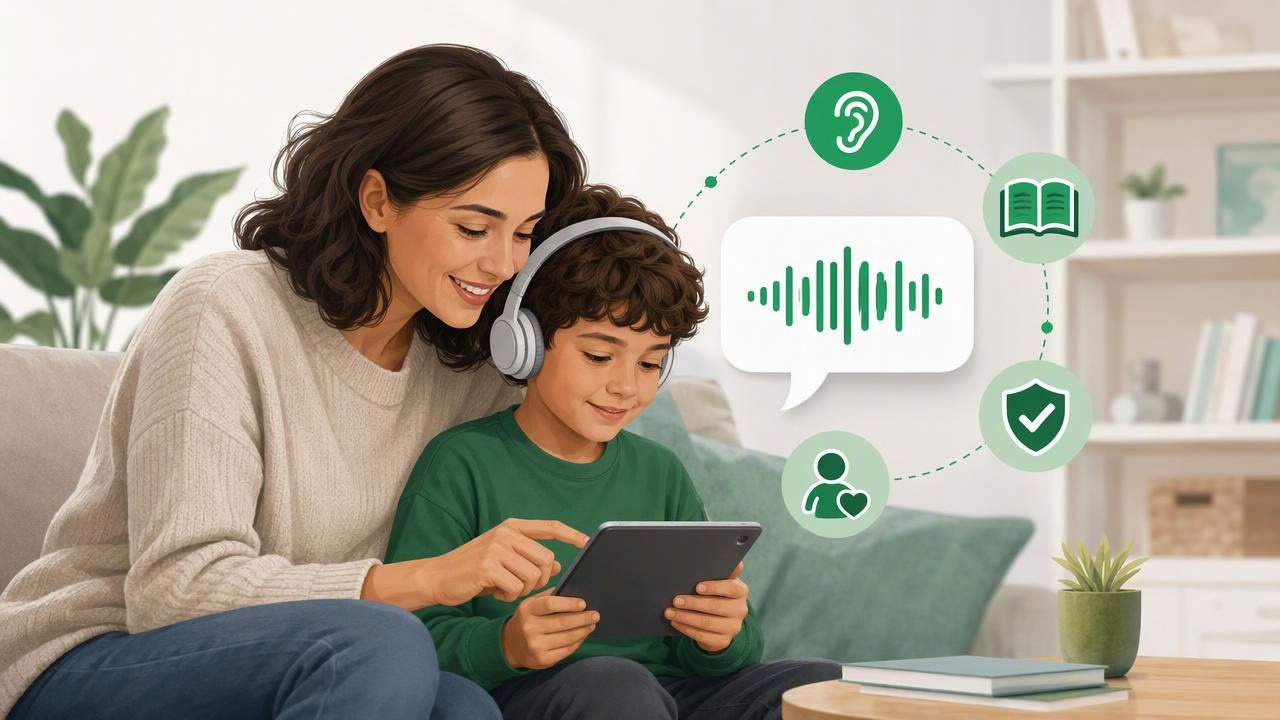
Finding the right reading support can make a meaningful difference for children who struggle to keep up with school reading, lose focus during homework, or simply learn better by listening. A text to speech app turns written content into spoken audio, allowing a child to hear a book, worksheet, web article, or document while following along on screen.
This text to speech app guide for parents explains what these tools do, which features matter most, how they can support different learning needs, and how to introduce listening without replacing important reading practice. Whether your child is working through a long PDF, reading an EPUB novel, reviewing class notes, or listening during a car ride, the goal is to create a more flexible and less stressful learning routine.
What Is a Text to Speech App?
A text to speech app, often called TTS, uses digital voices to read written words aloud. Modern apps can handle much more than plain typed text. Depending on the app, a child may be able to listen to:
- PDF worksheets, study guides, and school handouts
- EPUB and MOBI ebooks
- DOCX files and pasted notes
- Web articles and online research materials
- Scanned pages from printed books or worksheets
- Personal writing that needs proofreading
For many families, text to speech is not about avoiding reading. It is about giving children another way to access the same information. Listening can reduce the effort required to decode every word, leaving more mental energy for understanding, remembering, and discussing what they have learned.
Why Parents Use Text to Speech for Learning
Children do not all process information in the same way. Some absorb ideas best through print, while others understand material more easily after hearing it. Text to speech can be especially useful when a child faces a large volume of reading, difficult vocabulary, or time pressure.
It can also support students with dyslexia, ADHD, visual fatigue, processing differences, or temporary challenges such as illness or an eye injury. For a child with dyslexia, hearing a passage while seeing the words may make it easier to connect sounds with spelling. For a child with ADHD, adjustable speed and synchronized highlighting can make a long chapter feel more manageable.
Text to speech works best as a learning support: it gives a child access to content while parents and teachers continue building reading confidence and comprehension skills.
Key Features to Look for in a Text to Speech App
Not every app is equally useful for family learning. Before choosing one, consider the kinds of materials your child actually receives and the situations in which they will listen.
Natural-Sounding Voices
A clear, natural AI voice helps children stay engaged, especially during longer chapters. Robotic speech can be tiring and may make it harder to understand punctuation, dialogue, or unfamiliar ideas. Look for voices that sound smooth at normal speeds and remain understandable when playback is adjusted.
Synchronized Text Highlighting
Word or sentence highlighting follows the narration as it plays. This is one of the most valuable features for young readers because it connects the spoken word to the text on the page. It can also help parents see where a child is in a passage when working together.
File and Format Support
Families often need more than an ebook reader. A useful app should accept common formats such as PDFs, EPUB files, DOCX documents, web links, and pasted text. If your child frequently receives paper handouts, camera scan to speech can be helpful too. It lets you capture printed text and turn it into audio without manually retyping everything.
Offline Listening
Offline access is important for road trips, school commutes, waiting rooms, and homes with unreliable internet. Downloaded content can also reduce distractions because a child does not need to browse online while listening to assigned material.
Playback Speed Controls
The right speed depends on the child and the task. Slow playback may support close reading or difficult material, while faster playback can help an older student review familiar notes. Some apps offer speeds up to 3x, but faster is not always better. Comprehension should guide the setting.
| Feature | Why It Helps Parents and Children |
|---|---|
| Natural AI voices | Makes long listening sessions more comfortable and engaging. |
| Text highlighting | Supports word recognition, tracking, and focus. |
| PDF and ebook support | Works with school documents and assigned reading. |
| Camera scanning | Converts printed worksheets and pages into accessible audio. |
| Offline mode | Enables listening without Wi-Fi during travel or commutes. |
| Speed controls | Lets children match narration to their comprehension level. |
How to Choose the Right App for Your Child
Start with your child’s real routine instead of looking for the app with the longest feature list. A middle-school student with frequent PDF assignments has different needs from a younger child listening to chapter books or a teenager reviewing online articles.
- List the materials they use. Include school PDFs, ebooks, websites, printed packets, and personal notes.
- Identify the biggest barrier. Is it decoding, focus, fatigue, comprehension, organization, or limited time?
- Try a short listening session. Use a familiar passage first, then ask the child to explain it in their own words.
- Check accessibility settings. Look for adjustable fonts, highlighting, voice choices, and speed controls.
- Review privacy practices. Understand whether files are stored in the cloud, whether an account is required, and what parental controls are available.
Free trials can be useful, but test the app with an actual school file rather than only a sample story. A tool that sounds good with a short article may handle a scanned worksheet, complex PDF layout, or textbook chapter differently.
Using Text to Speech Without Replacing Reading Practice
A common parent concern is whether listening will prevent a child from becoming a stronger reader. Used thoughtfully, text to speech can complement reading instruction rather than compete with it. The key is matching the method to the goal.
If the goal is to learn science concepts from a difficult chapter, listening support may be appropriate because the child can focus on the subject rather than getting stuck on every word. If the goal is to practice decoding and fluency, read-along listening at a slower speed can be more useful than audio alone.
Try these balanced approaches:
- Have your child read one paragraph independently, then listen to it while following the highlighted text.
- Alternate pages: the child reads one page, and the app narrates the next.
- Use audio for first exposure to a chapter, then revisit key passages in print.
- Ask a few simple comprehension questions after listening.
- Encourage children to pause and make a short voice note or written summary.
For formal accommodations, speak with your child’s teacher, reading specialist, or school support team. Requirements for classroom and testing use can vary, and educators can help determine when text to speech is an approved support.
Building a Simple Family Listening Routine
Consistency matters more than long sessions. Start with 10 to 15 minutes and use a predictable time, such as after school, before bed, or during a commute. Keep the first sessions low-pressure. Let your child choose a recreational book or a topic they already enjoy before introducing more demanding academic content.
For homework, break longer assignments into sections. A child might listen to two pages of a history reading, pause, identify the main idea, and continue. This reduces cognitive overload and makes it easier to notice when attention has drifted.
Headphones can be helpful in shared spaces, but consider open-ear listening or a speaker during parent-child reading time. Listening together creates opportunities to explain vocabulary, discuss a character’s choices, or clarify a confusing instruction on a worksheet.
Helpful Uses Beyond Schoolwork
Text to speech can support everyday independence as well. Children can listen to instructions for a hobby, recipes, age-appropriate news articles, camp information, or their own writing. Hearing a draft read aloud is particularly useful for spotting missing words, repeated phrases, and sentences that do not sound right.
Older students may also benefit from converting notes or a research document into an audio review session. Some tools can create a two-host AI podcast-style discussion from source material, which may give teens a different way to revisit broad concepts before a quiz. As with any summary tool, encourage students to check the original material and verify important details.
Questions to Ask Before You Subscribe
- Can the app read the file formats my child receives from school?
- Does it provide natural voices and synchronized highlighting?
- Can content be downloaded for offline listening?
- Does scanning work well with printed pages?
- Are speed, voice, and display settings easy for a child to adjust?
- What happens to uploaded documents and scanned images?
- Can we test it with our own content before committing?
Popular options may differ in strengths. Some focus on polished voices, others on library content, and others on document accessibility. The best choice is the one that fits your child’s materials, learning preferences, and your family’s privacy expectations.
Final Thoughts
The best text to speech app for a family is not necessarily the most complicated one. It is the one a child can use confidently to access books, documents, and ideas with less friction. Start small, monitor comprehension, and treat listening as one valuable tool in a broader reading and learning plan.
For parents looking for an iPhone or iPad option that can handle documents, ebooks, web links, scans, and offline audio in one place, Focal Voice is worth exploring alongside other tools during your comparison.
