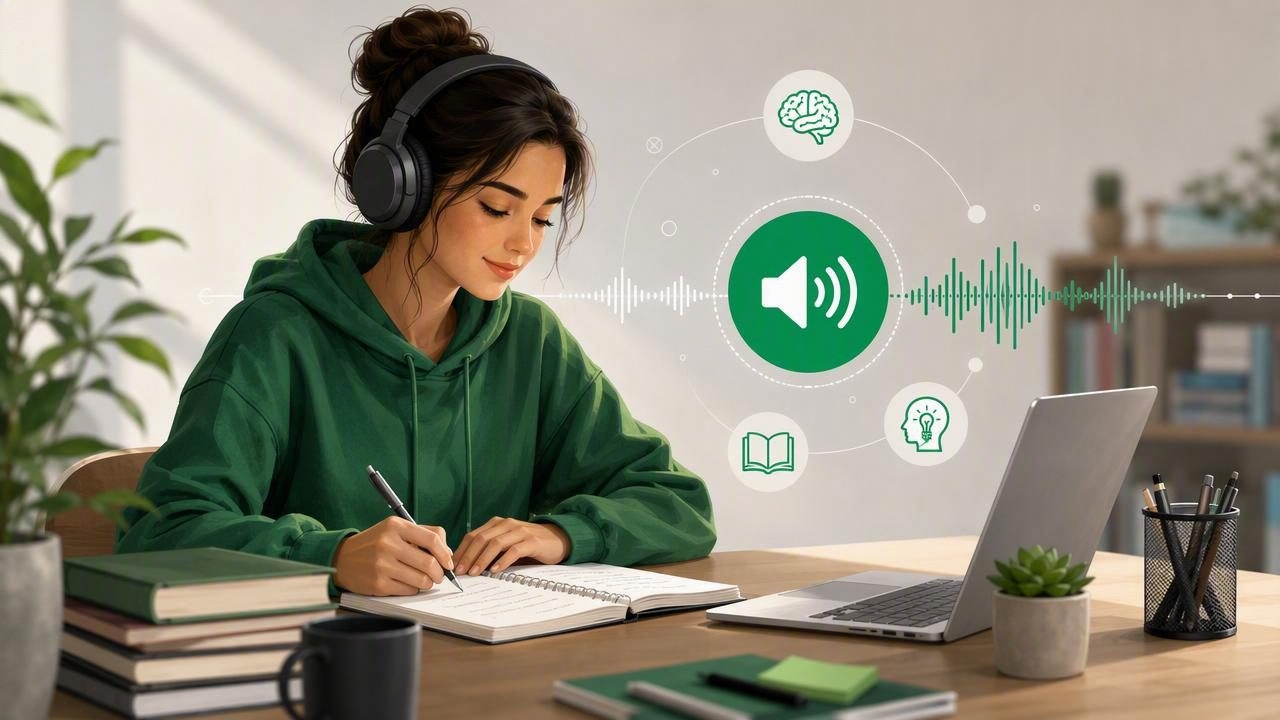
When coursework includes dense textbooks, research papers, lecture notes, web articles, and long reading lists, finding enough time to read can feel impossible. Text to speech for studying offers a practical way to turn written material into audio, helping students use more of their day for learning without replacing active study habits.
Listening to course material can make reading more flexible. You may review a PDF while walking between classes, listen to assigned articles on a commute, or revisit notes while preparing dinner. For many learners, especially those with dyslexia, ADHD, visual fatigue, or demanding schedules, audio can reduce friction and make study sessions easier to start.
However, text to speech works best when it is used intentionally. Simply pressing play on a 40-page chapter is not always enough for deep comprehension. This guide explains how to use text to speech effectively, which materials work best, how to combine listening with note-taking, and how to create a study routine that supports real retention.
Why Use Text to Speech for Studying?
Text to speech software converts digital text into spoken audio using synthetic voices. Modern natural AI voices are far more comfortable to hear than older robotic readers, making it possible to listen for longer periods without losing focus.
The biggest advantage is flexibility. Traditional reading requires eyes, a screen or printed page, and uninterrupted time. Audio study can fit into smaller windows that would otherwise be lost. For example, a student can listen to an assigned chapter while commuting, folding laundry, stretching, or waiting before an appointment.
Text to speech can also support learning in several important ways:
- Reduces visual strain: Helpful after a day spent looking at slides, laptops, and digital textbooks.
- Supports accessibility: Listening alongside highlighted text can help learners with dyslexia, ADHD, low vision, or reading-processing challenges.
- Encourages review: Audio makes it easier to revisit material multiple times before an exam.
- Creates productive downtime: You can turn travel and routine tasks into low-pressure review sessions.
- Improves engagement: Hearing a difficult passage can make its structure and meaning easier to follow.
It is important to be realistic: listening is not automatically better than reading. Instead, it is another format for engaging with information. The strongest approach often combines audio, visible text, recall practice, and written notes.
What Study Materials Work Best With Text to Speech?
Nearly any digital document can be narrated, but some formats are especially useful for audio-based learning. Start with material that has a clear reading order and contains mostly selectable text.
| Material | Best Use Case | Study Tip |
|---|---|---|
| PDF textbooks and papers | Assigned chapters, journal articles, lecture packets | Listen with synchronized highlighting for key sections. |
| EPUB books | Novels, humanities reading, open textbooks | Use chapters as natural listening sessions. |
| DOCX files and notes | Study guides, outlines, drafts, class notes | Listen after writing to identify missing ideas. |
| Web articles | Current events, background research, course resources | Save articles for commute or review time. |
| Scanned pages | Printed handouts, library excerpts, worksheets | Check that optical character recognition is accurate first. |
PDF read aloud tools are particularly valuable because many academic resources are distributed as PDFs. Before listening, inspect the document. A clean, text-based PDF usually narrates well. A scanned PDF may require optical character recognition, often called OCR, to convert an image of text into readable words.
For diagrams, equations, tables, and charts, do not rely on narration alone. Pause to inspect the visual content and write a short description in your notes. Audio is excellent for prose, but visual information still needs visual attention.
How to Study Effectively While Listening
The most useful shift is to treat audio as an active study format rather than background noise. Listening passively may be fine for a first exposure to an easy chapter, but challenging concepts require interaction.
1. Set a specific goal before pressing play
Decide what you need from the session. Are you identifying the author’s main argument? Reviewing vocabulary? Preparing for a quiz? Understanding a process? A defined goal makes it easier to notice what matters and prevents the feeling that you listened to a chapter without learning anything.
For instance, before listening to a psychology article, write: “I need to identify the hypothesis, method, results, and limitation.” Then pause whenever one of those elements appears.
2. Use synchronized highlighting when possible
Following highlighted text while you listen connects spoken and written language. This can be especially helpful for unfamiliar terminology, names, quotations, and complex sentences. It also gives your attention an anchor when your mind starts to wander.
If you are studying on an iPhone or iPad, use a split routine: listen with the text visible during your first pass, then listen without looking during a later review. The first pass supports comprehension; the second tests whether you can follow the ideas independently.
3. Pause and summarize in your own words
Every few minutes, stop playback and ask yourself: What was the main point? Say or write a one- or two-sentence answer without looking at the text. This practice, known as retrieval, is far more valuable than repeatedly replaying a section without checking what you remember.
A simple note format works well:
Main idea:
Evidence or example:
Key term:
Question I still have:
Keep notes short. The purpose is not to create a transcript; it is to capture the ideas you need to recall later.
4. Adjust playback speed gradually
Many text-to-speech apps allow playback from slower-than-normal speed to 2x or even 3x. Faster playback can save time, but speed should never come at the expense of understanding.
- Use 0.8x to 1x for difficult readings, new terminology, or detailed instructions.
- Use 1.2x to 1.5x for normal coursework once you are comfortable with the voice.
- Use 1.75x to 2x+ for review, familiar material, or content with straightforward ideas.
If you cannot summarize the last section, reduce the speed. The best pace is the fastest speed at which you can still explain the material accurately.
A Simple Text-to-Speech Study Workflow
Consistency matters more than elaborate systems. Use this repeatable workflow for textbooks, articles, and lecture materials.
- Preview the document: Read headings, learning objectives, captions, and the conclusion first.
- Choose a manageable section: Aim for one chapter segment or one article section rather than an entire reading assignment.
- Listen with a purpose: Keep one question or learning goal in mind.
- Pause for notes: Capture definitions, claims, examples, and confusing points.
- Review difficult passages: Replay short sections instead of restarting the entire document.
- Test yourself afterward: Close the document and explain the topic from memory.
This process is effective because it mixes input with retrieval. You hear the material, connect it to the visible text, then actively produce an answer. That cycle is more likely to build durable knowledge than passive rereading.
Using Audio for Different Types of Studying
Reading-heavy courses
For history, literature, sociology, philosophy, and law, narration is ideal for getting through long chapters and articles. Listen once for the overall argument, then revisit important passages with the text on screen. Mark claims, evidence, and counterarguments as you go.
Science and technical subjects
Text to speech can help with conceptual explanations, lab procedures, definitions, and review notes. For equations, code, molecular structures, graphs, and diagrams, alternate between listening and visual study. You may also create a plain-language summary of a formula or process and listen to that summary during review.
Language learning
Listening to text can reinforce pronunciation, rhythm, and vocabulary recognition. Choose a voice and language that match your material where possible, follow along with the written passage, and replay short sections. For best results, repeat key sentences aloud after the narrator.
Common Mistakes to Avoid
Text to speech is convenient, which can lead to a few unhelpful habits. Avoid these common problems:
- Listening while doing mentally demanding work: Do not expect to absorb a complex article while answering emails or solving unrelated problems.
- Using one speed for everything: Dense academic writing deserves a slower pace than a familiar review sheet.
- Ignoring headings and structure: Previewing the document gives the narration a useful mental framework.
- Skipping recall: Listening feels productive, but only self-testing reveals what you actually retained.
- Never checking the source text: This is especially risky with citations, figures, tables, and OCR-scanned pages.
Make Offline Listening Part of Your Routine
Downloading reading material for offline listening is useful for flights, underground transit, campus areas with weak Wi-Fi, and distraction-free study sessions. Prepare your materials before leaving home: import the PDF or EPUB, verify that narration begins in the right place, and save a few short review documents for later.
Offline listening also makes it easier to create a focused routine. Put your phone in a distraction-reducing mode, wear headphones, and commit to one clearly defined section. Even a 15-minute listening block can become meaningful when paired with a quick summary afterward.
Final Thoughts: Let Audio Support Active Learning
Text to speech for studying is not a shortcut around learning. It is a flexible tool that can help you access more material, reduce reading fatigue, and make better use of time between other commitments. The best results come from combining natural narration with visible text, strategic pauses, concise notes, and frequent recall practice.
Choose a tool that supports the file types you actually use, offers clear voices, lets you control speed, and makes it easy to follow along. For students who want to listen to PDFs, EPUBs, web links, notes, and scans on iPhone or iPad, Focal Voice is one option designed to bring those materials into a single audio study workflow.
