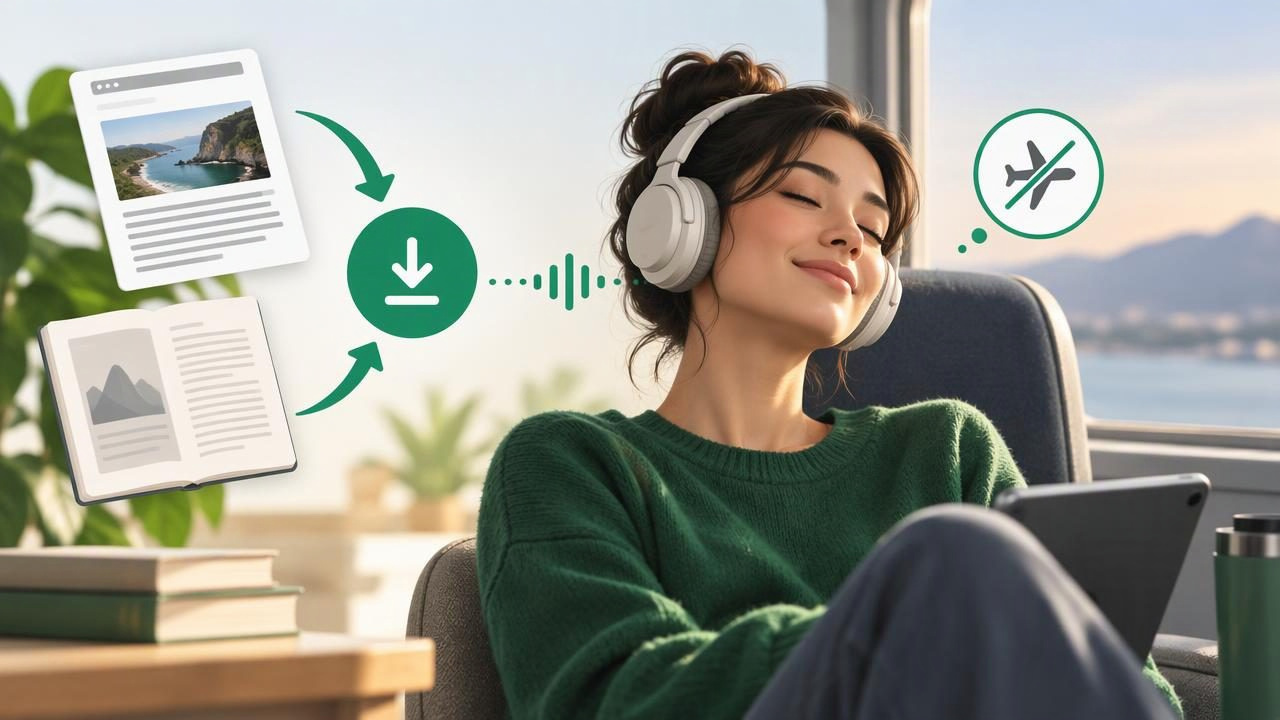
A web article listener can turn online reading into audio you can enjoy while commuting, walking, or taking a break from screens. But what happens when you lose Wi-Fi or cellular service? For dependable offline book listening, you need to understand the difference between saving a webpage, downloading a book, and storing audio for playback.
This guide explains how to prepare articles and ebooks for offline listening on iPhone and iPad, which features matter in a text-to-speech app, and how to avoid common interruptions. The same approach can help whether you are catching up on research, listening to a novel, or reviewing course material.
What Does Offline Listening Actually Mean?
Offline listening means audio continues to play when your device is not connected to the internet. That sounds simple, but the source material and the voice may be handled differently by different apps. A reader might need a connection to import a webpage, download a book, or generate speech. Afterward, it may store the text, audio, or both on your device.
A web article listener usually starts with a URL or an article shared from a browser. An ebook reader works with a downloaded file, such as EPUB or MOBI. A text-to-speech app may support both, along with PDFs, documents, notes, and pasted text. Before relying on any option for a trip, check whether the content and playback are available offline—not just whether the app itself opens without a connection.
Choose the Right Source for Your Listening
Start by identifying what you want to hear. A saved web page is convenient for a single story, while an ebook file is usually better for a complete book. PDFs and DOCX files can be useful for reports, handouts, and study notes, though their layout may affect how smoothly the text is read aloud.
- Web articles: Import a link or share the page to a reader. This works well for essays, news, and reference material.
- EPUB books: Use an EPUB-compatible reader or text-to-speech app to listen to novels and other reflowable books.
- MOBI books: Check that the app supports MOBI files before transferring a book. Compatibility can vary by reader.
- PDFs and documents: Choose an app that can extract text and handle headings, columns, and page breaks clearly.
- Printed pages: If the text is on paper, a camera scan with optical character recognition can convert it into text for narration.
Keep in mind that a URL is not the same as a saved article. A site may require a login, block access, display content dynamically, or change its page after you import it. When possible, save or import the article inside the listening app and verify that the full text appears correctly.
How to Prepare Articles and Books Before Going Offline
Preparation is easiest while you still have a reliable internet connection. Use this short workflow before a flight, train ride, road trip, or time away from Wi-Fi:
- Import your material. Add the article link, open a supported file, or paste the text into the app. For a webpage, use the browser’s share menu if the reader offers that option.
- Check the extracted text. Look for missing paragraphs, repeated navigation labels, captions in awkward places, or page numbers that interrupt the flow.
- Download or cache the content. Follow the app’s instructions to make the article or book available offline. If it offers downloadable speech, allow that process to finish too.
- Test playback in airplane mode. Disconnect from the internet and start listening. Skip forward and back to make sure the content is genuinely available.
- Confirm storage and battery. Long books or saved audio can use device storage. Charge your device and consider headphones with controls for easier playback.
Testing matters because offline support can differ by content type. An app might read a downloaded EPUB without a connection but need internet access to retrieve a web page or create a particular voice. A quick test can reveal the limitation before it becomes inconvenient.
Features That Make an Offline Reader Easier to Use
Offline access is essential, but a few other features can make listening more comfortable and practical:
- Natural-sounding voices: A clear voice is easier to follow over a long session. Listen to a sample before committing to a voice or app.
- Playback speed controls: Slower narration can help with dense material; faster playback may suit familiar articles. Adjust gradually rather than jumping straight to a high speed.
- Synchronized highlighting: Following highlighted text can help you stay oriented, especially when reviewing unfamiliar material or switching between listening and reading.
- Sleep timers and bookmarks: These help you pause at a useful point and return without searching through a long document.
- Library organization: Folders, labels, or a clear recent-items list make it easier to find saved articles and books when you are offline.
- Language and voice options: If you listen in more than one language, verify that the app supports the language you need and that the selected voice can be used without a connection.
For accessibility, consider how the app handles dyslexia, ADHD, low vision, or reading fatigue. Adjustable speed, text highlighting, simple controls, and reduced visual clutter may help some listeners. Needs differ, so use a sample passage to see whether the combination feels comfortable.
Web Article Listener vs. Ebook Reader
These tools overlap, but they are not always designed for the same task. A browser’s read-aloud feature may be enough for a short page when you are online. A dedicated text-to-speech app may be more useful when you want one library for articles, books, PDFs, and notes, plus playback controls that continue across sessions.
| Need | What to look for | Why it matters offline |
|---|---|---|
| Listen to saved articles | Link import, clean text extraction, saved content | The page should remain accessible without reopening the website. |
| Listen to a complete book | EPUB or MOBI support, bookmarks, chapter navigation | Downloaded files are easier to prepare and resume. |
| Hear documents | PDF and DOCX import, readable text extraction | Confirm the file is stored locally and not only in cloud storage. |
| Follow along visually | Synchronized highlighting and adjustable text display | Highlighting can support focus even when you are not looking at the screen continuously. |
When comparing named apps such as Speechify, NaturalReader, or ElevenReader, check each one’s current file support, offline behavior, voice availability, and subscription limits. Features can change, and an app that reads a link successfully may not offer offline playback for every source. Test the exact kind of material you plan to use rather than choosing from a feature list alone.
Make Listening Work for Study and Everyday Routines
Listening can fit into time that is difficult to use for visual reading: a commute, a walk, household tasks, or a break between classes. It can also be a useful way to review notes after reading them, but it should not be treated as a guaranteed shortcut to learning. Complex material may still need pauses, rereading, or written notes.
Try a simple routine: choose one article or chapter, listen at a comfortable speed, and bookmark important sections. For study, pause after a key idea and summarize it aloud or in a note. If the app supports synchronized text, glance at the passage when a name, formula, or unfamiliar term is difficult to follow. For a long commute, download several items in advance and arrange them in the order you want to hear them.
Some tools can also turn user-provided material into a two-host, podcast-style conversation. This can make a recap feel more conversational, but generated episodes may summarize or reinterpret the source. Use them as an additional review format, not as a replacement for checking the original text when accuracy is important.
Common Offline Listening Problems to Avoid
- Assuming a saved link is a saved article: Import the page and test it without a connection.
- Forgetting cloud-only files: Download the book or document to the device before leaving coverage.
- Skipping a text check: Poor extraction can cause narration to jump through menus, footers, or broken columns.
- Depending on a streaming voice: Confirm whether your selected voice works offline. Some services may require a connection for certain voices or processing.
- Ignoring storage limits: Keep enough free space for books, saved pages, and any audio files the app creates.
- Using an uncomfortable speed: The fastest setting is not always the most efficient if you have to replay sections.
If an article fails to import, try its reader view, copy and paste the main text, or save a supported file if the publisher allows it. For scanned pages, make sure the image is sharp and well lit; OCR errors can turn into confusing narration.
Build a Reliable Listening Setup
The most dependable setup is the one you test before you need it. Choose a reader that supports your sources, import material while connected, check the text, download what is required, and briefly test playback offline. Keep a mix of articles and book chapters ready so you can choose something that fits the time you have.
If you want a single iPhone or iPad app for articles, ebooks, documents, and scanned text, compare the formats and offline controls you actually use. Focal Voice is one option that brings several of these text-to-speech sources together; whichever app you choose, confirm its offline behavior with your own content before depending on it.
With a little preparation, a web article listener can become part of a practical offline book listening routine. Save the right material, choose a voice and speed that work for you, and test the full process before heading out. That way, your next article or chapter is ready to hear even when the network is not.
